bentStaple,
Thank you for reaching out to Apple Support Communities.
It is expected for your device to run a little bit slower while in safe mode.
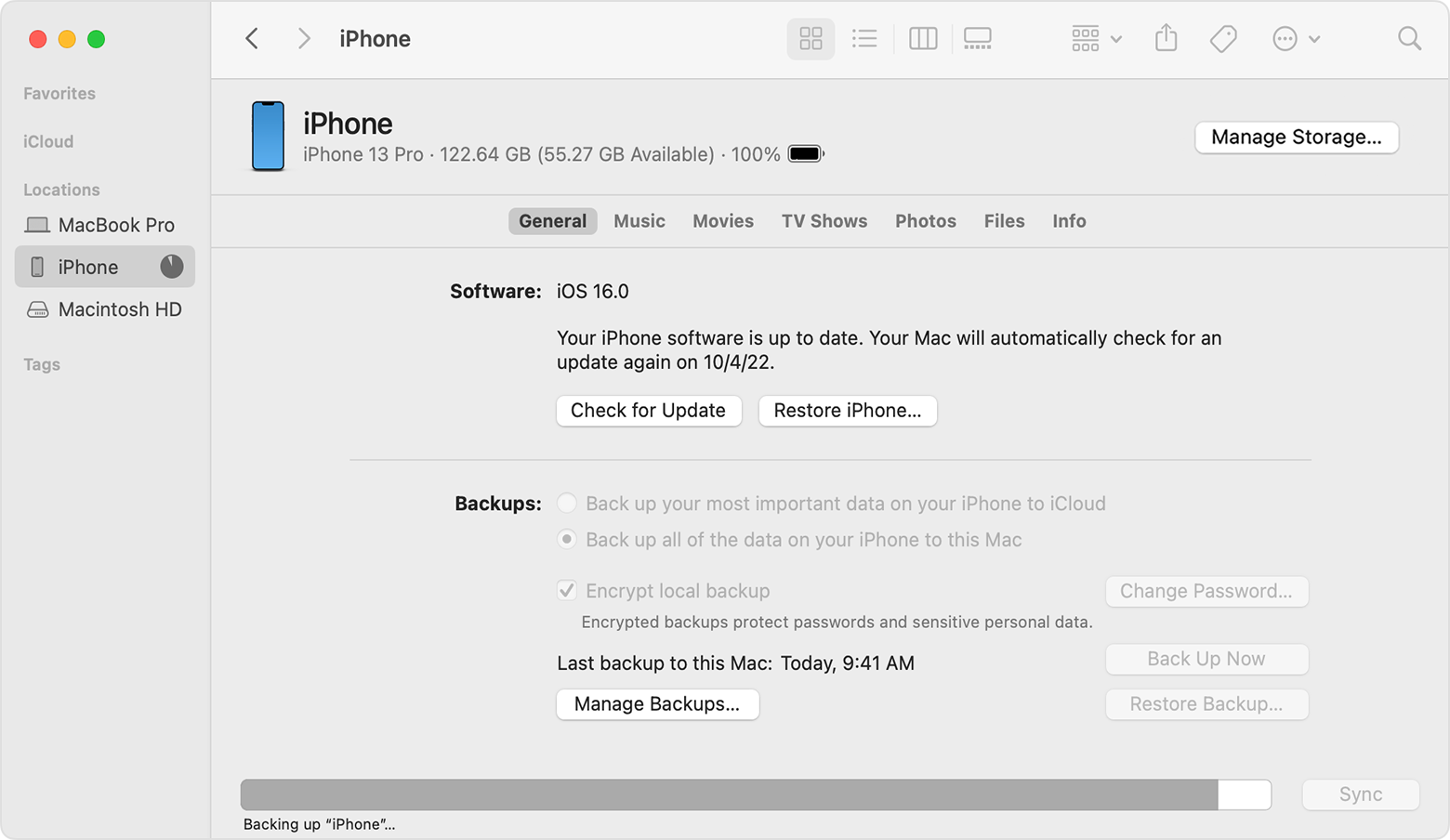
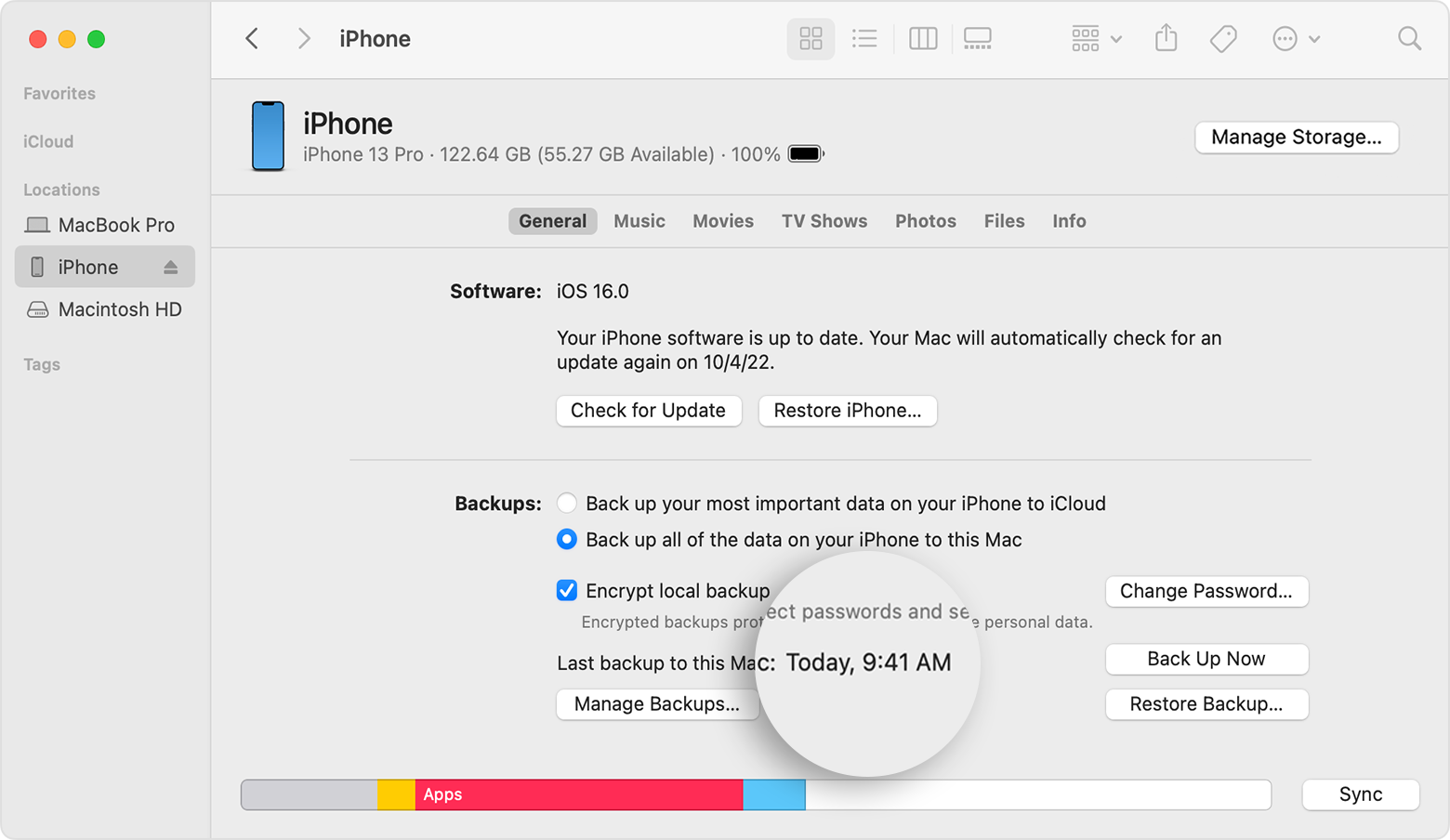
It seems you are running an older macOS version as well. Let's back up your Mac and update:
"Use Software Update
Before following these steps, it's a good idea to back up your Mac.
- From the Apple menu in the corner of your screen, choose System Settings or System Preferences.
- If you chose System Settings, click General on the left side of the window. Then click Software Update on the right.
- If you chose System Preferences, click Software Update in the window.
2.Software Update then checks for new software.
- If Software Update finds new software, click the button to install it. The button might be named Update Now, Upgrade Now, Install Now, or Restart Now, for example. You might then be asked to enter your administrator password.
- If Software Update says that your Mac is up to date, then no new software is currently available for your Mac model. Software Update shows only software that is compatible with your Mac."
More details can be found here: Update macOS on Mac
Once you update, test to see if the issue persists.
Cheers!