
External battery slider charging case for the iPhone 6s
why doesn’t my case charge/recognize my phone. Case is fully charged but doesn’t charge my phone.
iPhone 6s, iOS 15
why doesn’t my case charge/recognize my phone. Case is fully charged but doesn’t charge my phone.
iPhone 6s, iOS 15
Hello Erwc14,
If your iPhone won't charge with your charging case, have you tried using a different charger?
Let's follow the guidance below for the best steps to resolve charging problems:
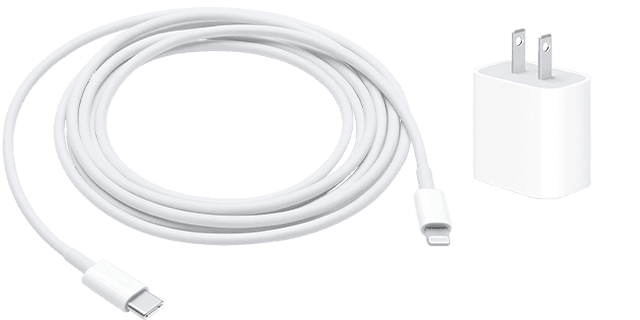
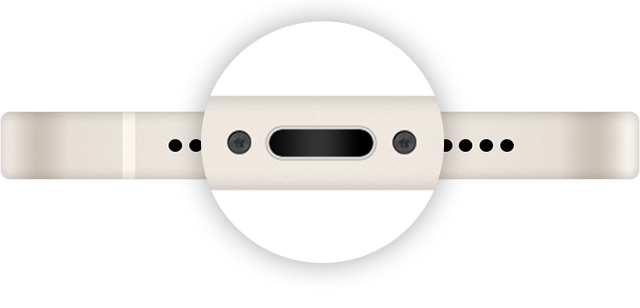
10.iPhone 6s or earlier, iPhone SE (1st generation), and iPod touch (6th generation) or earlier: Press and hold both the side (or top) button and the Home button until the Apple logo appears.
11.Let your device charge for another half hour.
If your device still won't power on or charge, take your device, charging cable, and charging adapter to an Apple Store or Apple Authorized Service Provider for evaluation. You can also contact Apple Support.
If your iPhone or iPod touch won't charge - Apple Support
Cheers.
External battery slider charging case for the iPhone 6s

