
How to change from circles to lists?
ApeWatch 12
iPhone 12, iOS 16
ApeWatch 12
iPhone 12, iOS 16
Hi Miggy2023,
It sounds like you'd like to change your Apple Watch app layout. If so, see below for steps to reorganize your Apple Watch apps.
"Rearrange your apps in grid view
 on your Apple Watch, tap App View, then tap Grid View.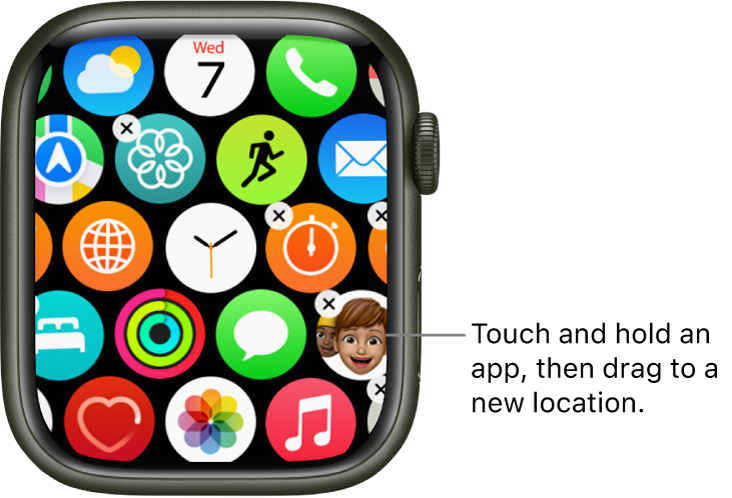
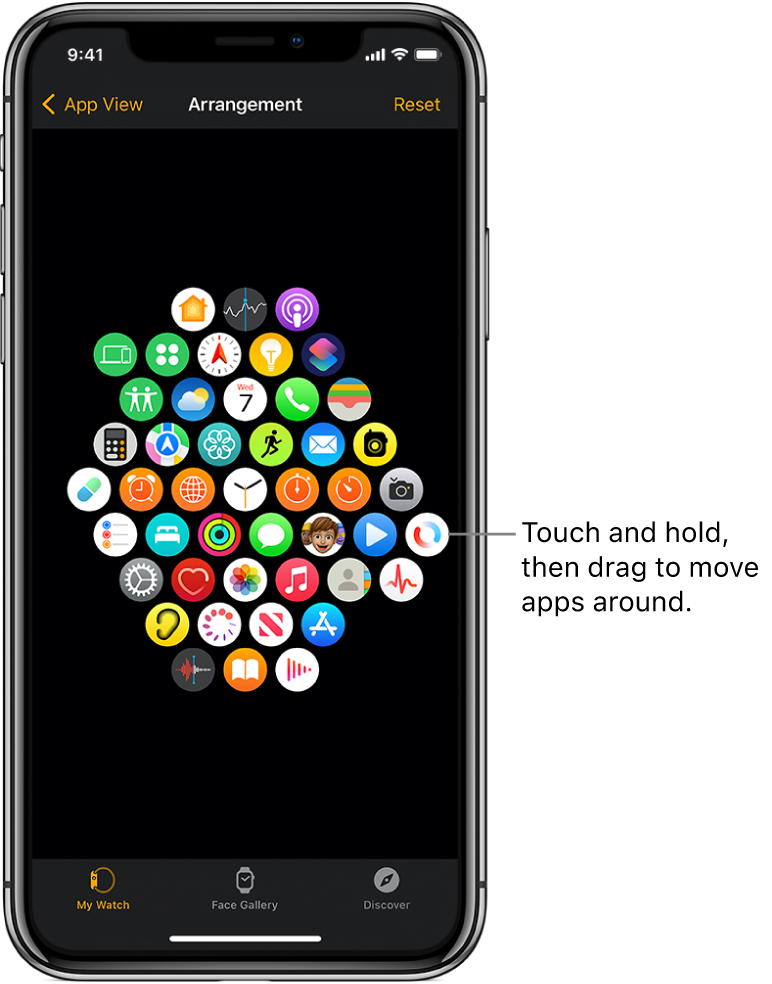
Or open the Apple Watch app on your iPhone, tap My Watch, tap App View, then tap Arrangement. Touch and hold an app icon, then drag it to a new location.
Note: In list view, apps are always arranged in alphabetical order.
 "
"
If that is not the case, let us know additional details as to the issue you're facing. We'll continue from there.
Cheers!
How to change from circles to lists?

