Hi _Tech_Noob_,
Thanks for posting in Apple Support Communities.
With the current state of your iPad, you will need to make sure that you're running the latest software on your computer and enter in recovery mode again to restore. If you're unable to restore, you will need to take iPad back to Apple Store, Apple Authorized Service Provider, or contact Apple for available options.
"If your iPad turns on but gets stuck during startup
If you see the Apple logo or a red or blue screen during startup, try these steps:
- Connect your iPad to a computer. On a Mac with macOS Catalina, open the Finder. On a Mac with macOS Mojave or earlier, or on a PC, open iTunes. Find out which macOS your Mac is using.
- Locate your device on your computer.
- While your device is connected, follow the steps for your device:
- On your iPad without a Home button: Press and quickly release the volume button closest to the top button. Press and quickly release the volume button farthest from the top button. Press and hold the top button until your device begins to restart. Keep holding the top button.

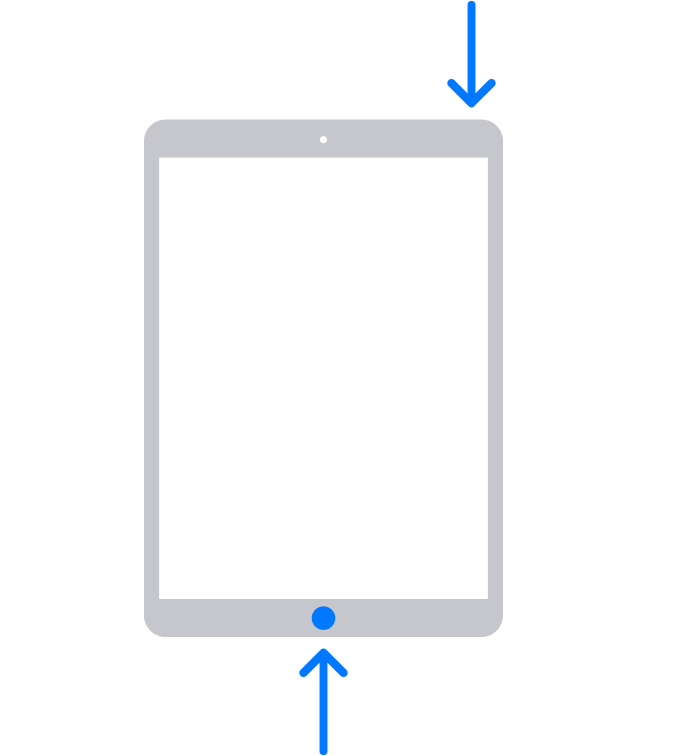
- On your iPad with a Home button: Press and hold both the Home button and the top button.
- Keep holding the button (or buttons) until you see the recovery mode screen.
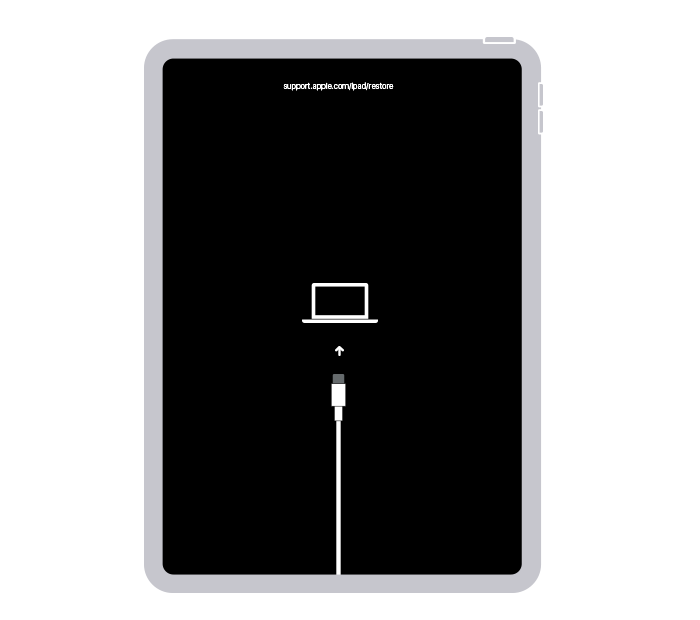
- When you get the option to restore or update, choose Update.
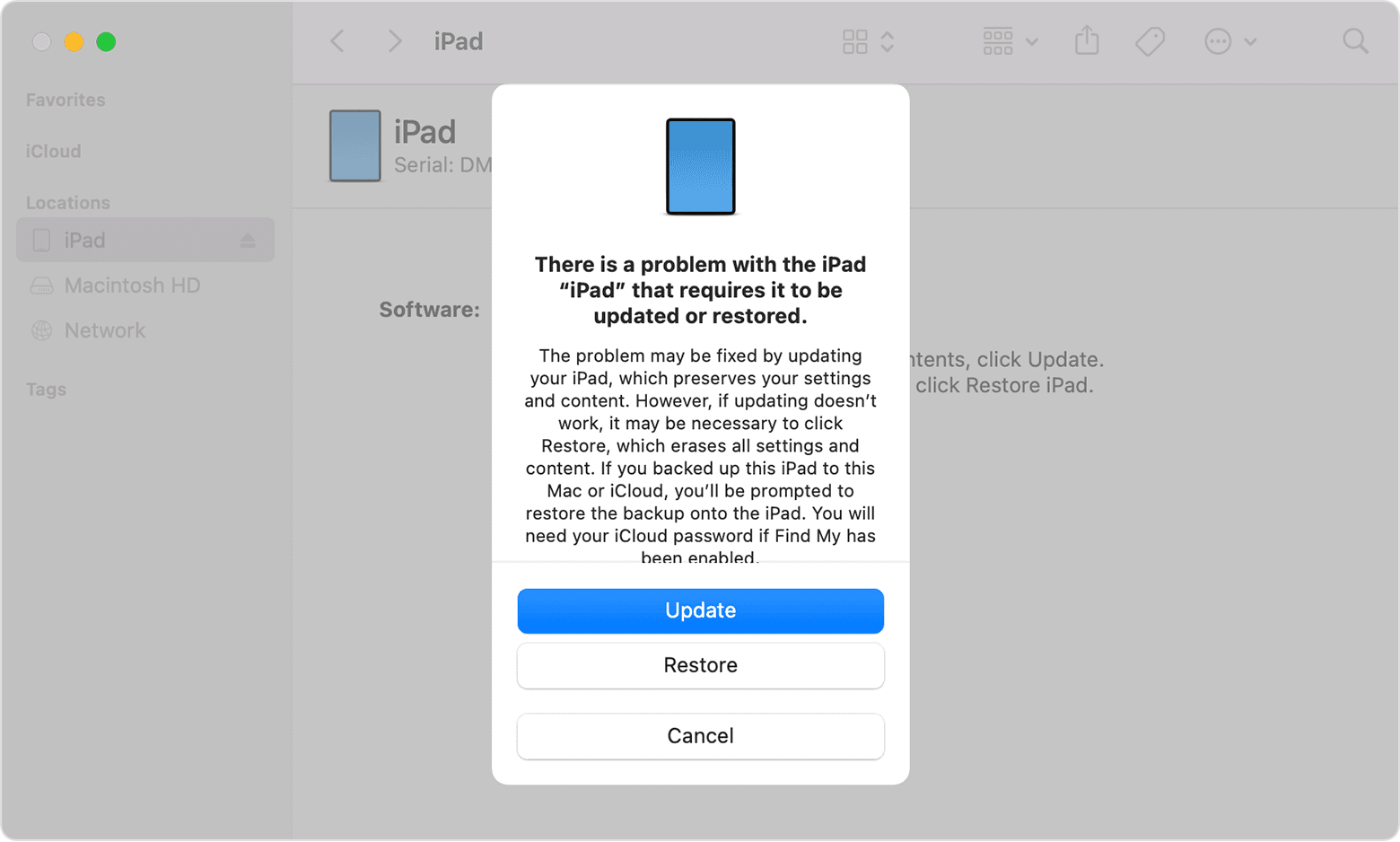
- Your computer will download the software for your device. If it takes more than 15 minutes, your iPad will exit recovery mode, and you'll need to repeat steps 2-4."
If your iPad won't turn on or is frozen - Apple Support
Contact - Official Apple Support
Find Locations - Apple
Regards.