How to install MacOS on my Macbook Pro

trying to reset my macbook. i have no idea what i am doing or what i have done. i just want all my information off but i can't get off this screen it's either this or the other one.


[Re-Titled by Moderator]

MacBook Pro 13″, macOS 10.13

Posted on Feb 25, 2023 11:29 AM

Reply
Question marked as Top-ranking reply

Posted on Feb 26, 2023 6:22 PM

marciec15 wrote:

https://discussions.apple.com/content/attachment/05eca492-15ce-450a-87f5-4fd8e6a6f1e1
https://discussions.apple.com/content/attachment/0cee8545-e4e1-4510-999a-f5db0d5d0fc4


From your DiskUtility.app>View>Show All Devices


it looks like you removed Macintosh HD / Macintosh HD - Data so your info is gone, but you're left with no macOS.


I would read over this help topic for more information and insight:

What to do before you sell, give away, or trade in your Mac


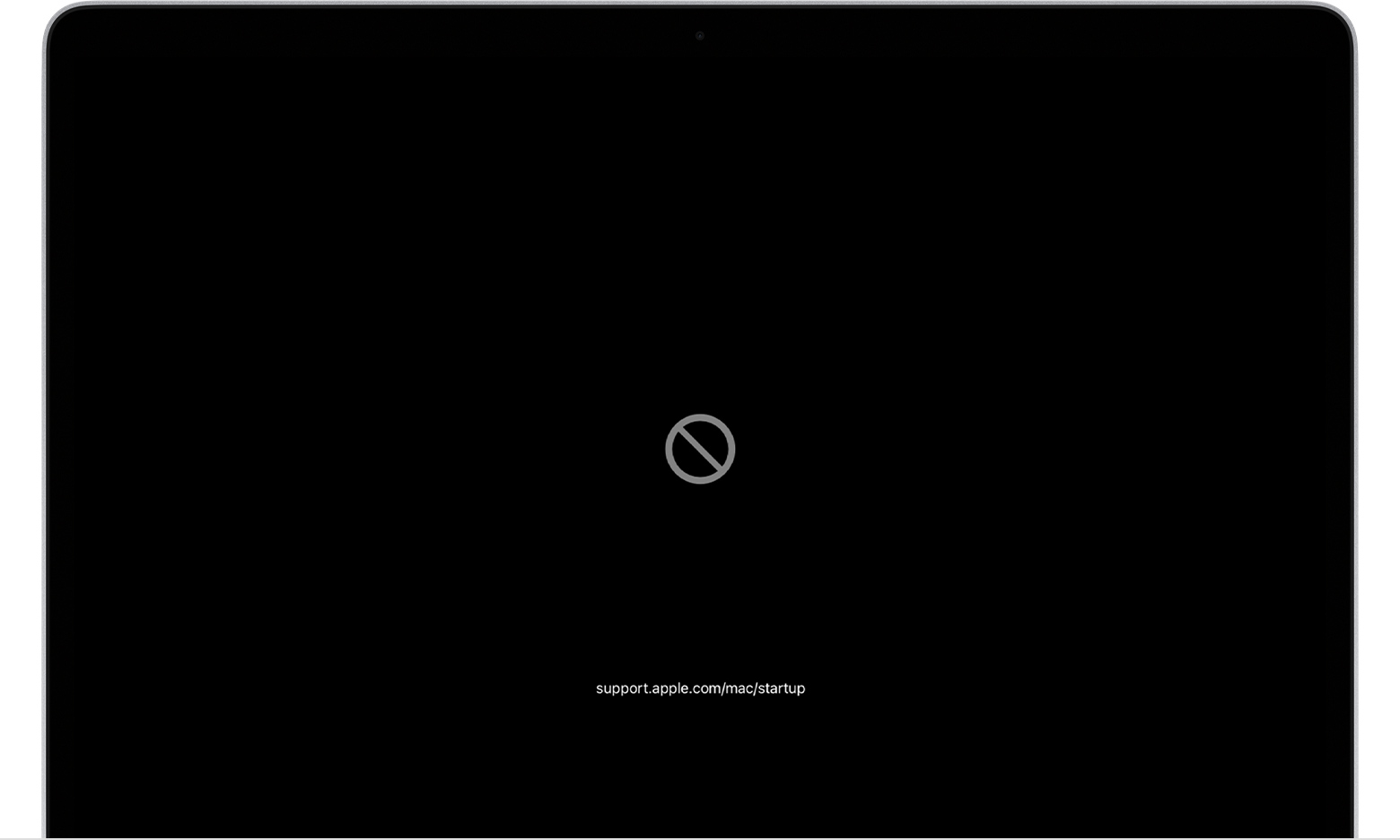
Circle with a line through it


Learn what to do if your Mac starts up to a circle with a line through it (prohibitory symbol).


12 replies
Question marked as Top-ranking reply

Feb 26, 2023 6:22 PM in response to marciec15

marciec15 wrote:

https://discussions.apple.com/content/attachment/05eca492-15ce-450a-87f5-4fd8e6a6f1e1
https://discussions.apple.com/content/attachment/0cee8545-e4e1-4510-999a-f5db0d5d0fc4


From your DiskUtility.app>View>Show All Devices


it looks like you removed Macintosh HD / Macintosh HD - Data so your info is gone, but you're left with no macOS.


I would read over this help topic for more information and insight:

What to do before you sell, give away, or trade in your Mac


Circle with a line through it


Learn what to do if your Mac starts up to a circle with a line through it (prohibitory symbol).


Feb 26, 2023 6:59 PM in response to marciec15

marciec15 wrote:

it won't let me mount it. nothing happens when i press it


You can see from your screen shot there is nothing there.


OS X Base System is the recovery volume—

you can try Reboot holding the Command R and try reinstalling the macOS


if not follow the instruction as noted above:

Learn what to do if your Mac starts up to a circle with a line through it (prohibitory symbol).


If you need to force a shut down hold the power button/touchID down for ~6-10 seconds

Feb 26, 2023 7:14 PM in response to TheLittles

Yes on container disk1 it says " the repair cannot be performed because one or more volumes are mounted.. operation failed

and when i click restore the only available thing to restore from us ' OS X base system' and that says it cannot be done because " validating target, source, and size .. could not restore- resource busy

the operation couldn't be completed.(OSStatus error 16)

This thread has been closed by the system or the community team. You may vote for any posts you find helpful, or search the Community for additional answers.

How to install MacOS on my Macbook Pro

Welcome to Apple Support Community
A forum where Apple customers help each other with their products. Get started with your Apple Account.