wfjwfefw wrote:
Hi!
I've been trying to restore the default names for the screen shots and screen recordings in MacOS Ventura without success.
I've been trying to restore the defaults as I've by mistake executed the command so now all my screenshots and screen recordings are saved with names `sc-yyyy-mm....`
defaults write com.apple.screencapture name
sc
I couldn't do it and find it in the web, the only thing I've found is the following command, but it didn't seem to do anything.
defaults write com.apple.screencapture "include-date" 1; killall SystemUIServer
Would someone be able to help me?
Thanks!
You can try from Finder
From Finder>Go>Go To Folder copy and paste:
~/Library/Preferences/com.apple.screencapture.plist
I suspect if you delete this plist, it will rebuild a default plist
I do not know what the default is in this macOS..(?)
At some point, a couple macOS ago— I edited the plist because the long date/time file name was too long/ confusing in my work flow.
I edited the name to read screenshot...
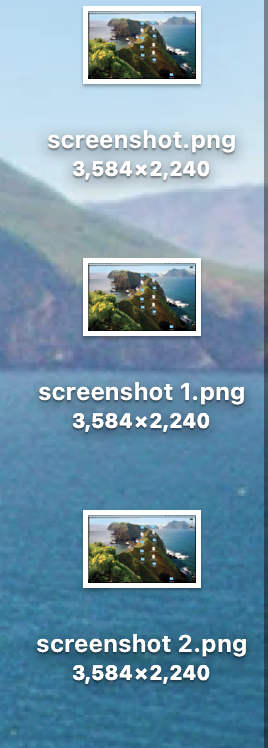
example only for the name change...
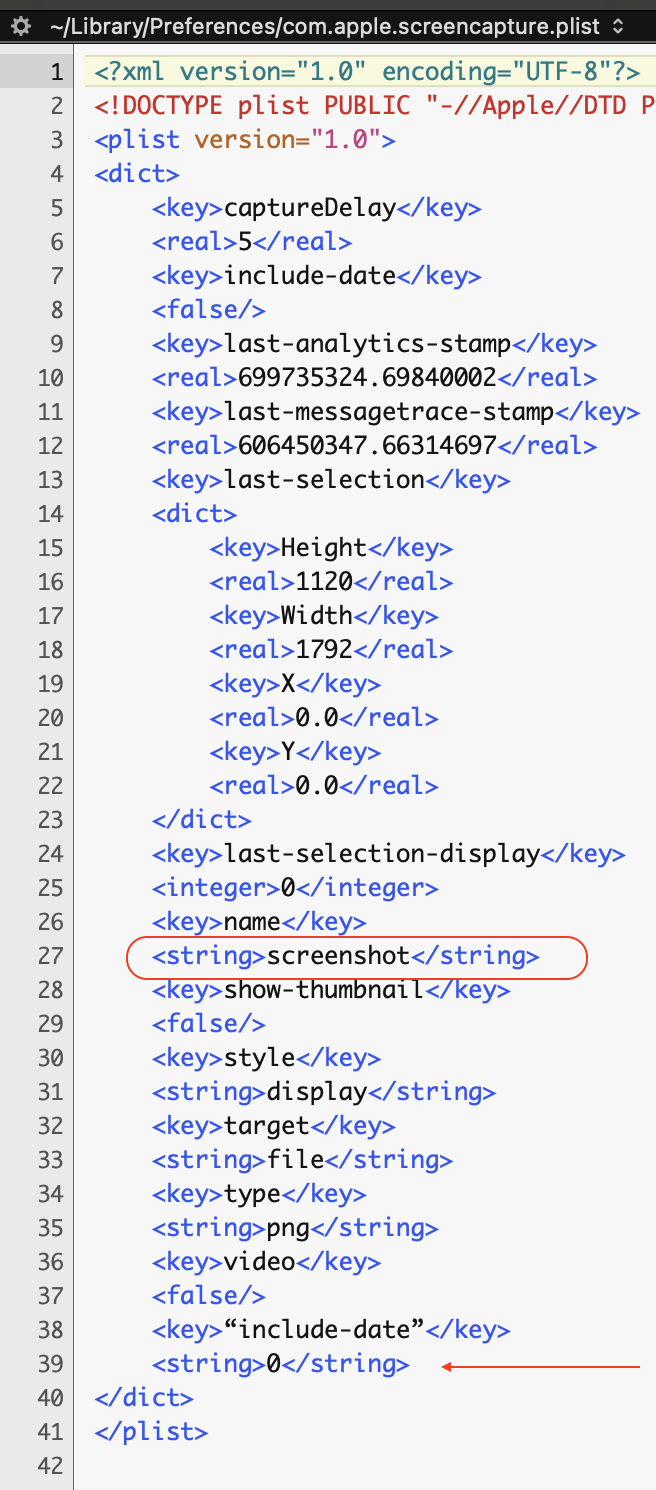
may be you can sort the rest per your query above...for date
possible the <string> under "include-date" make change here...
A reboot would be required in this method or try your "killall SystemUIServer" from Terminal and test.
You can read more on complication with new macOS
https://eclecticlight.co/2019/03/14/screenshots-arent-simple-any-more/


