Hello,
I'm using 10.12.6 macOS Sierra and Mail app 10.3.
I can't update to a newer version as I am also living the great life of not having to subscribe to Adobe Creative Cloud, Quicken or QuickBooks right now and I'd like it to stay that way.
I had to reset my daughter's school password to her school google account and now I'm getting this message.
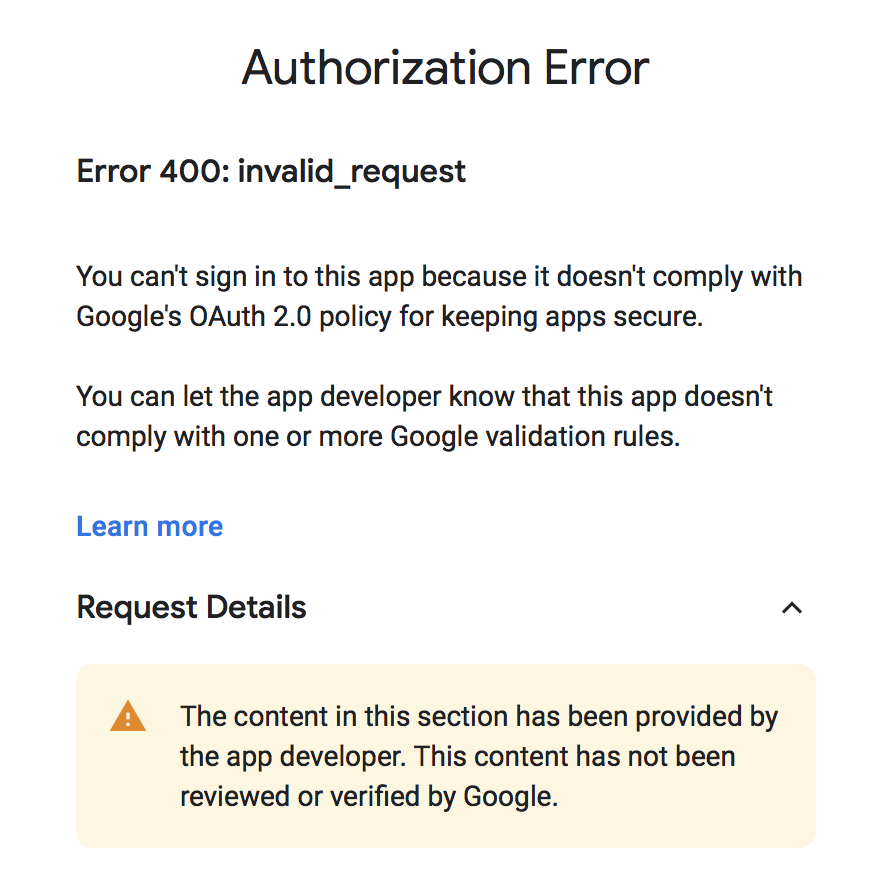

I couldn't change any passwords because there was no place to do so.
So, I deleted the gmail account, thinking I could just re-add it and this same message comes up if I even hit the "+" sign to add any google mail account to my mac computer.
If you figured this out, can you please send me a very detailed step-by-step way of fixing it. I just keep getting pieces from here and there. I have set a 2-step authentication, I have tried adding a separate password for the mail app for my mac. I just don't have any option to put the 16-digit password anywhere now because I can't even get past this message to try and add a google mail account to my mac. I'm concerned that the only way to fix this is to upgrade my OS, but as I said, I really don't want to do that if you found a better way.
Thank you.





