
How can I take better photos with my iphone 8plus?
How can I take better photos with my iphone 8 plus?
iPhone 8 Plus
How can I take better photos with my iphone 8 plus?
iPhone 8 Plus
Hi Bbbrown1166,
See the following guidance which describes how to use the iPhone editing tools to crop, adjust the light and color, and much more.
"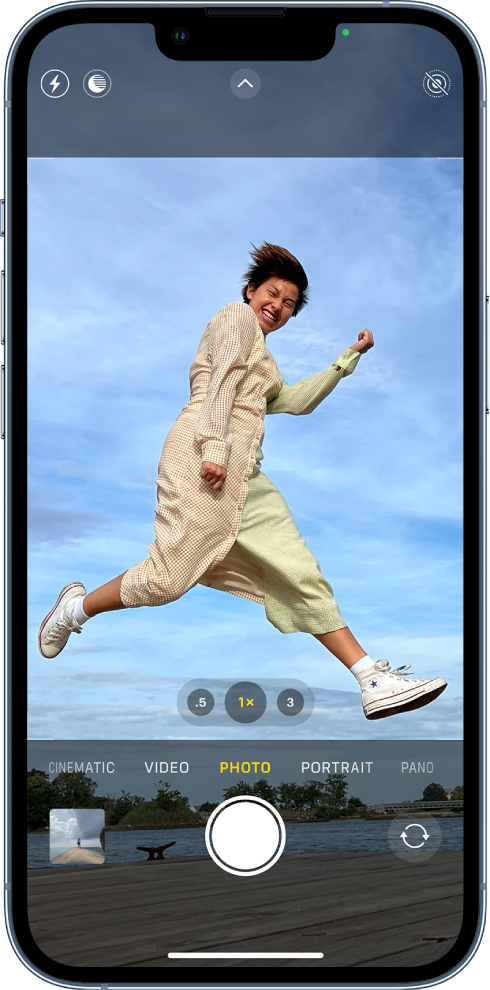
Capture the moment
To quickly open Camera, just swipe left on the Lock Screen. Camera automatically focuses the shot and adjusts the exposure. Tap the Shutter button to take a photo.
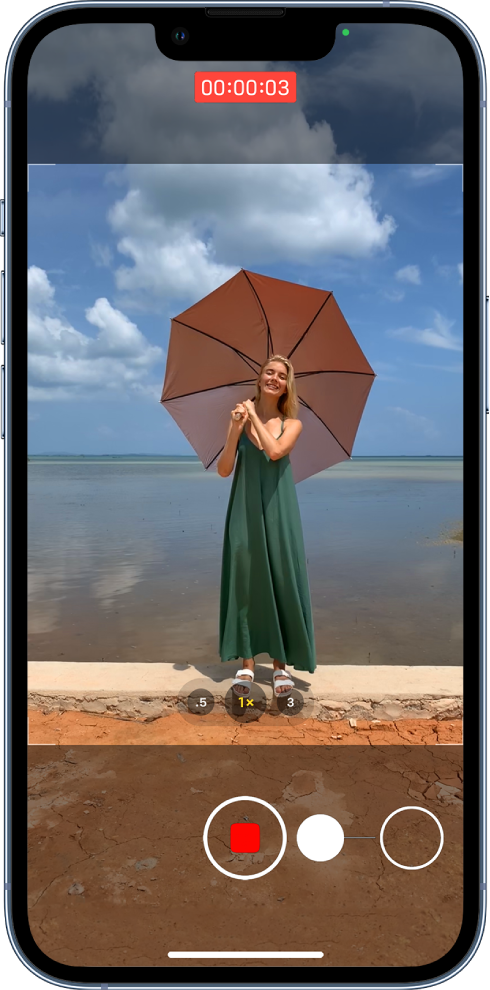
Quickly switch to video
You can record videos without switching out of Photo mode. Just touch and hold the Shutter button and Camera begins recording a QuickTake video. Release the button to stop recording. QuickTake is available on iPhone XS, iPhone XR, and later.
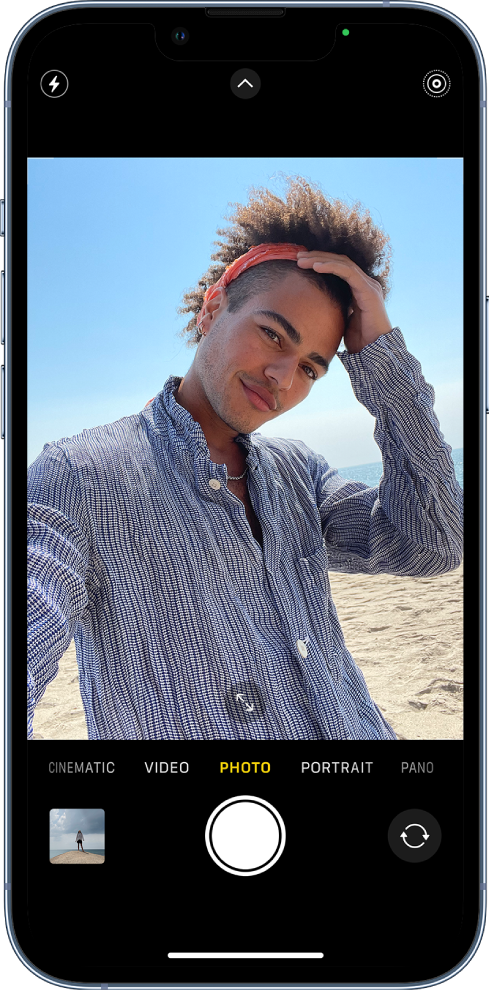
Take the perfect selfie
To take a selfie, open Camera, then tap  or
or  (depending on your model). Hold your iPhone in front of you, then tap the Shutter button or either volume button to take the shot.
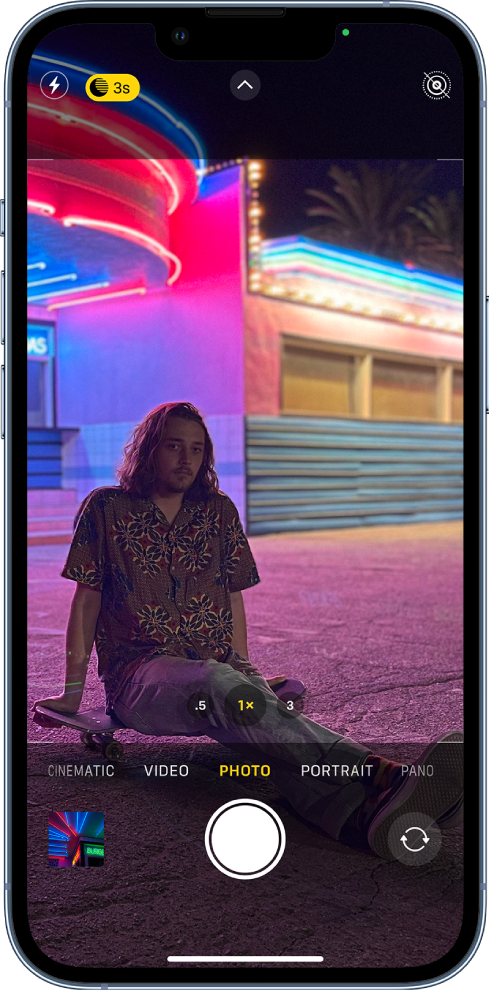
Shoot photos in low light
On supported models, Night mode automatically takes bright, detailed photos in low-light settings. When  turns yellow, Night mode is on. Tap the Shutter button, then hold your iPhone still to capture the shot. To experiment with Night mode, tap , then move the slider below the frame to adjust the exposure time.
On iPhone 12 and later models, Night mode is available with the front camera, and when you toggle between 0.5x, 1x, 2x, 2.5x, or 3x.
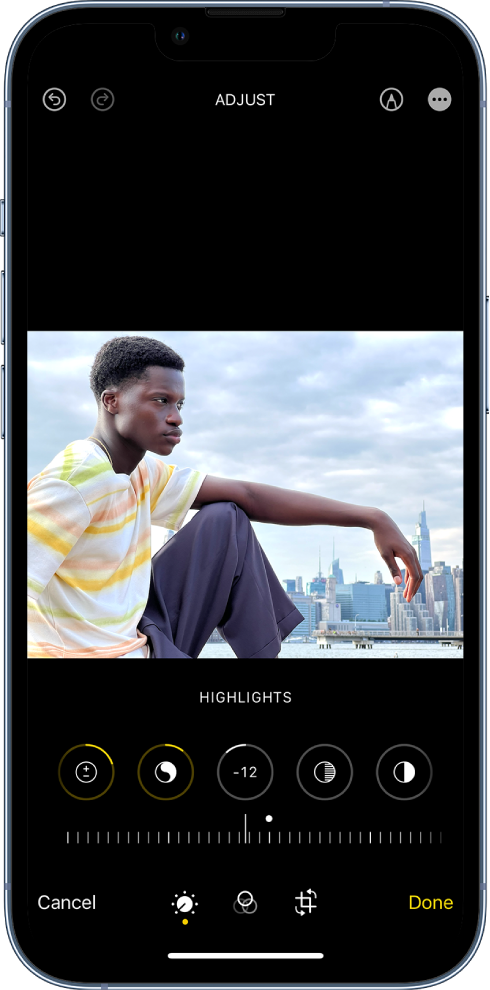
Add the final touches
After you take a photo or video, use the editing tools in the Photos app to make it even better. Open a photo or video, tap Edit, then tap the buttons at the bottom of the screen to adjust lighting, add a filter, crop, or rotate. As you make edits, tap the photo to compare your changes to the original.
Want to learn more? Check out the Camera and Photos chapters.
"
Take great photos and videos - Apple Support
Cheers.
How can I take better photos with my iphone 8plus?

