
cant downgrade my plan on pc, help
im trying to downgrade my plan on pc but once i click to see my plans the window is gone. what can i do?
Windows, Windows 10
im trying to downgrade my plan on pc but once i click to see my plans the window is gone. what can i do?
Windows, Windows 10
Hello abdielmmorales,
Thank you for reaching out to Apple Support Communities.
If you are referring to downgrading your iCloud +then these steps should help:
"How to downgrade or cancel your iCloud+ plan on your Windows PC
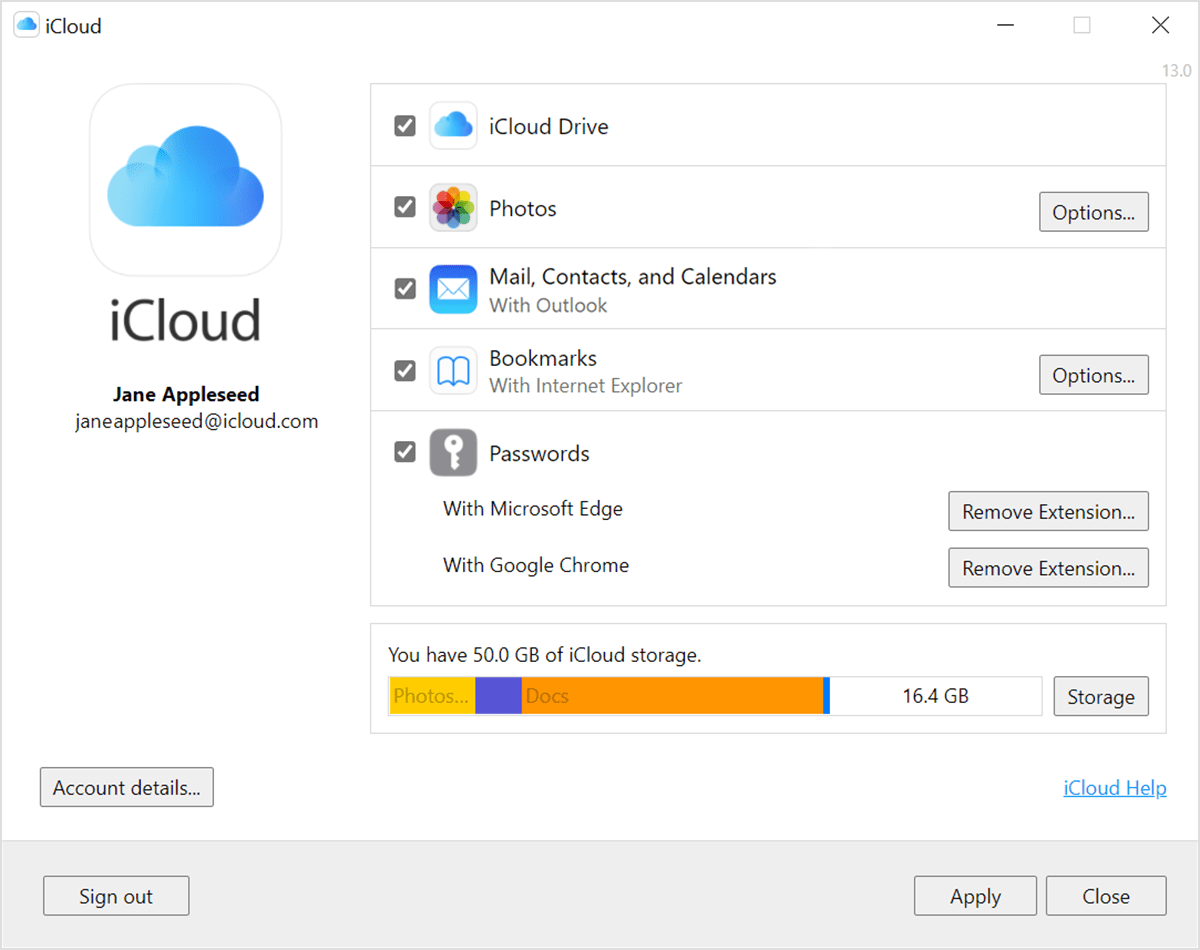
7.Click Done. If you can't click Done, make sure that you're signed in with the same Apple ID that you use for your iCloud+ plan. You can also try following these steps on a different device. If you still need help, contact Apple Support.
If you downgrade or cancel your iCloud+ plan, the change takes effect after your current subscription billing period ends."
If the issue persists, attempt to downgrade on another device using this article: Downgrade or cancel your iCloud+ plan
If you are still having issues, can you provide a few more details? When did you first notice this? Do you notice any other issues with iCloud for Windows? Also, which Windows version are you currently using?
Cheers!
Hello abdielmmorales,
Thank you for reaching out to Apple Support Communities.
If you are referring to downgrading your iCloud +then these steps should help:
"How to downgrade or cancel your iCloud+ plan on your Windows PC
7.Click Done. If you can't click Done, make sure that you're signed in with the same Apple ID that you use for your iCloud+ plan. You can also try following these steps on a different device. If you still need help, contact Apple Support.
If you downgrade or cancel your iCloud+ plan, the change takes effect after your current subscription billing period ends."
If the issue persists, attempt to downgrade on another device using this article: Downgrade or cancel your iCloud+ plan
If you are still having issues, can you provide a few more details? When did you first notice this? Do you notice any other issues with iCloud for Windows? Also, which Windows version are you currently using?
Cheers!
cant downgrade my plan on pc, help

