
iphone Back up
Pls advise the back up process for iphone? The back up field id is not appearing in my itunes account, only the option i can see is restore iphone.
iPhone 13 Pro Max, iOS 16
Pls advise the back up process for iphone? The back up field id is not appearing in my itunes account, only the option i can see is restore iphone.
iPhone 13 Pro Max, iOS 16
There are two places you can keep backup (iTunes or iCloud)

Use iCloud Backup
How to back up with iCloud
How to back up your iPhone, iPad, and iPod touch - Apple ...
Back up to Computer...
How to backup with your computer
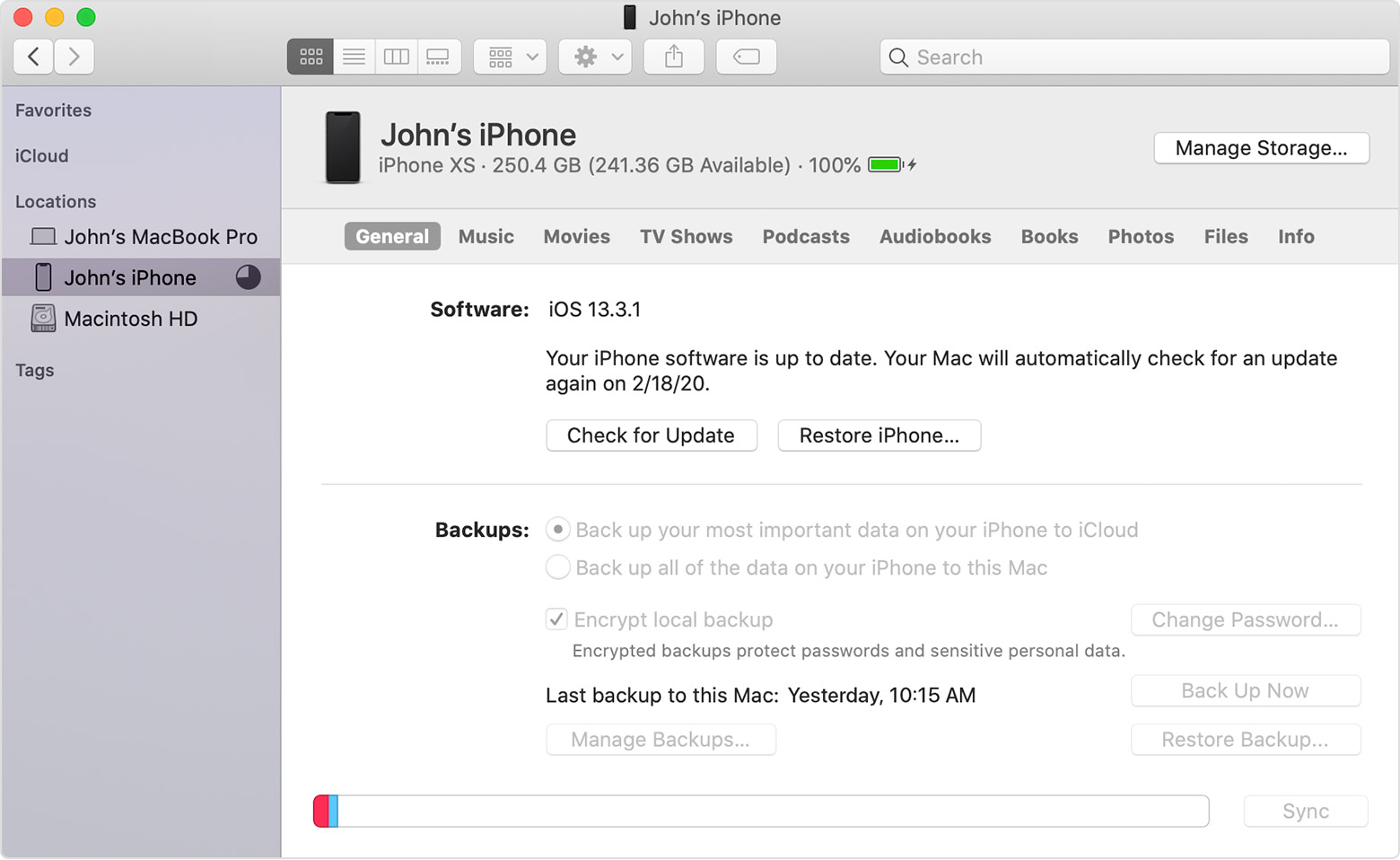
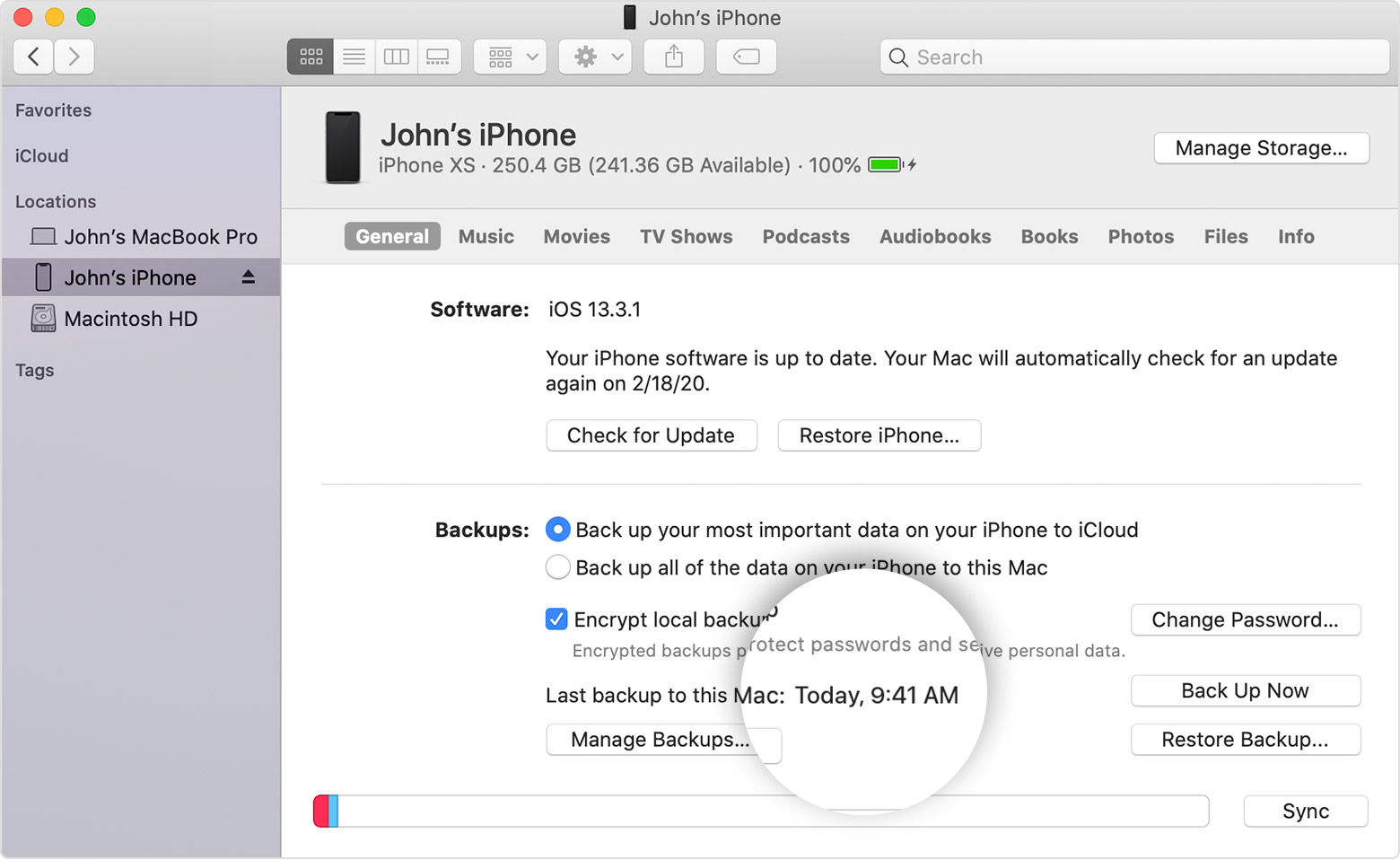
There are two places you can keep backup (iTunes or iCloud)
Use iCloud Backup
How to back up with iCloud
How to back up your iPhone, iPad, and iPod touch - Apple ...
Back up to Computer...
How to backup with your computer
Connect iPhone to Computer
You haven't mentioned whether you have a PC or Mac
Use your USB lightening cable --> Resolve USB-related alerts in iTunes - Apple Support
If unable to connect --> If iTunes doesn't recognize your iPhone, iPad, or iPod - Apple Support
PC or Mac
Use genuine cable --> Identify counterfeit or uncertified Lightning connector accessories ...
See how to --> Sync your iPhone, iPad, or iPod using iTunes on your computer ...
To reset the passcode -> If you forgot the passcode for your iPhone, iPad, or iPod touch, or your ...
Learn how to--> Update your iPhone, iPad, or iPod touch - Apple Support
Here is the process to --> Backup on iTunes.
If you are experiencing an issue not listed here, contact support
The link on top of this page which you had visited, before posting this question here, is shown under the "Related Article” that may have given you an answer.
You need to mention which part from the above article was not clear to you.
iphone Back up
