AirPods 3rd gen Bass Gone

My AirPods wont produce any deep bass, really liked these pods because of the bass, but after a year the outer speakers doesn’t make any sound, it’s not dirt, it’s not water damage.

Posted on Mar 20, 2023 9:32 PM

Reply
Question marked as Top-ranking reply

Posted on Mar 22, 2023 9:29 AM

Hi LeonDahleK,


If you haven't done so yet, restart the iPhone that your AirPods are paired with. Although simple, this step can help correct some unexpected issues. It's also a good idea to make sure your iPhone is running the latest iOS version, since this can help with overall performance and may resolve the sound issue you've described: Update your iPhone or iPad. If an update is available, be sure to create a backup before installing it.


Do you notice this issue with one or both AirPods? If one of your AirPods is affected, these steps may be helpful: If your left or right AirPod isn't working.

If there's no sound in one AirPod

1. Make sure that your charging case is fully charged.
2. Place both AirPods in your charging case and let them charge for 30 seconds.
3. Open the charging case near your iPhone or iPad.
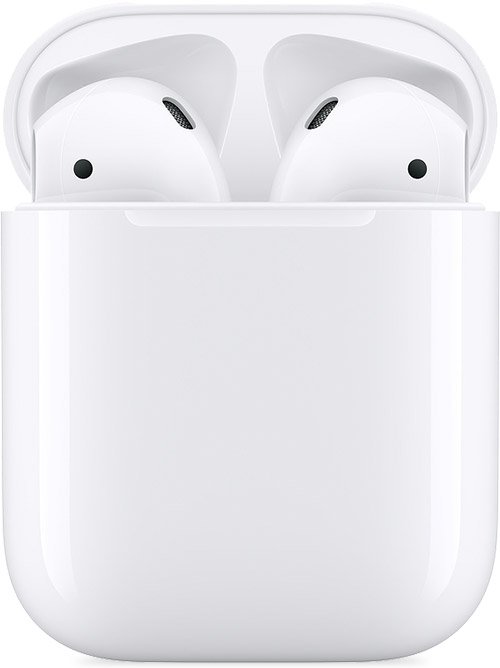
AirPods and charging case
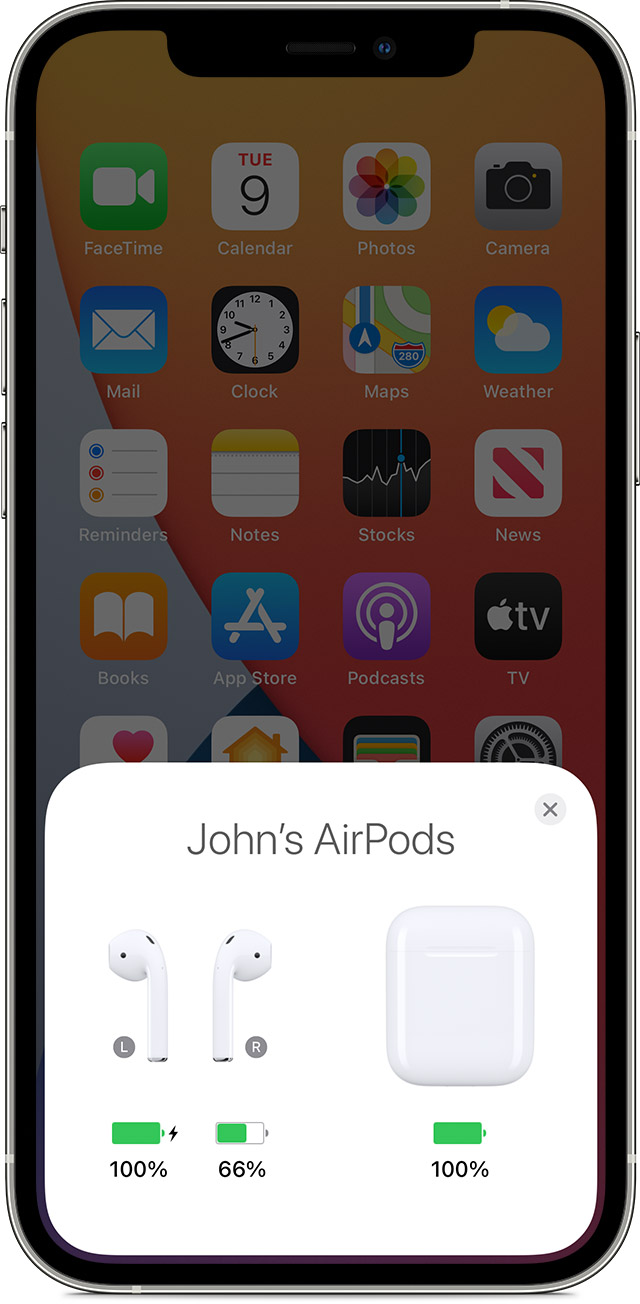
4. Check the charge status on your iPhone or iPad to make sure that each AirPod is charging .
AirPods charging status on your iPhone screen
5. Put both AirPods in your ears.
6. Play audio to test both AirPods.
7. If an AirPod still isn't working, reset your AirPods or contact Apple Support.

If you need more help, reply with the answers to these questions:

• Do you notice the same issue if you pair your AirPods with a different device?

• Does this issue occur when listening to audio from a specific app?


Regards.

1 reply
Question marked as Top-ranking reply

Mar 22, 2023 9:29 AM in response to LeonDahleK

Hi LeonDahleK,


If you haven't done so yet, restart the iPhone that your AirPods are paired with. Although simple, this step can help correct some unexpected issues. It's also a good idea to make sure your iPhone is running the latest iOS version, since this can help with overall performance and may resolve the sound issue you've described: Update your iPhone or iPad. If an update is available, be sure to create a backup before installing it.


Do you notice this issue with one or both AirPods? If one of your AirPods is affected, these steps may be helpful: If your left or right AirPod isn't working.

If there's no sound in one AirPod

1. Make sure that your charging case is fully charged.
2. Place both AirPods in your charging case and let them charge for 30 seconds.
3. Open the charging case near your iPhone or iPad.
AirPods and charging case
4. Check the charge status on your iPhone or iPad to make sure that each AirPod is charging .
AirPods charging status on your iPhone screen
5. Put both AirPods in your ears.
6. Play audio to test both AirPods.
7. If an AirPod still isn't working, reset your AirPods or contact Apple Support.

If you need more help, reply with the answers to these questions:

• Do you notice the same issue if you pair your AirPods with a different device?

• Does this issue occur when listening to audio from a specific app?


Regards.

This thread has been closed by the system or the community team. You may vote for any posts you find helpful, or search the Community for additional answers.

AirPods 3rd gen Bass Gone

Welcome to Apple Support Community
A forum where Apple customers help each other with their products. Get started with your Apple Account.