Hi RustynAnnie,
Welcome to Apple Support Communities. We understand that you're having an issue with your audio notifications in Calendar. We'd like to help.
Let's try isolating this issue first. Have you restarted your iPhone to see if that helps. It is a simple step but it may help in this situation. Follow these steps to get that done;
How to restart your iPhone X, 11, 12, 13, or later
1. Press and hold either volume button and the side button until the power-off slider appears.
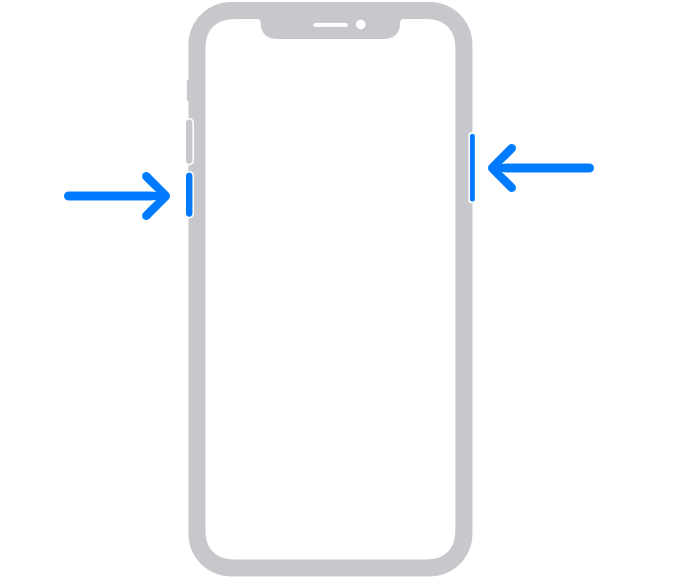
2. Drag the slider, then wait 30 seconds for your device to turn off. If your device is frozen or unresponsive, force restart your device.
3. To turn your device back on, press and hold the side button (on the right side of your iPhone) until you see the Apple logo.
These steps are found here: Restart your iPhone - Apple Support
You had mentioned that you checked and Illuminate is the tone you see for those notifications. If you change that notification to another sound, does it change successfully? If it changes successfully, can you test it again after changing back to Illuminate? Let us know how that goes.
Cheers!


