Hey SadMack,
We'd recommend reviewing this article as it can provide steps to resolve Wi-Fi connection issues: If your Mac isn't connecting to the internet over Wi-Fi - Apple Support
"1. Restart your Mac
Restarting might help because your Mac then automatically renews the internet address it was assigned when joining the Wi-Fi network. Or you can renew the IP address manually. This is known as renewing the DHCP lease. If the lease expired and the address is already in use by another device, your Mac is assigned a new address.
2.Update your Mac
Update the software on your Mac, and make sure that the date and time are set correctly.
3.Check VPN or other security software
If you installed VPN or other software that monitors or interacts with your network connections, that software could be affecting access to the internet. Learn about network issues related to VPN and other software.
4.Use the built-in diagnostic tools
Wi-Fi Recommendations. Click Wi-Fi  in Control Center or the menu bar and check for a menu item named Wi-Fi Recommendations. If you see it, your Mac has detected an issue and has recommendations. Choose Wi-Fi Recommendations to learn more.*
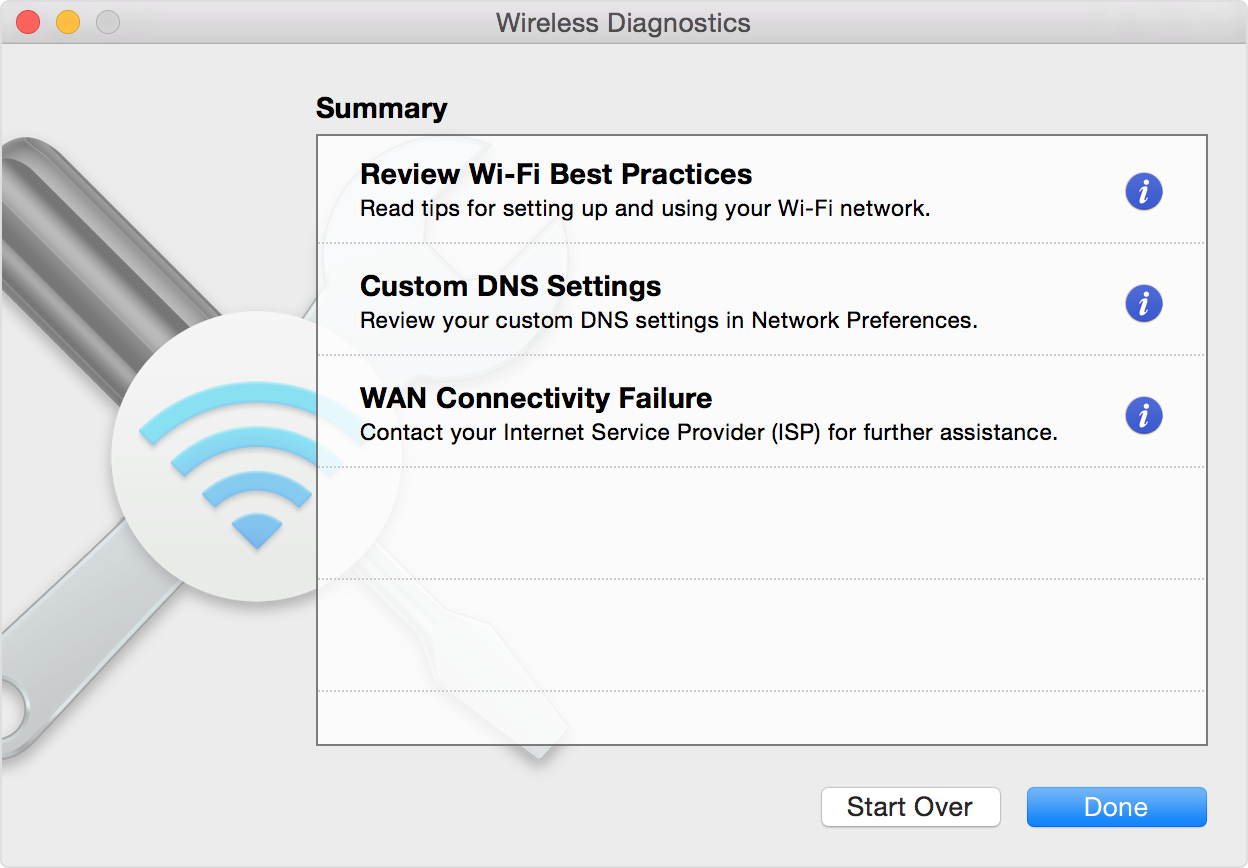
Wireless Diagnostics. Press and hold the Option key on your keyboard while clicking Wi-Fi in Control Center or the menu bar, then choose Open Wireless Diagnostics from the menu. Learn more about using Wireless Diagnostics to analyze your wireless environment.
5.Update the Wi-Fi router
If you manage the network's Wi-Fi router, install the latest firmware updates for the router, as recommended by its manufacturer. It might also help to simply restart the router and use Apple's recommended settings for Wi-Fi routers and access points.
6.Try a different network or contact your ISP
If you can access the internet when connected to a different network, or you're not sure, check with your network administrator or Internet Service Provider (ISP) to make sure that your network is working properly."
Thanks!


