Can’t hear voice
i can’t hear voice when I’m calling in my iPhone XS max
i can’t hear voice when I’m calling in my iPhone XS max
Howdy Dipak1010,
Thanks for taking the time to reach out in Apple Support Communities. If you haven't tried yet we recommend to restart your iPhone XS Max. This is a step that can help resolve unexpected behavior. Once you restart your iPhone please check and see if you can hear callers through the receiver without any issues. Here's how to properly restart your iPhone:
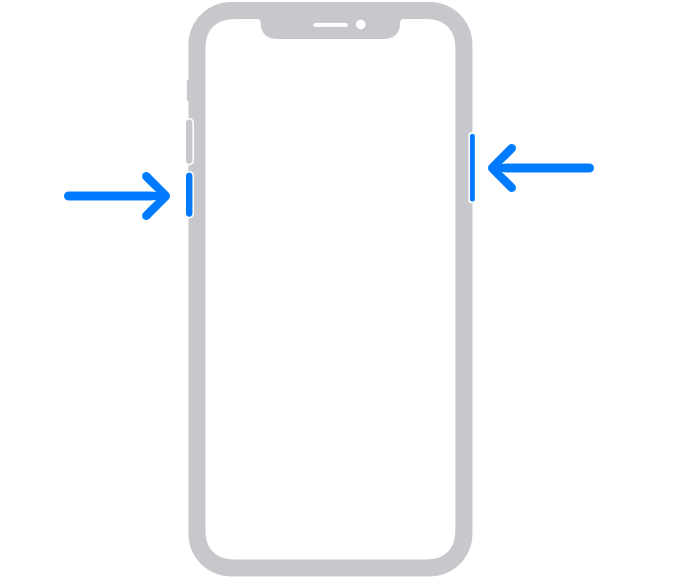
How to restart your iPhone X, 11, 12, 13, or later
1. Press and hold either volume button and the side button until the power-off slider appears.
2. Drag the slider, then wait 30 seconds for your device to turn off. If your device is frozen or unresponsive, force restart your device.
3. To turn your device back on, press and hold the side button (on the right side of your iPhone) until you see the Apple logo.
Following these steps may help and is outlined here: Restart your iPhone - Apple Support
We look forward to hearing back from you with an update.
Kind regards.
Can’t hear voice