
After update 16.03
How do I recover lost contacts after this update
iPhone 14 Pro Max, iOS 16
How do I recover lost contacts after this update
iPhone 14 Pro Max, iOS 16
Hey rip1958,
If you're missing contacts on your iPhone after updating, there are a few things that could have caused that.
Contacts can be stored in an account rather than directly on the device. So if you have removed any email accounts that were previously associated with the device, that could explain the missing contacts. You may also want to check to ensure that contacts are still enabled for any accounts you have set up on your device. You can find the steps for that here: Manage and delete contacts on your iPhone or iPad - Apple Support
"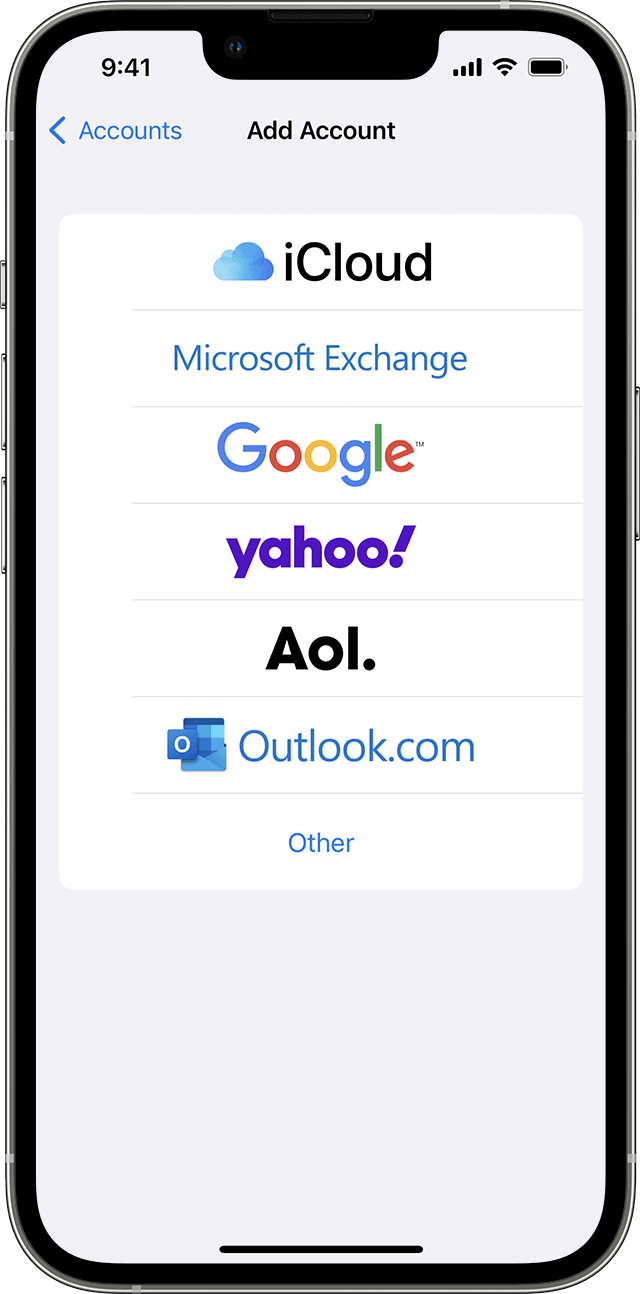
Set up your contacts account
You can set up your email accounts to share contacts with the Contacts app. If you have a contacts account, like a business or school directory, you can set that up, too.
If you have multiple accounts set up in the Contacts app and want to see contacts for a specific one, open Contacts and tap Lists in the upper-left corner.

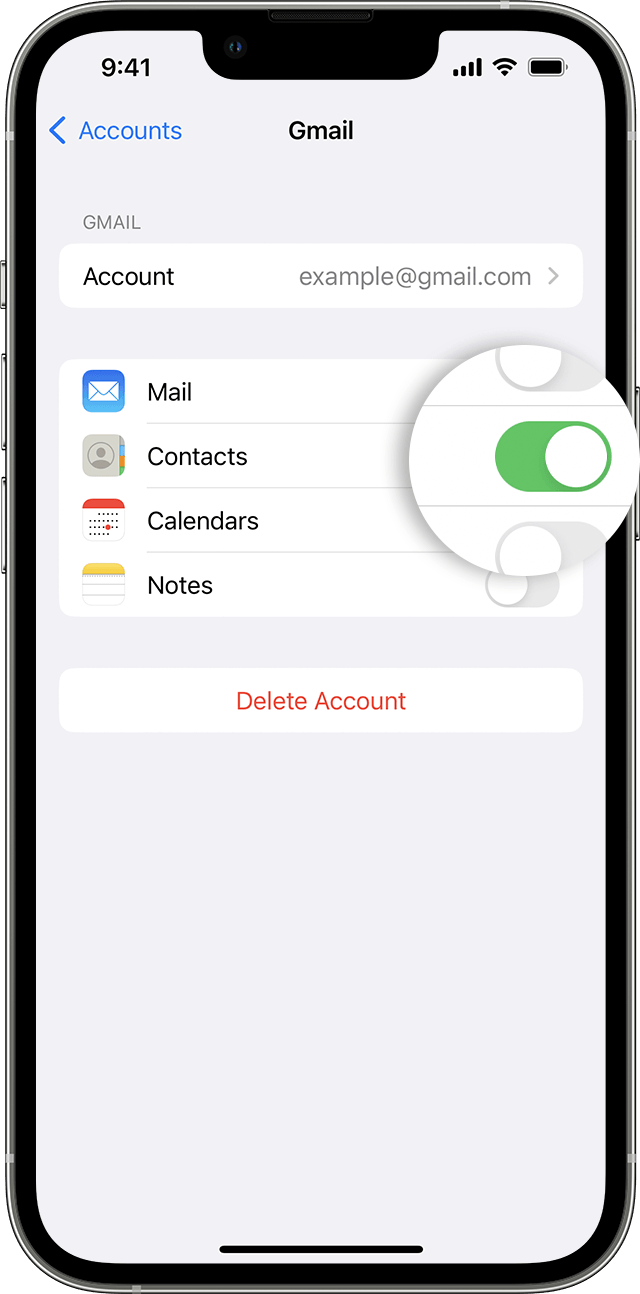
Turn Contacts on or off for an account
Want to add or remove all of the contacts from an account that you already set up? Just turn Contacts on or off for that account:
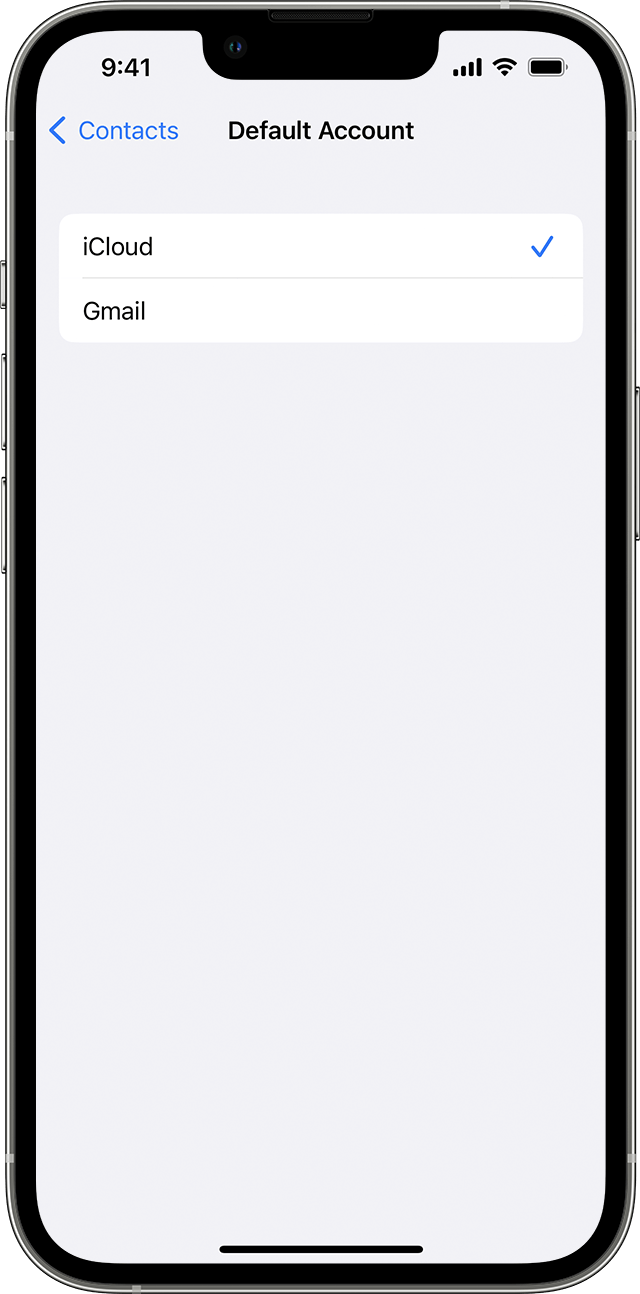
Choose a default account to add new contacts
If you set up multiple accounts in the Contacts app, you can choose a default account to add new contacts to:
Thanks!
Hey rip1958,
If you're missing contacts on your iPhone after updating, there are a few things that could have caused that.
Contacts can be stored in an account rather than directly on the device. So if you have removed any email accounts that were previously associated with the device, that could explain the missing contacts. You may also want to check to ensure that contacts are still enabled for any accounts you have set up on your device. You can find the steps for that here: Manage and delete contacts on your iPhone or iPad - Apple Support
"
Set up your contacts account
You can set up your email accounts to share contacts with the Contacts app. If you have a contacts account, like a business or school directory, you can set that up, too.
If you have multiple accounts set up in the Contacts app and want to see contacts for a specific one, open Contacts and tap Lists in the upper-left corner.
Turn Contacts on or off for an account
Want to add or remove all of the contacts from an account that you already set up? Just turn Contacts on or off for that account:
Choose a default account to add new contacts
If you set up multiple accounts in the Contacts app, you can choose a default account to add new contacts to:
Thanks!
After update 16.03

