My AirPod stopped showing up after 16.4
My AirPods stopped working after 16.4.
My AirPods stopped working after 16.4.
Hi Pinkorchid1,
Just to clarify, are you referring to the headphones icon not showing on the Home Screen or specifically when swiping down from the top right corner to access Control Center?
If they don't show on the Home Screen as you swipe from screen to screen or while in an app that still has other icons such as battery or cell status across the top, that is expected behavior for the iPhone 14 or any iPhone with Face ID. You'll see the headphone icon when swiping down from the top right to access Control Center.
If your AirPods are currently in your ears and paired and the headphone icon does not show in Control Center, then contact Apple Support from here for a closer look.
Take care.
Hi Pinkorchid1,
Just to clarify, are you referring to the headphones icon not showing on the Home Screen or specifically when swiping down from the top right corner to access Control Center?
If they don't show on the Home Screen as you swipe from screen to screen or while in an app that still has other icons such as battery or cell status across the top, that is expected behavior for the iPhone 14 or any iPhone with Face ID. You'll see the headphone icon when swiping down from the top right to access Control Center.
If your AirPods are currently in your ears and paired and the headphone icon does not show in Control Center, then contact Apple Support from here for a closer look.
Take care.
Hi Pinkorchid1,
Thanks for posting in Apple Support Communities.
With your AirPods not working, make sure they have been charged for at least 30 minutes using the cable that came with them. You can try charging from a different power source to rule out an issue with them getting enough power. Clean your AirPods and also reset them.
If there's no sound in one AirPod
1. Make sure that your charging case is fully charged.
2. Place both AirPods in your charging case and let them charge for 30 seconds.
3. Open the charging case near your iPhone or iPad.
4.
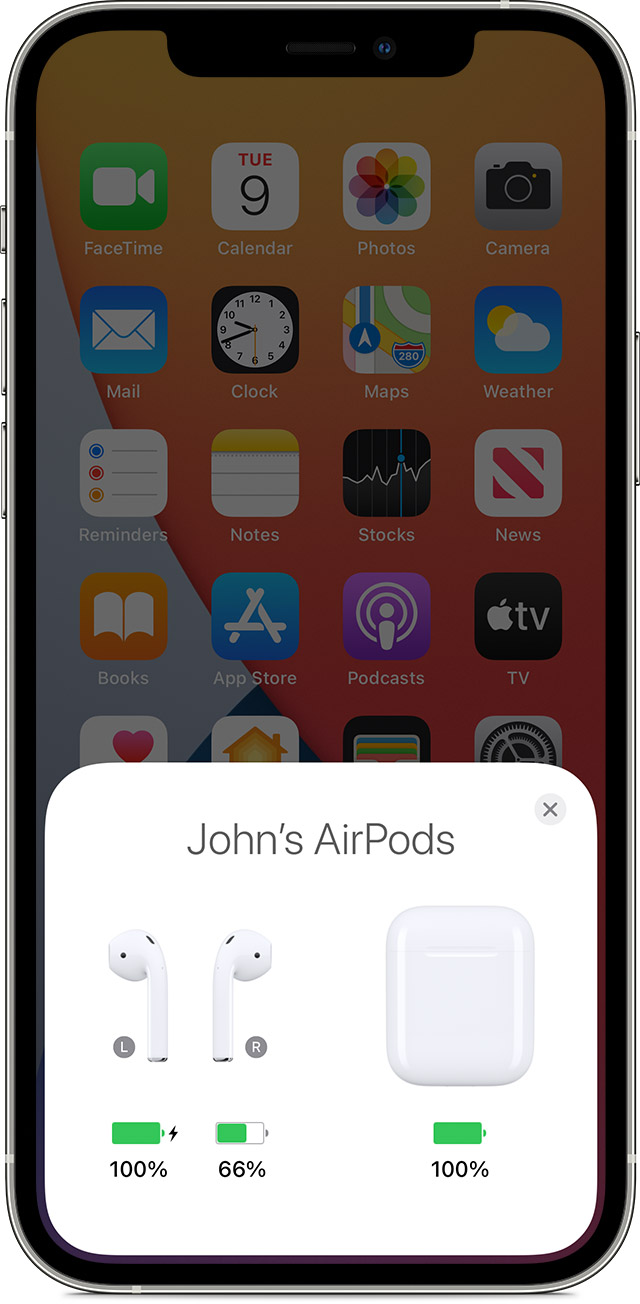
5. Check the charge status on your iPhone or iPad to make sure that each AirPod is charging.
6.
7. Put both AirPods in your ears.
8. Play audio to test both AirPods.
9. If an AirPod still isn't working, reset your AirPods or contact Apple Support.
If there's low volume in one AirPod
If your left or right AirPod isn't playing any sound, or if the volume is too quiet, follow these steps:
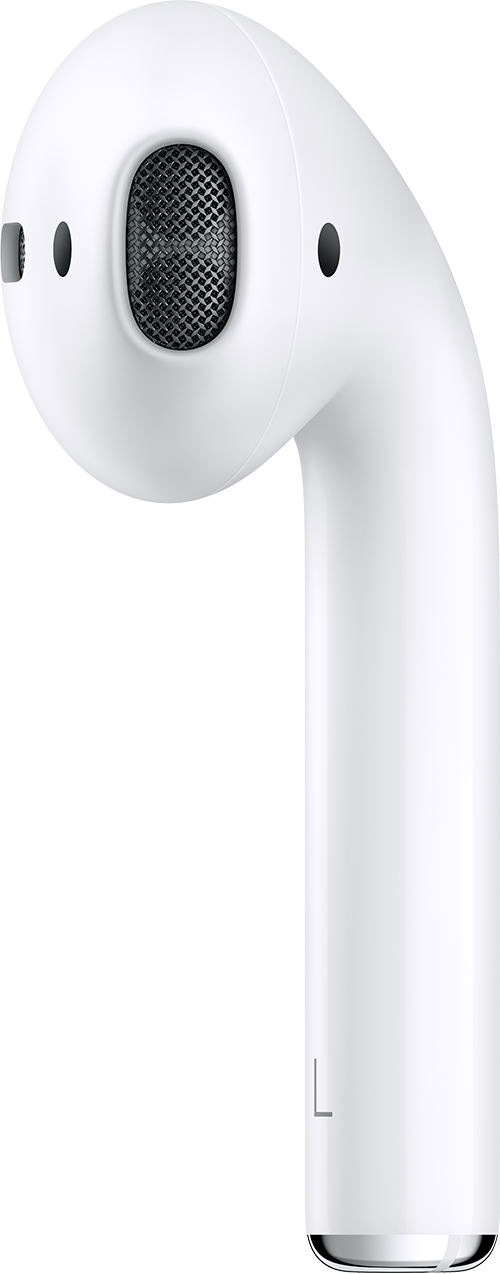
1. Check the microphone and speaker mesh on each AirPod.
2.
3. If you see any debris, clean your AirPods using the guidelines in this article, and see if that fixes the issue.
4. Go to Settings > Accessibility > Audio/Visual > Balance, and make sure that the balance is set in the middle.
You can find these steps in If your left or right AirPod isn't working - Apple Support.
Regards.
Good afternoon Pinkorchid1,
Did you update your iPhone 14 to iOS 16.4.1?
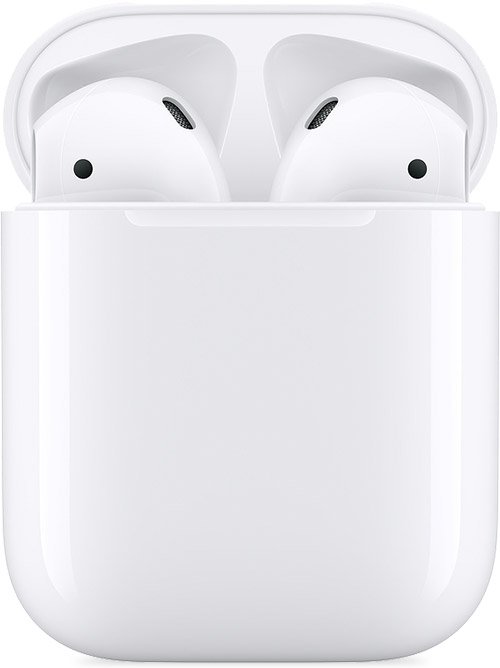
Which Airpods do you have? Identify your AirPods
Try a force restart and see if that has any affect on your AirPods.
Switch your AirPods to another device
Let us know the results.
Take care.
We appreciate the update Pinkorchid1.
If you wish to take your AirPods in for possible service, here is guidance on the repair process with Apple: AirPods Repair & Service - Apple Support
You can also locate service near you at this link: Find Locations
All the best.
There’s nothing wrong with my AirPods. They were just fine with my Mac Pro which I purchased in 2021 as well as with my iPad which I purchased in 2018. The problem is with the iPhone 14.
No actually they work but you no longer see the headphones in the right hand corner. The headphones show up on my Mac and my iPad though. Is there something wrong with my iPhone 14 that needs to be addressed. I just bought it two months ago.
Yes, I’ve already updated my iPhone to 16.4.1 and I’ve also done a forced restart of my iPhone several times. My iPad which I purchased in 2018 and my Mac Pro which I purchased in 2021 are both up-to-date in software versions and both showed the headphones are on in the upper right hand corner. I guess I need to bring the phone in to an Apple store. I have AppleCare plus so the phone is covered by the insurance I think there is something wrong with the phone. Siri doesn’t always work as well .
Thank you that was just the answer that I needed. I have scoured the web looking for this and it seems that it started happening when the face ID came about so I’m glad that there is nothing wrong with my AirPods 😊. Thanks for responding.
By the way, my AirPod Pro model is A2024. I purchased them in 2021.
I meant I’m glad there is nothing wrong with my iPhone 14 because I thought that there was something wrong after I updated it to 16.4.1 again thank you.
My AirPod stopped showing up after 16.4