I installed it successfully on Monterey. If you downloaded a .dmg file, did you double-click on the .dmg file? If so, it should have opened a window like this:
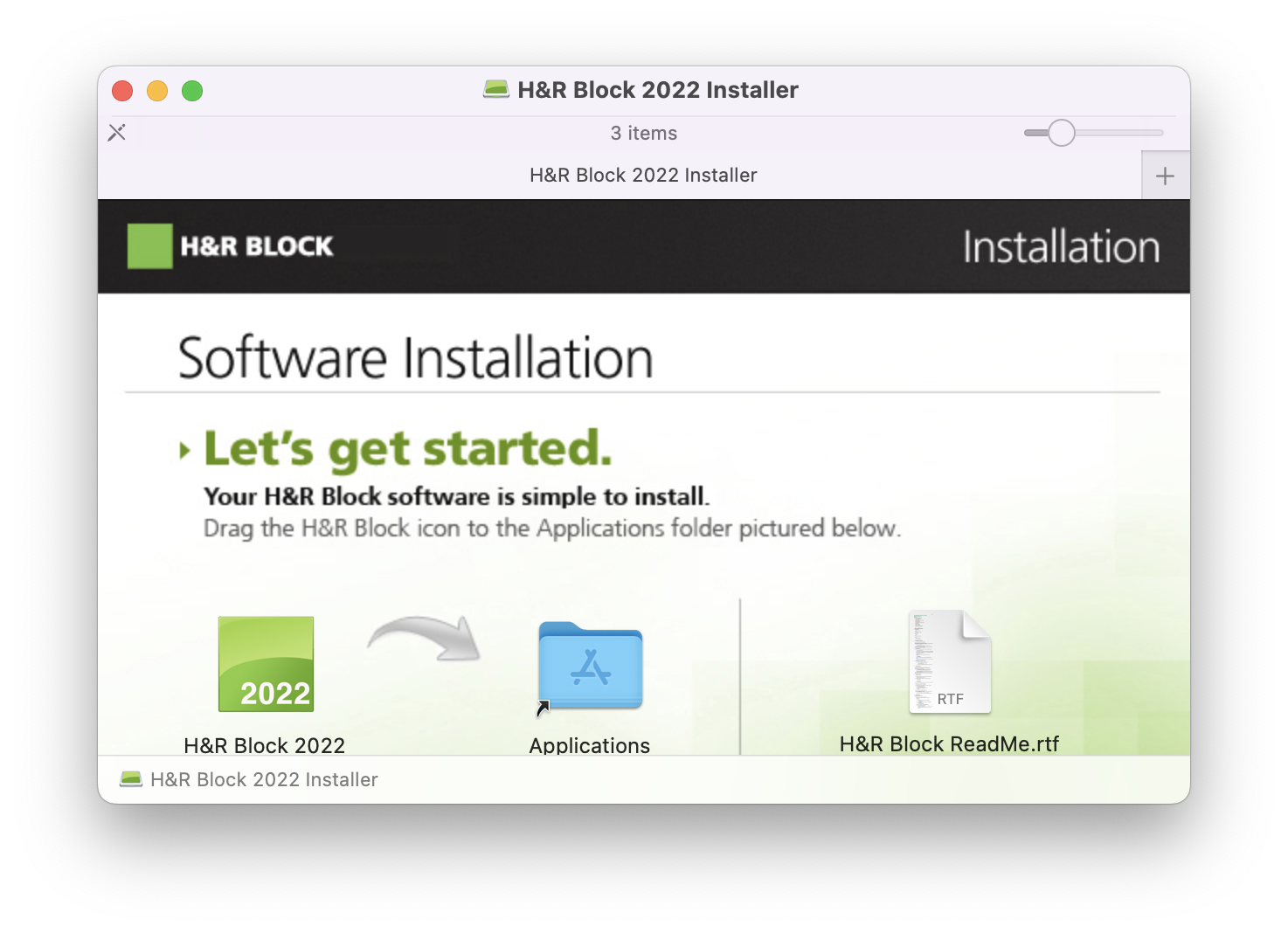
When you drag/drop the H&R Block 2022 icon onto the Applications folder shortcut, it should install as expected.
It should be available from the Launchpad.
If that doesn't work, try dragging the H&R Block 2022 icon into the Applications folder in a normal Finder window, which should result in this:
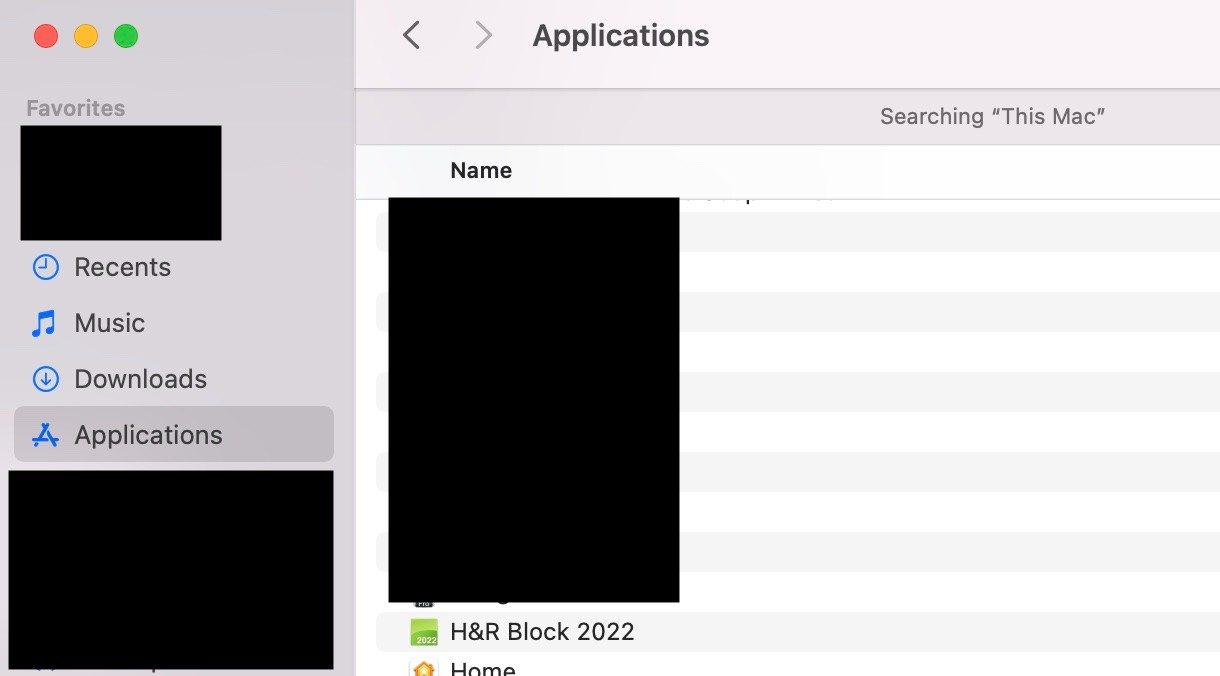
Note that the update feature in this software is rather broken on MacOS. After installing the software, follow the instructions at https://www.hrblock.com/tax-software/updates-back-editions/federal-mac/ to update the software rather than trying to do it from within the program. Make sure you download the correct updater for the edition you bought (basic, deluxe, or premium).
There are lots of reports (for example, in Amazon reviews) of problems with this year's H&R Block software on Mac, including issues with installation of paid-for state versions and printing. I'm currently waiting on a callback from H&R block support on issues installing the state version I should have received with my purchase of Deluxe + Federal + State.
