Only one airpod charged
Right airpod is almost fully charged, case is around 80% , left airpod is 11% and not working. How is it even possibile when both airpods were charging in the case plugged to socket
AirPods Pro
Right airpod is almost fully charged, case is around 80% , left airpod is 11% and not working. How is it even possibile when both airpods were charging in the case plugged to socket
AirPods Pro
Greetings elAmericano665,
If your left AirPod is not working as expected, these are the best steps to take:
"If there's no sound in one AirPod
 .
.We hope this helps!
Sincerely.
Hi elAmericano665,
We want to make sure you have the information you need. We provided the previous information since you mentioned that your left AirPod isn't working. The previous suggestions can help correct issues when one AirPod isn't working as expected.
Since it seems like the concern is that the left AirPod may not be charging as expected, please review the suggestions outlined in this link, which may help with charging issues: If your AirPods won’t charge
1. Check your connections
If you have AirPods or AirPods Pro, make sure that the Lightning to USB cable is firmly plugged into the charging case and USB power adapter. Then make sure that the power adapter is correctly plugged into a power outlet.
If you're using a Qi-compatible charger with your AirPods or AirPods Pro, make sure that the cable is firmly plugged into the charger and that the other end is correctly plugged into a power outlet.
If you have AirPods Max, make sure that the USB-C to Lightning cable is firmly plugged into the USB power adapter. Then make sure that the power adapter is correctly plugged into a power outlet.
2. Charge your AirPods
If you have AirPods or AirPods Pro, place your AirPods in the charging case and close the lid. Charge your AirPods and case for at least 15 minutes using the cable that came with your AirPods.
If you have AirPods Max, charge them for at least 5 minutes using the cable that came with them. When you're not using your AirPods Max, keep them in the Smart Case to put them into an ultra-low power mode to preserve battery charge.
If you have the Wireless Charging Case for your AirPods or AirPods Pro and you're using a Qi-compatible charger, place the case with the status light facing up. The status light should turn on for several seconds, then turn off while continuing to charge. If the light doesn't turn on, reposition the case. If your case still isn't charging, try charging with the cable that came with your case.
3. Check the charge status
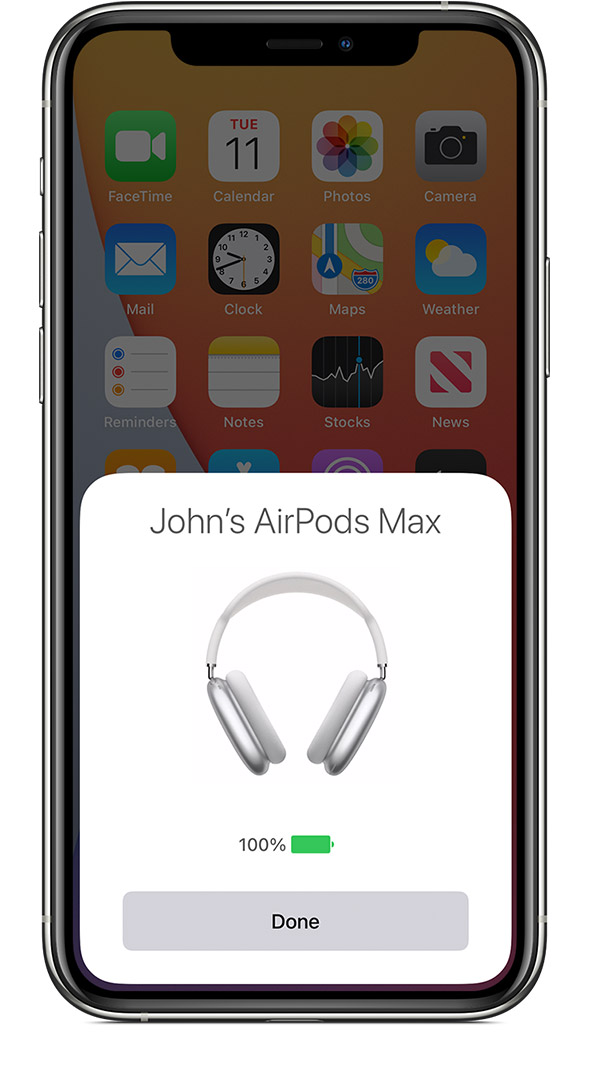
If you have AirPods or AirPods Pro, open the case lid with your AirPods inside and hold your case close to your iOS device. If you have AirPods Max, open the Smart Case and hold your case close to your iOS device. You should see a charging icon next to the battery icon under your AirPods.
If you still can’t charge your AirPods, contact Apple Support.
If the issue is unresolved, please contact Apple Support for assistance. You may be able to reach them here: Get Support
Thank you.
Did you even read my post? How is it even possibile for one airpod to ve charged almost full and one to be 11%? On top of that why do you give me instruction on how to charge the airpods when i early stated the battery level of EACH pod in my post?!
Only one airpod charged