Having problems with wifi connection on m2 pro

I have a wifi at home using 5ghz, when I connect to it most of the times it does not work, 90% of time it works with a speed of 4mbps both download/upload. I have never had such problem with any other device, other macs work just fine. Also, I am using mobile hotspot for now. Any suggestions on how can I solve my problem?

MacBook Pro 16″, macOS 13.0

Posted on Apr 16, 2023 1:32 PM

Reply
Question marked as Top-ranking reply

Posted on Apr 18, 2023 3:59 PM

Hi kirill46,


Thanks for posting in Apple Support Communities.


We understand that your Wi-Fi network is slow when connecting on your Mac. Make sure that you check your access points for the specific settings on your network.


Recommended settings for Wi-Fi routers and access points - Apple Support


If all settings are in place, use the diagnostic tool to check for issues identified on your network and how to correct them.


Use the built-in diagnostic tools

Wi-Fi Recommendations. Click Wi-Fi  in Control Center or the menu bar and check for a menu item named Wi-Fi Recommendations. If you see it, your Mac has detected an issue and has recommendations. Choose Wi-Fi Recommendations to learn more.*
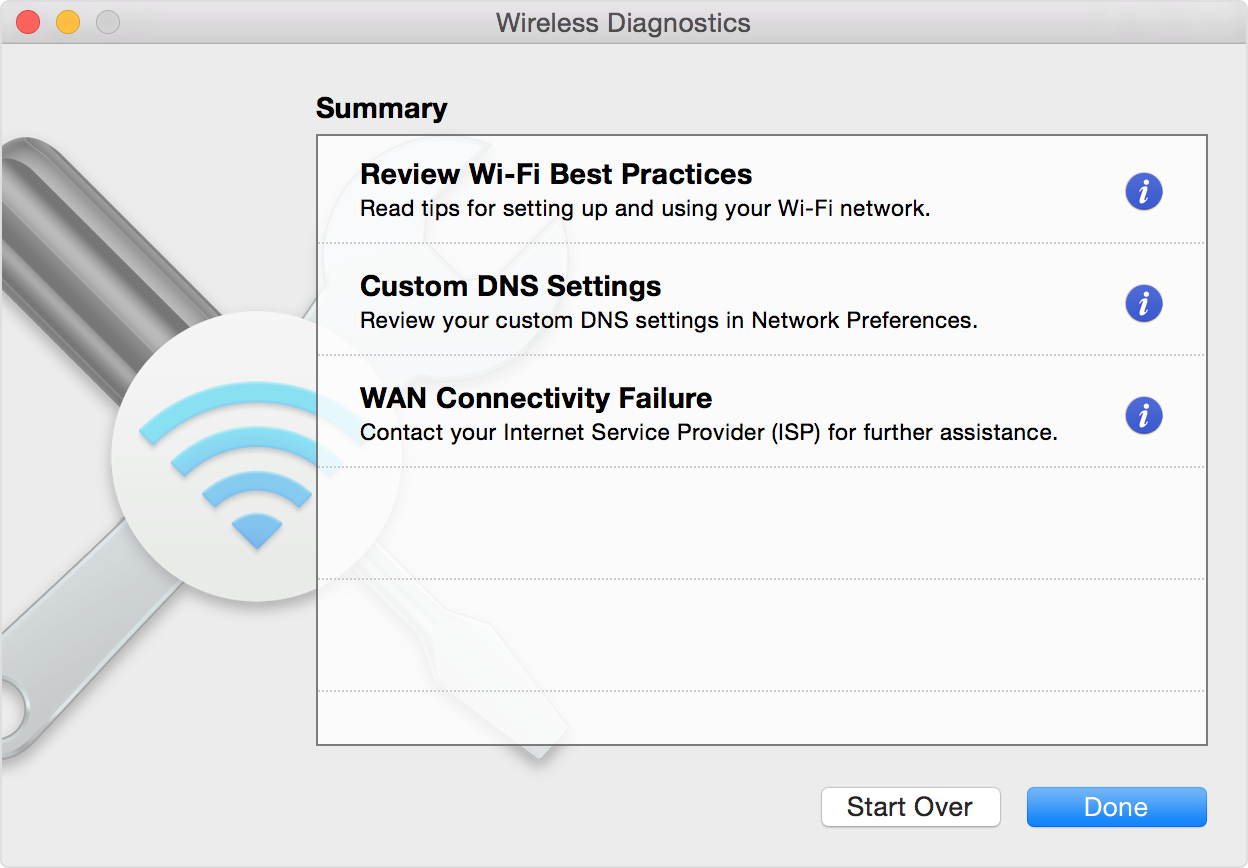
Wireless Diagnostics. Press and hold the Option key on your keyboard while clicking Wi-Fi  in Control Center or the menu bar, then choose Open Wireless Diagnostics from the menu. Learn more about using Wireless Diagnostics to analyze your wireless environment.
Wireless Diagnostics window, showing diaganostic results

You can find these steps and more in If your Mac isn't connecting to the internet over Wi-Fi - Apple Support.


Regards.


Similar questions

1 reply
Question marked as Top-ranking reply

Apr 18, 2023 3:59 PM in response to kirill46

Hi kirill46,


Thanks for posting in Apple Support Communities.


We understand that your Wi-Fi network is slow when connecting on your Mac. Make sure that you check your access points for the specific settings on your network.


Recommended settings for Wi-Fi routers and access points - Apple Support


If all settings are in place, use the diagnostic tool to check for issues identified on your network and how to correct them.


Use the built-in diagnostic tools

Wi-Fi Recommendations. Click Wi-Fi  in Control Center or the menu bar and check for a menu item named Wi-Fi Recommendations. If you see it, your Mac has detected an issue and has recommendations. Choose Wi-Fi Recommendations to learn more.*
Wireless Diagnostics. Press and hold the Option key on your keyboard while clicking Wi-Fi  in Control Center or the menu bar, then choose Open Wireless Diagnostics from the menu. Learn more about using Wireless Diagnostics to analyze your wireless environment.
Wireless Diagnostics window, showing diaganostic results

You can find these steps and more in If your Mac isn't connecting to the internet over Wi-Fi - Apple Support.


Regards.


This thread has been closed by the system or the community team. You may vote for any posts you find helpful, or search the Community for additional answers.

Having problems with wifi connection on m2 pro

Welcome to Apple Support Community
A forum where Apple customers help each other with their products. Get started with your Apple Account.