Hi mrfool,
The currency should change to the region that your Apple ID is currently set.
First, use this resource to confirm that you have changed the region for your Apple ID: Change your Apple ID country or region - Apple Support
1. Open the Settings app.
2. Tap your name, then tap Media & Purchases.
3. Tap View Account. You might be asked to sign in.
4. Tap Country/Region.
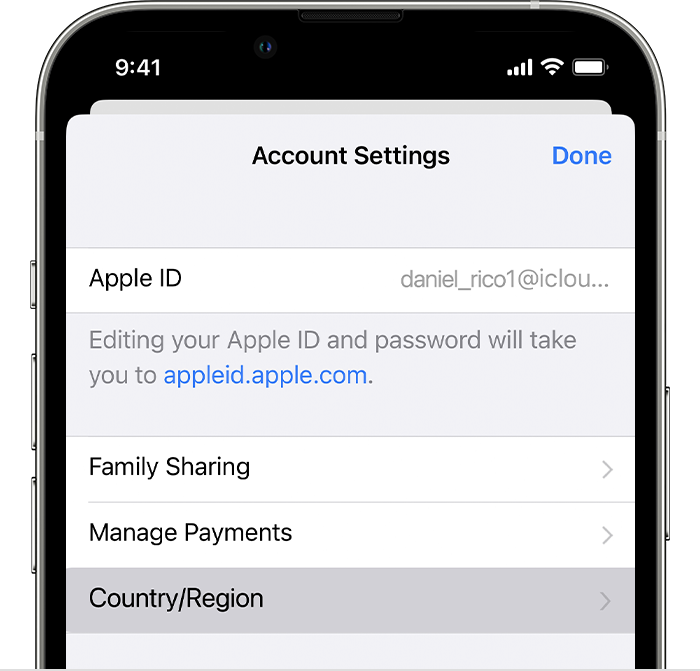
5. Tap Change Country or Region.
6. Tap your new country or region, then review the Terms & Conditions.
7. Tap Agree in the upper-right corner, then tap Agree again to confirm.
8. Select a payment method and enter your new payment information and billing address, then tap Next. You must enter a valid payment method for your new country o
r region.*
If you are still not seeing the currency update to Canada, Restart your iPhone to refresh the network and software.
If you still have questions, reach out to Apple Support directly, as this may require closer guidance: Get Support
Cheers!


