New MacBook air
My new MacBook air is asking for a password ? I did not have apassword on my old one. What password is it looking for?
The Apple Support Community will permanently close on November 20, 2026. Starting today, the site will no longer accept new posts and is available in a read-only state.
You can continue to find trusted guidance and support on the official Apple Support site.
We want to thank the community members who have contributed their time and expertise to help others with their Apple products.
The Apple Support Community will permanently close on November 20, 2026. Starting today, the site will no longer accept new posts and is available in a read-only state.
You can continue to find trusted guidance and support on the official Apple Support site.
We want to thank the community members who have contributed their time and expertise to help others with their Apple products.
My new MacBook air is asking for a password ? I did not have apassword on my old one. What password is it looking for?
Is it asking for your login password, as illustrated here?
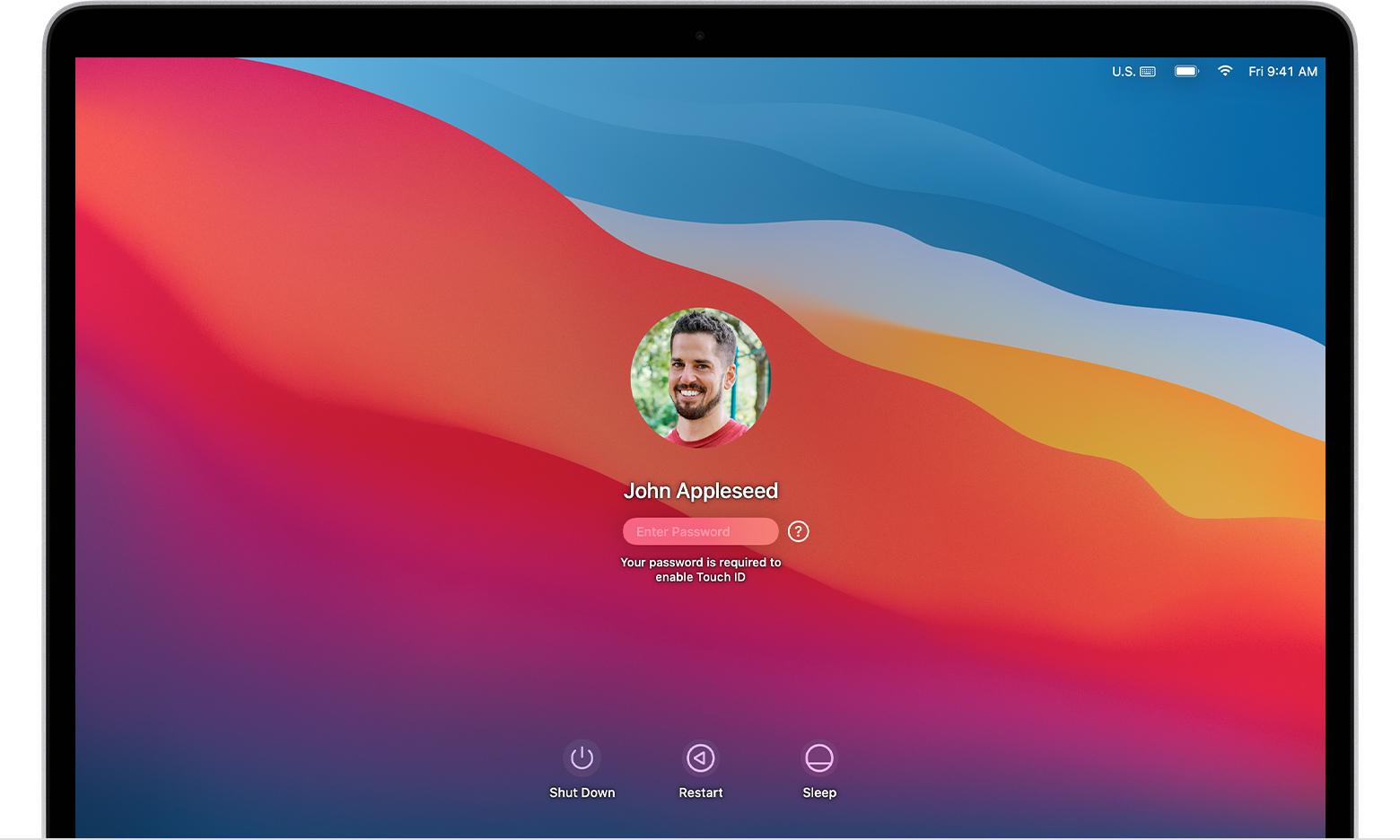
Did you configure your Mac to log in automatically? How to log in automatically to a Mac user account - Apple Support
To my knowledge it is not possible to set up a new Mac with no password. It was possible in the distant past, but I believe Apple imposed that requirement on us a while ago.
ND8 Said:
"New MacBook air: My new MacBook air is asking for a password ? I did not have apassword on my old one. What password is it looking for?"
-------
Please Clarify:
Where are you seeing this? What is the password for? If your Apple ID, then you are being prompted to authorize this with your Apple ID. Go in to System Preferences or System Settings to do so: Sign in to Apple ID on your Mac - Apple Support
New MacBook air