Computer shuts down
What do I need to do when my computer shuts down constantly.
What do I need to do when my computer shuts down constantly.
Hello 2017_Computer_Users_VB,
To help us better assist you, can you let us know more about the issue you're experiencing with your Mac? For example, when it shuts down, does it power back on by itself, or do you need to power it back on manually?
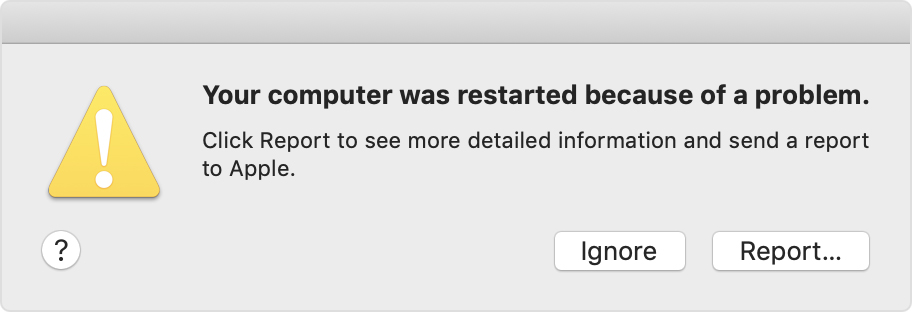
If the issue is that your Mac is restarting unexpectedly and displaying an error, please check out this link, which can help you isolate the issue: If your Mac restarted because of a problem
About unexpected restarts
Rarely, your Mac might experience a software or hardware issue that requires it to restart. When it starts up again, you might see a message that your computer was restarted because of a problem.
Unexpected restarts are usually caused by software installed on your Mac, or by devices connected to your Mac. If the issue causes your Mac to restart every time it attempts to start up, your Mac might eventually shut down. Use the steps below to check the software and hardware on your Mac.
Thanks!
Computer shuts down