
Annoying pop up on my iPhone 14 pro
I got an iPhone 14 pro and connected it to my Apple Watch 4. I keep getting a pop up on my phone telling me to enter text on my watch- when I’m not doing anything! How do I turn that off?
Apple Watch, watchOS 3
I got an iPhone 14 pro and connected it to my Apple Watch 4. I keep getting a pop up on my phone telling me to enter text on my watch- when I’m not doing anything! How do I turn that off?
Apple Watch, watchOS 3
Hello pbmiller63,
Thank you for reaching out to Apple Support Communities.
Let's restart your Apple watch and iPhone and test to see if the same thing happens:
"Restart Apple Watch
 , then drag the Power Off slider to the right.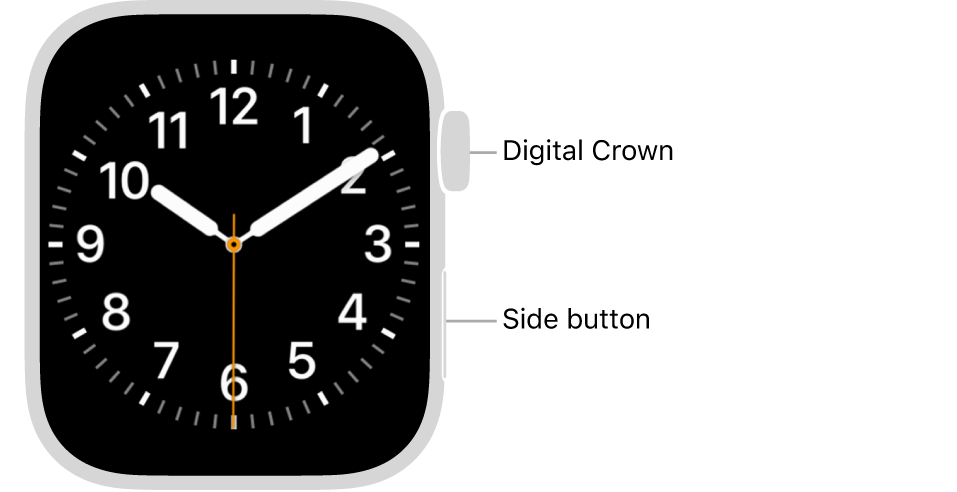
Note: You can’t restart your Apple Watch while it’s charging."
More details can be found here: Restart Apple Watch
If the issue persists, can you provide a few more details? When did you first notice this? What is your exact watchOS version? Also, what is your exact iOS version?
Cheers!
Annoying pop up on my iPhone 14 pro
