Hi Loretemmerman,
To clarify, what does the message state in English? We're unable to fully make it out from the screenshot.
In the meantime, if your iPhone is fully unresponsive, you can take the steps below to force it to restart. Should the problem persist after that restart, let us know the message you're receiving.
"If iPhone isn’t responding, and you can’t turn it off then on, try forcing it to restart.
- Press and quickly release the volume up button.
- Press and quickly release the volume down button.
- Press and hold the side button.
- When the Apple logo appears, release the side button.
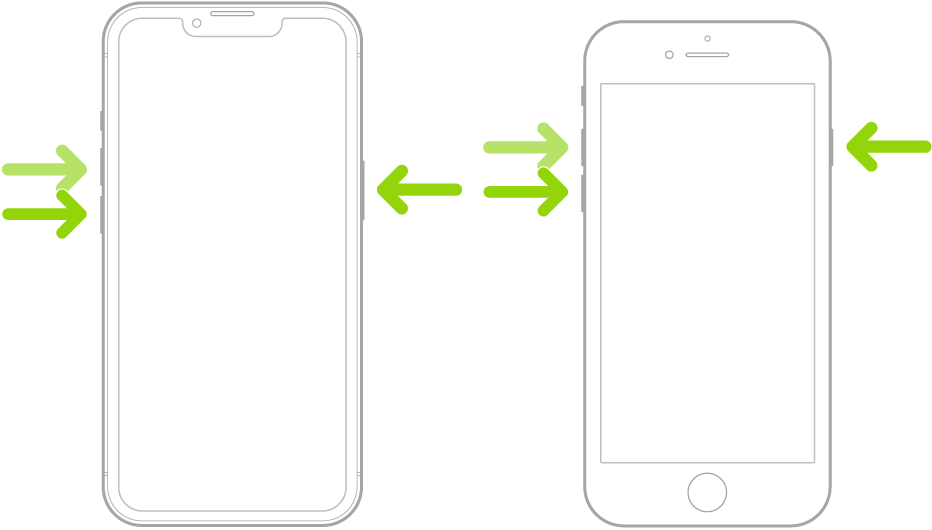
Note: For force restart instructions for iPhone 7, iPhone 6s, or iPhone SE (1st generation)—models that don’t support iOS 16—see the iOS 15 version of this page.
If iPhone doesn’t restart after you try these steps, see the Apple Support article If your iPhone won’t turn on or is frozen. Or if your iPhone isn’t working as expected after you restart it, see the iPhone Support website."
Cheers!



