AirTag Low Battery indicator not shown in iPadOS FIND MY

I had two AIrTags with low batteries. I could clearly see the low battery indicator in FIND MY on my iPhone 11 PRO MAX. But on my iPad Pro 12.9 (3rd gen) iPadOS FIND MY does NOT show the low battery indicator for the low battery AirTags — why?


Both devices are running 16.4.1 (a)

Both AirTags were in the same room with the iPad Pro 12.9 and the iPhone 11 — in fact all the devices were within 5 feet of each other.


iPad Pro (3rd generation)

Posted on May 12, 2023 3:33 PM

Reply
3 replies

May 15, 2023 5:50 PM in response to TrainsRus

Hello TrainsRus,


Thanks for posting in the Apple Support Communities. We're happy to look into this with you.


Looking over article, How to replace the battery in your AirTag - Apple Support, it's noted the information appears on your iPhone. There is no mention of this details showing on other device models.


Find out if you need to replace the battery

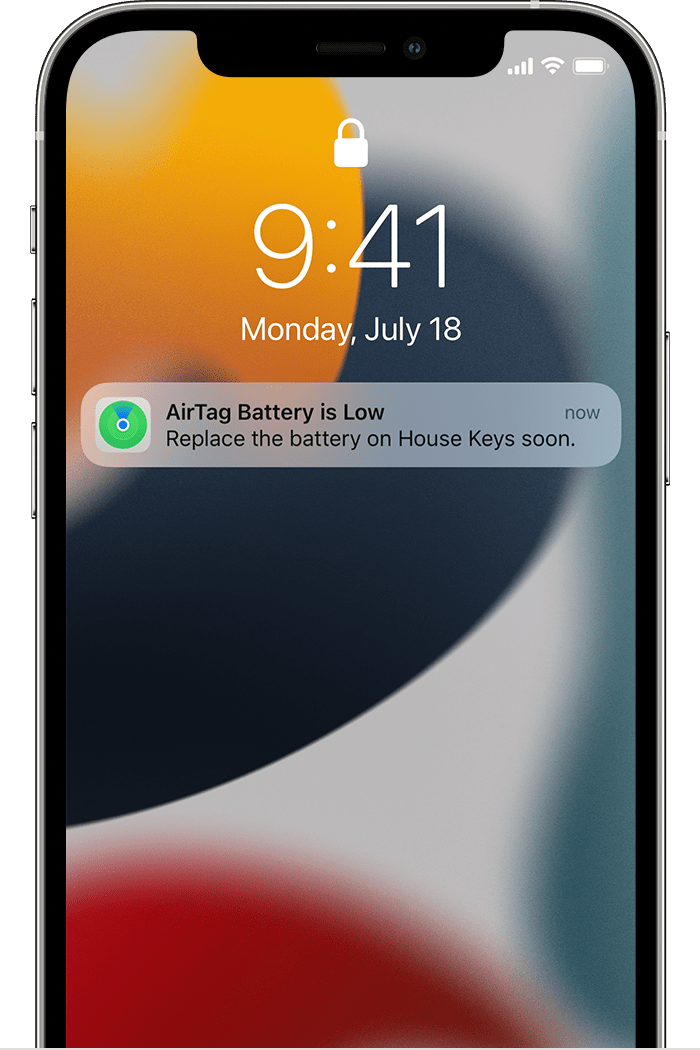
When your AirTag battery is very low, a notification appears on your iPhone:


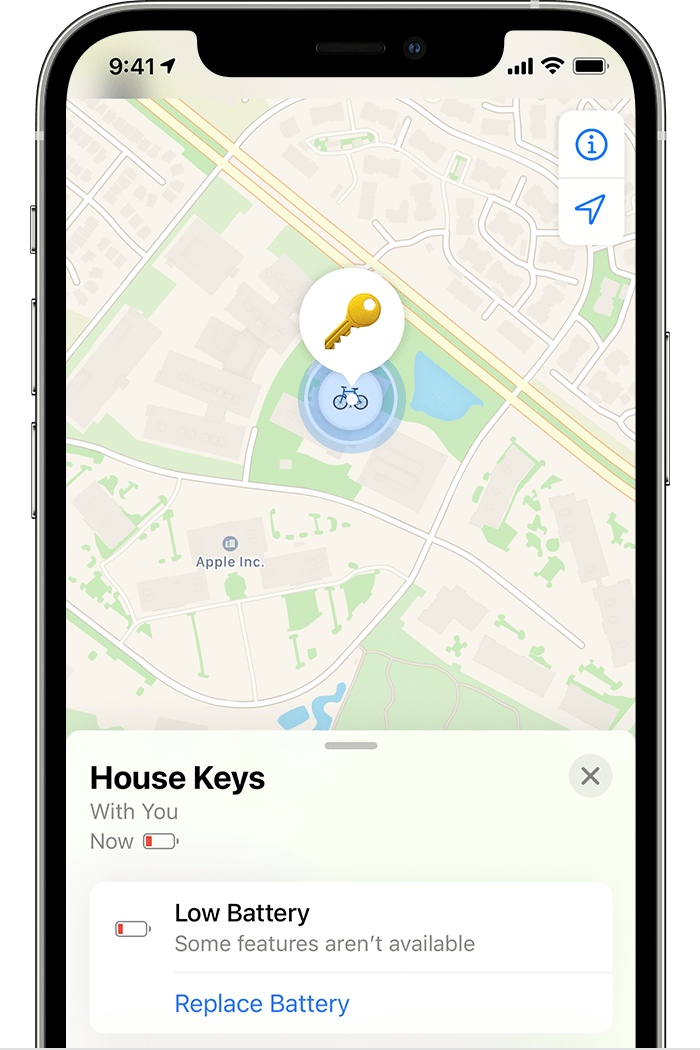
You can also check the Find My app to see if your AirTag battery needs to be replaced:
1. Open the Find My app.
2. Tap the Items tab.
3. Tap the AirTag whose battery charge you want to check.
4. If the charge is very low, Low Battery appears under the name of your AirTag. 


If you'd like to see this alert or be able to check the battery on other devices in the Find My app, you can provide feedback to Apple at Product Feedback.


Best regards.

This thread has been closed by the system or the community team. You may vote for any posts you find helpful, or search the Community for additional answers.

AirTag Low Battery indicator not shown in iPadOS FIND MY

Welcome to Apple Support Community
A forum where Apple customers help each other with their products. Get started with your Apple Account.