
Quit Mail
My Mail was interrupted. I cannot quit mail. Thus, I cannot shut down my computer. Please advise.
MacBook Air 13″, OS X 10.11
My Mail was interrupted. I cannot quit mail. Thus, I cannot shut down my computer. Please advise.
MacBook Air 13″, OS X 10.11
To force an app to quit :
Press these three keys together: Option (or Alt), Command, Esc (Escape).1 Or choose Force Quit from the Apple menu in the corner of your screen.

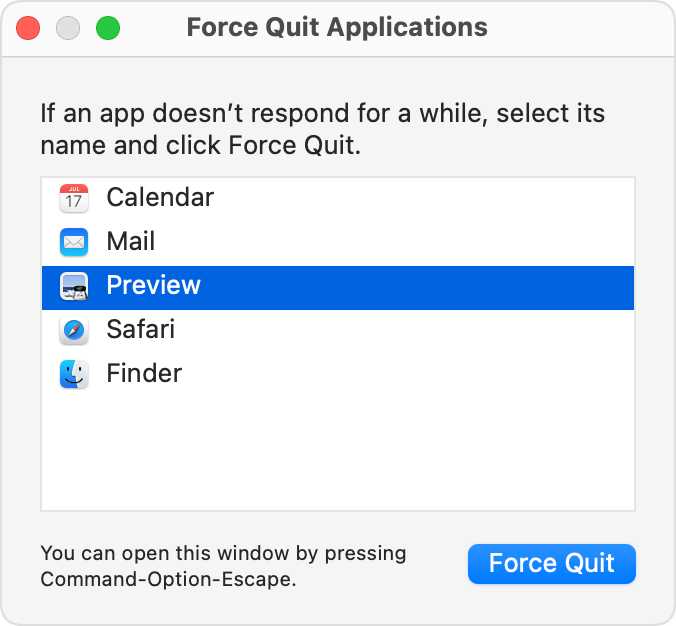
A Force Quit window opens. Select the app that you want to quit, in your car Mail, then click Force Quit:
To force an app to quit :
Press these three keys together: Option (or Alt), Command, Esc (Escape).1 Or choose Force Quit from the Apple menu in the corner of your screen.
A Force Quit window opens. Select the app that you want to quit, in your car Mail, then click Force Quit:
My Mail was interrupted. I cannot quit mail. Thus, I cannot shut down my computer.
How can I shut down my computer?
Quit Mail
