Where notifications appear
Notifications appear on your Apple Watch or iPhone, but not both.
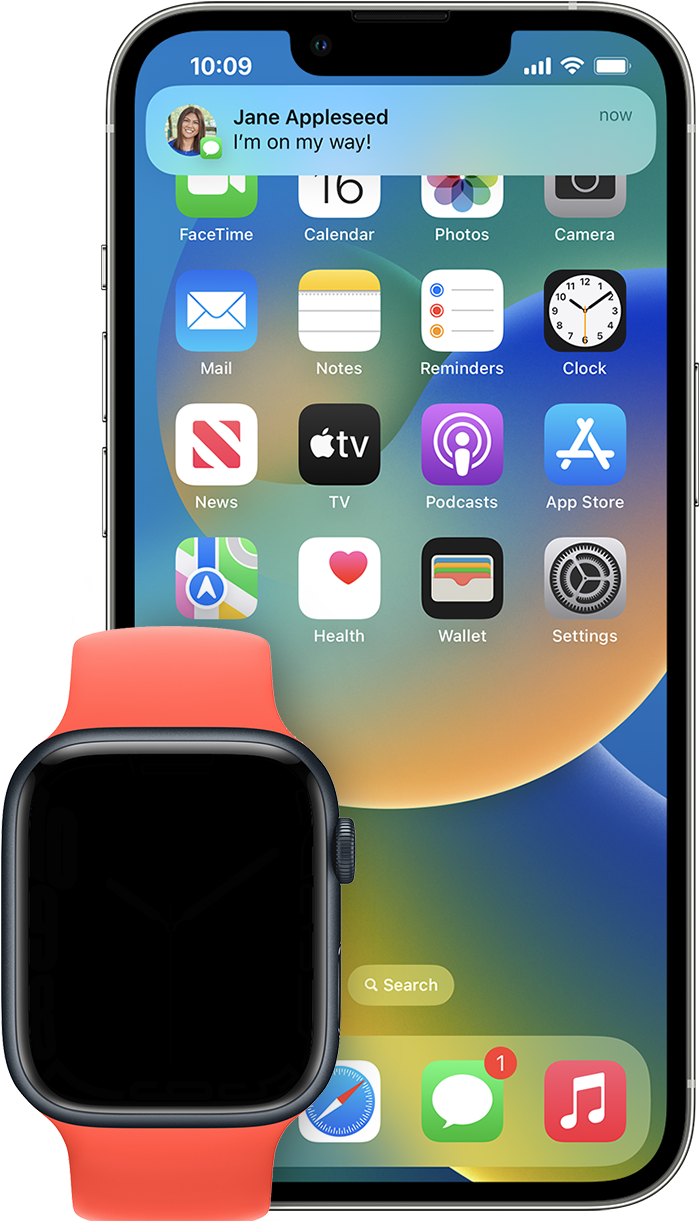
If your iPhone is unlocked, you get notifications on your iPhone instead of your Apple Watch.
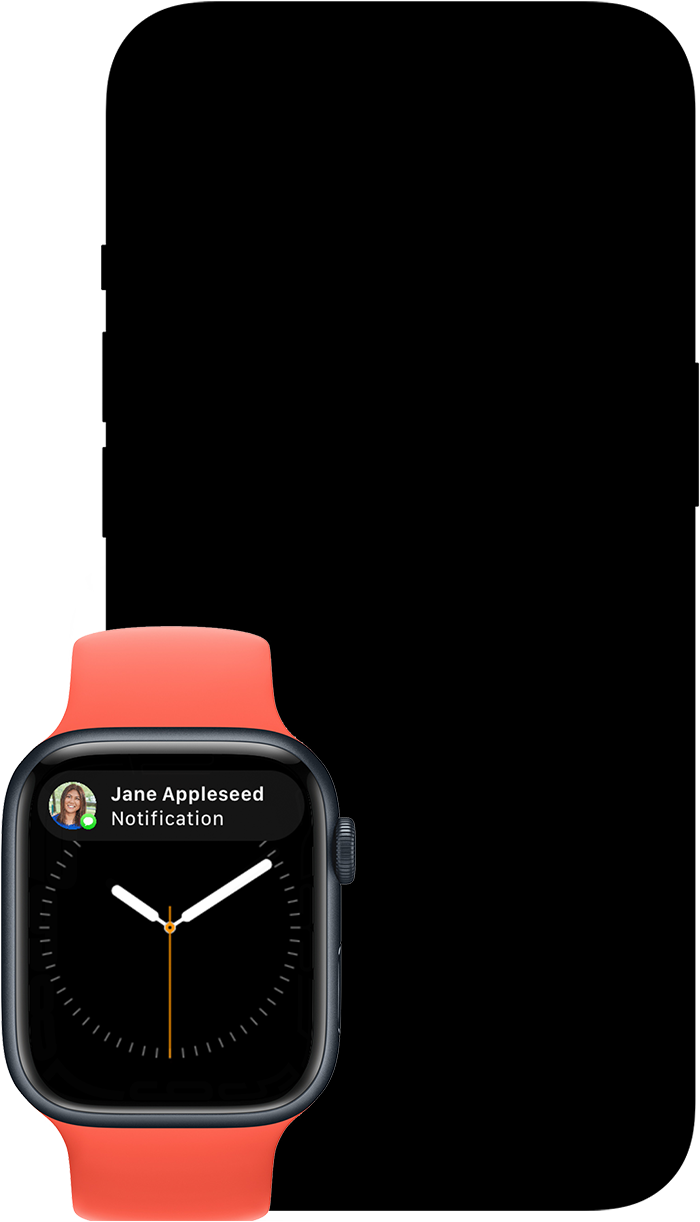
If your iPhone is locked or asleep, you get notifications on your Apple Watch, unless your Apple Watch is locked.
Some apps, such as the Noise app, are only on your Apple Watch. Notifications for these apps don't appear on your iPhone.
The red notification icon  appears at the top of your watch face when you have unread notifications. If you want to hide the notification icon, open the Apple Watch app on your iPhone, tap Notifications, then turn off Notifications Indicator.
When you read or dismiss notifications on your Apple Watch, they’re also dismissed from your iPhone.


