Thanks for reaching out tmarks38,
It sounds like you're trying to use your iPod touch, but are having trouble with verifying your Apple ID. We can help.
You can follow the steps in this guide to Get a verification code and sign in with two-factor authentication:
Get a text or phone call
If you don’t have a trusted device handy, you can have a verification code sent to your trusted phone number as a text message or phone call.
1. Click Didn't get a verification code on the sign in screen.
2. Choose to have the code sent to your trusted phone number.
3. You'll get a text message or phone call from Apple with your verification code. This text message might include an additional domain validation line. This line includes the @ symbol, the website name, and your code (for example: @icloud.com #123456 %apple.com).
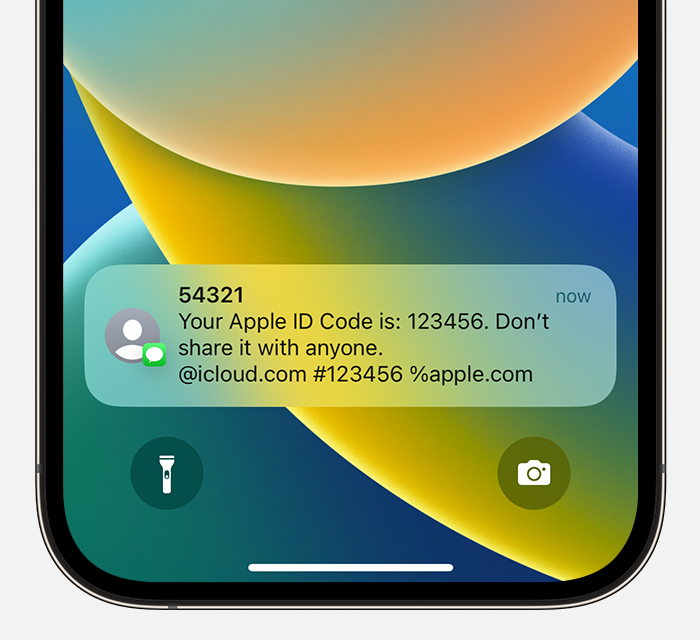
4. Enter the code on your other device to complete sign in.
If you're still unable to confirm your account, you might need to check out this guide as well: How to use account recovery when you can’t reset your Apple ID password.
Hope that helps.
Take care.


