Left-hand AirPod can’t hear sound

My left-hand AirPod Pro Mk1 has suddenly stopped fitting. My ears are clear of wax, I’ve tried different size cups. Can occasionally hear sound after some jiggling, but a small movement and it returns to silence. Had them nearly two years without issue.

MacBook Pro 15″, macOS 10.13

Posted on May 30, 2023 8:52 PM

Reply
Question marked as Top-ranking reply

Posted on May 31, 2023 4:06 PM

Hello dtm39,


If your left AirPods has no sound at times, there are some steps that may help resolve the issue in the Apple Support article, If your left or right AirPod isn't working.


If there's no sound in one AirPod
1. Make sure that your charging case is fully charged.
2. Place both AirPods in your charging case and let them charge for 30 seconds.
3. Open the charging case near your iPhone or iPad.
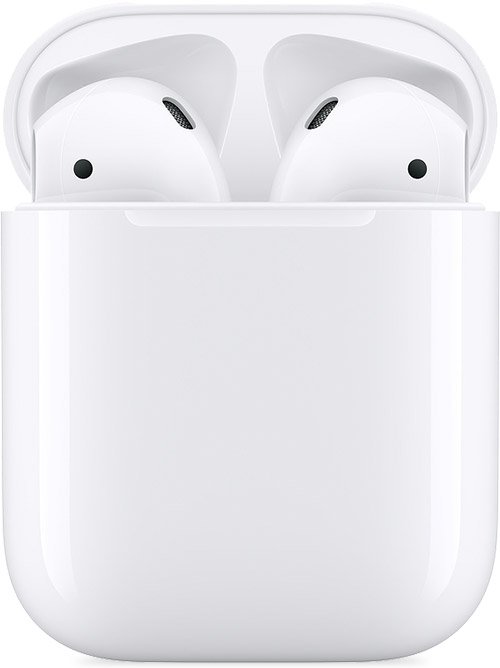
AirPods and charging case
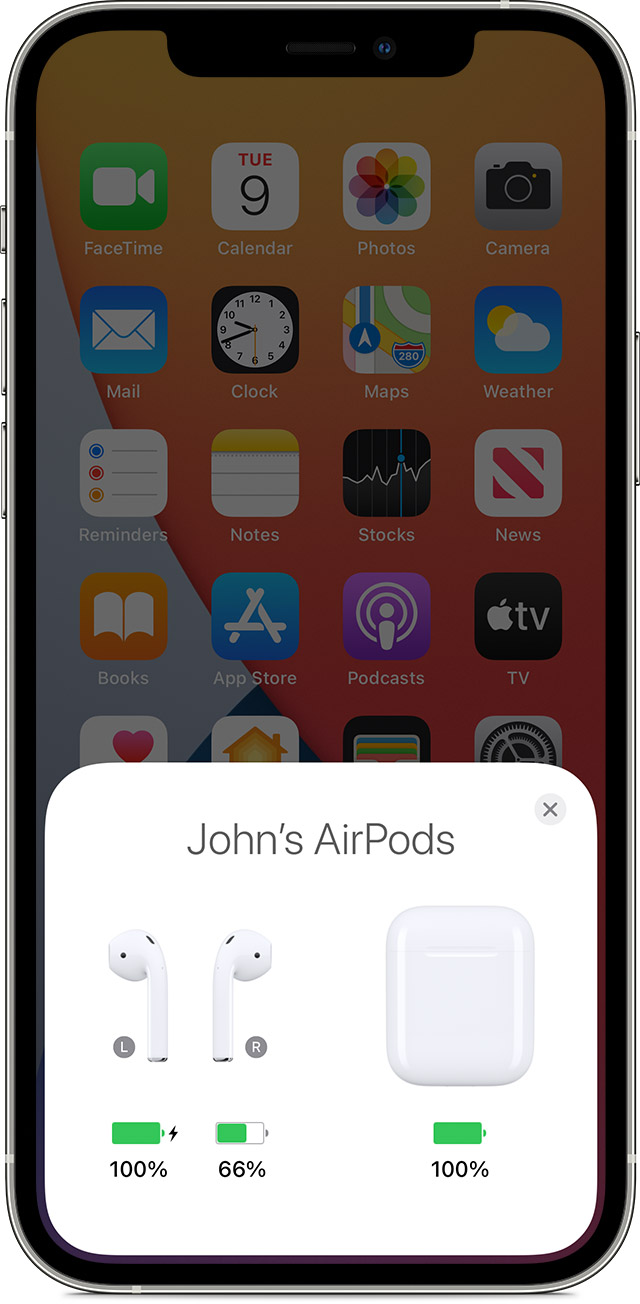
4. Check the charge status on your iPhone or iPad to make sure that each AirPod is charging .
AirPods charging status on your iPhone screen
5. Put both AirPods in your ears.
6. Play audio to test both AirPods.
7. If an AirPod still isn't working, reset your AirPods or contact Apple Support.


If you're still experiencing issues after working through these steps, a few additional details may help other Apple Support Communities users assist you.


• What do you mean when you say the AirPod isn't fitting? Does it fall out of your left ear?


If so, Choose your AirPods Pro ear tips and use the Ear Tip Fit Test is a great article to reference to ensure you have the best fit.


All Our Best.



4 replies
Question marked as Top-ranking reply

May 31, 2023 4:06 PM in response to dtm39

Hello dtm39,


If your left AirPods has no sound at times, there are some steps that may help resolve the issue in the Apple Support article, If your left or right AirPod isn't working.


If there's no sound in one AirPod
1. Make sure that your charging case is fully charged.
2. Place both AirPods in your charging case and let them charge for 30 seconds.
3. Open the charging case near your iPhone or iPad.
AirPods and charging case
4. Check the charge status on your iPhone or iPad to make sure that each AirPod is charging .
AirPods charging status on your iPhone screen
5. Put both AirPods in your ears.
6. Play audio to test both AirPods.
7. If an AirPod still isn't working, reset your AirPods or contact Apple Support.


If you're still experiencing issues after working through these steps, a few additional details may help other Apple Support Communities users assist you.


• What do you mean when you say the AirPod isn't fitting? Does it fall out of your left ear?


If so, Choose your AirPods Pro ear tips and use the Ear Tip Fit Test is a great article to reference to ensure you have the best fit.


All Our Best.


May 31, 2023 5:40 PM in response to Ali_E1

I’ve tried all the steps you’ve suggested. It’s not falling out. It’s about the position when it’s in my ear. When I place it in my ear, except on rare short-lived occasions, there is no sound. Very occasionally, I can position it correctly by manipulation, but it soon slips and sound goes. It worked perfectly before. My ear is the same. I just don’t understand.

This thread has been closed by the system or the community team. You may vote for any posts you find helpful, or search the Community for additional answers.

Left-hand AirPod can’t hear sound

Welcome to Apple Support Community
A forum where Apple customers help each other with their products. Get started with your Apple Account.