
I can't access my emails on my iPhone SE
When checking mail on my iPhone the spinning wheel in mail -top left- will not quit. And can not update mail.
Can this be fixed?
[Re-Titled by Moderator]
iPhone SE, iOS 16
When checking mail on my iPhone the spinning wheel in mail -top left- will not quit. And can not update mail.
Can this be fixed?
[Re-Titled by Moderator]
iPhone SE, iOS 16
Hello kathleenveronica,
We would like to see how we can help you with the Mail app. If you connect to a different Wi-Fi or cellular connection, does the issue persist? Have you had a chance to restart the iPhone? If not, follow the steps in this link to restart the iPhone now: Restart your iPhone - Apple Support
"How to restart your iPhone 6, 7, 8, or SE (2nd or 3rd generation)
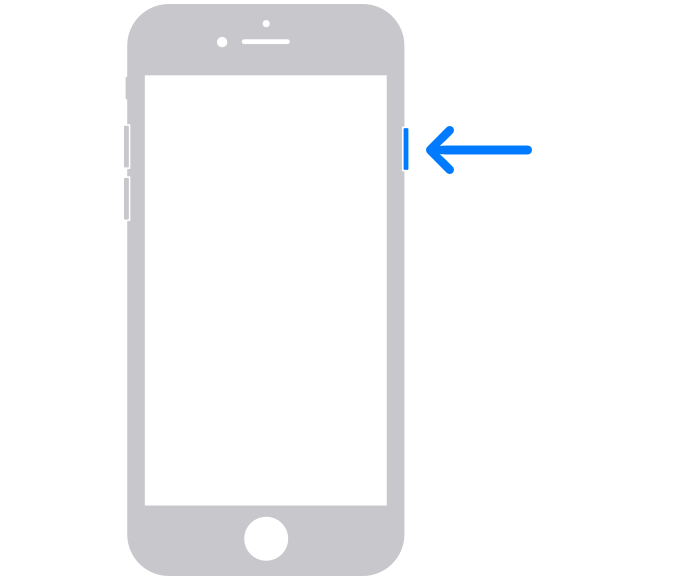
2.Drag the slider, then wait 30 seconds for your device to turn off. If your device is frozen or unresponsive, force restart your device.
3.To turn your device back on, press and hold the side button until you see the Apple logo."
Cheers!
I can't access my emails on my iPhone SE
