
Email vs phone number
When I receive a message or call from a person, it comes up with an email address without a number. Why?
Thanks
iPhone 14, iOS 16
When I receive a message or call from a person, it comes up with an email address without a number. Why?
Thanks
iPhone 14, iOS 16
Hi,
iMessage/ Message was set up with their email address ( iCloud email/other email address) rather than a phone number.

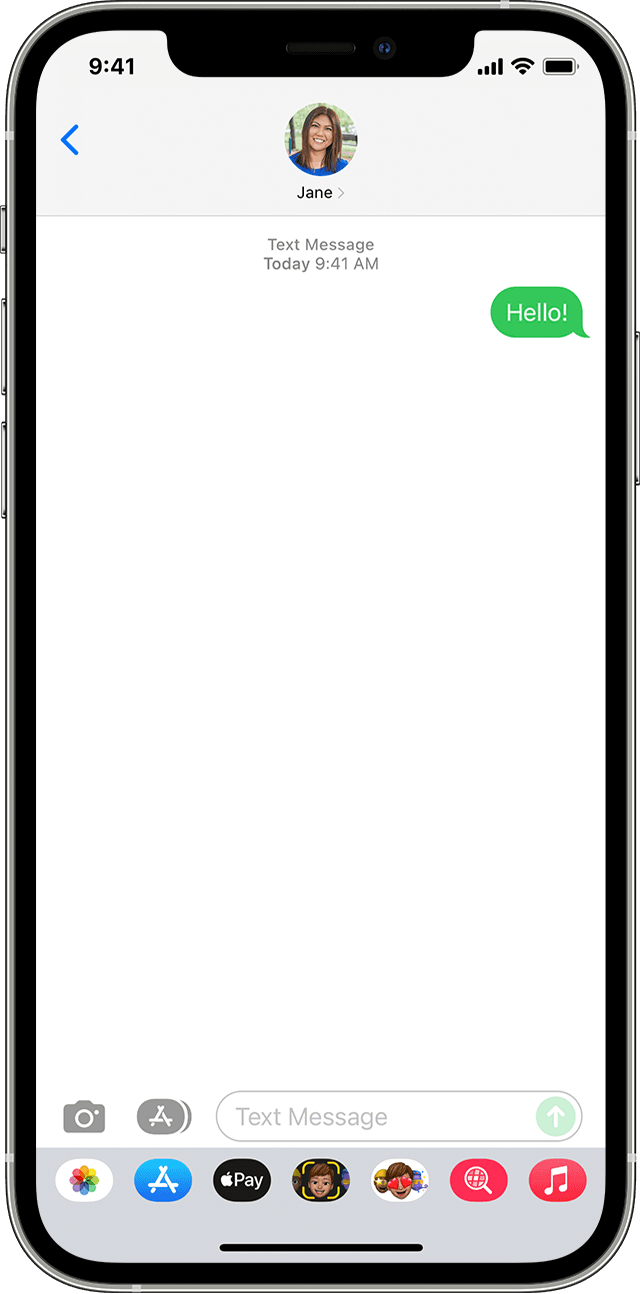
If you see a green message bubble
If you see a green message bubble instead of a blue one, then that message was sent using MMS/SMS instead of iMessage. There can be several reasons for this:
Find out the difference between iMessage and MMS/SMS messages
If you receive messages on one device but not the other
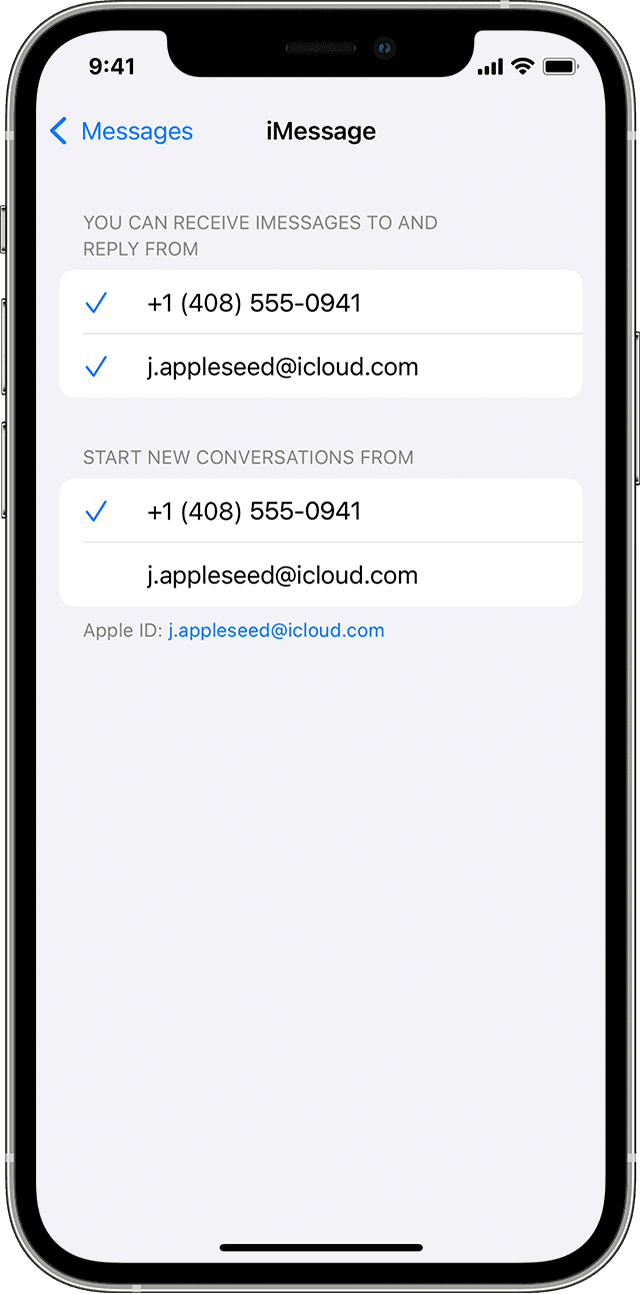
If you have an iPhone and another iOS or iPadOS device, such as an iPad, your iMessage settings may be set to receive and start messages from your Apple ID instead of your phone number. To check if your phone number is set to send and receive messages, go to Settings > Messages and tap Send & Receive.
If you can’t see your phone number, you can link your iPhone number to your Apple ID so you can send and receive iMessages from your phone number. You can also set up Text Message Forwarding so you can send and receive MMS and SMS messages on all of your Apple devices.
Hi,
iMessage/ Message was set up with their email address ( iCloud email/other email address) rather than a phone number.
If you see a green message bubble
If you see a green message bubble instead of a blue one, then that message was sent using MMS/SMS instead of iMessage. There can be several reasons for this:
Find out the difference between iMessage and MMS/SMS messages
If you receive messages on one device but not the other
If you have an iPhone and another iOS or iPadOS device, such as an iPad, your iMessage settings may be set to receive and start messages from your Apple ID instead of your phone number. To check if your phone number is set to send and receive messages, go to Settings > Messages and tap Send & Receive.
If you can’t see your phone number, you can link your iPhone number to your Apple ID so you can send and receive iMessages from your phone number. You can also set up Text Message Forwarding so you can send and receive MMS and SMS messages on all of your Apple devices.
Email vs phone number
