
error 10673
Is there an Apple Tech or Guru out there that can give a solution to receiving this error code when trying to open an attachment on a Mac Book? in lieu of exclusively using Safari?
Mac Pro (2019)
Is there an Apple Tech or Guru out there that can give a solution to receiving this error code when trying to open an attachment on a Mac Book? in lieu of exclusively using Safari?
Mac Pro (2019)
Hello LoveBread,
Issues with Mac Mail can be caused by many factors, but as a starting point, we have a great support article that might help with this. Please take a look at it here: If you can’t send or receive email on your Mac - Apple Support. Follow this guidance:
"Check for status messages
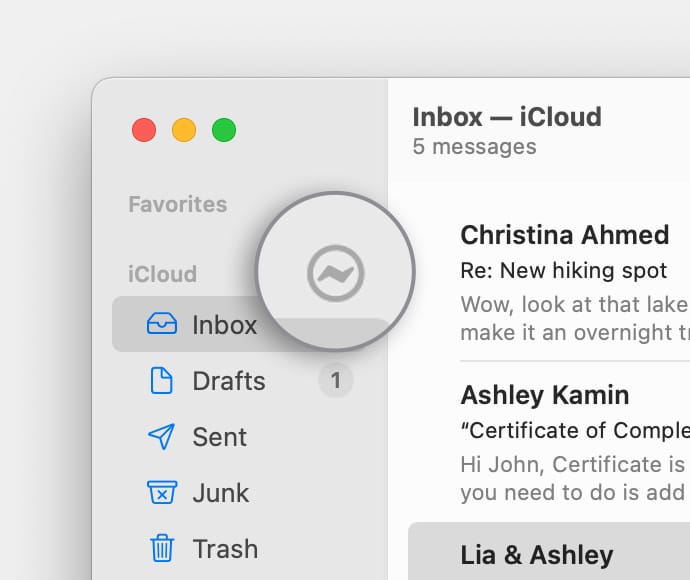
You might see a status icon such as a lightning bolt  or warning symbol
  next to your account's inbox in the Mail sidebar, or in the upper-right corner of the Mail window. Click it to learn more.
Test using webmail
Many email providers offer webmail, which is a way to use email with a web browser such as Safari, instead of with an email app such as Mail. For example, if you're using an iCloud Mail account, you can use iCloud.com to send and receive email.
Webmail is a good way to verify that your account is valid, but it doesn't mean that your account is set up correctly in Mail on your Mac. Your email provider can help you verify your email settings and check for other issues that affect sending or receiving email.
Remove your email account, then add it back
If no other solutions work, follow these steps:
We hope this helps. Let us know if we can assist with anything else at all. Take care.
error 10673

