Safety Alert on watch
Why does my Apple Watch say “your location can be seen by the owner of this item?”
Why does my Apple Watch say “your location can be seen by the owner of this item?”
Hello EricaLynn1231,
To help us better assist you, can you let us know more about the situation? Are you receiving an alert that an AirTag, Find My network accessory, or set of AirPods is with you? Is that alert appearing on any other devices as well? That information will help us plan how to proceed.
Please check out this link, which outlines what to do if you get an alert that an AirTag, Find My network accessory, or set of AirPods is with you, and may help: What to do if you get an alert that an AirTag, Find My network accessory, or set of AirPods is with you
If you see an alert
If you see one of the following alerts on your iPhone, iPad, or iPod touch, an item compatible with the Find My network could be traveling with you, and the owner might be able to see its location. This could be an AirTag, AirPods, AirPods Pro, AirPods Max, or a Find My network accessory from manufacturers other than Apple.
It's possible that the AirTag or Find My network accessory might be attached to an item you're borrowing, or you might get this alert if you’re borrowing someone else’s AirPods. If you're borrowing an AirTag or another item compatible with the Find My network from a member of your Family Sharing group, you can turn off alerts for that item for one day, or indefinitely.
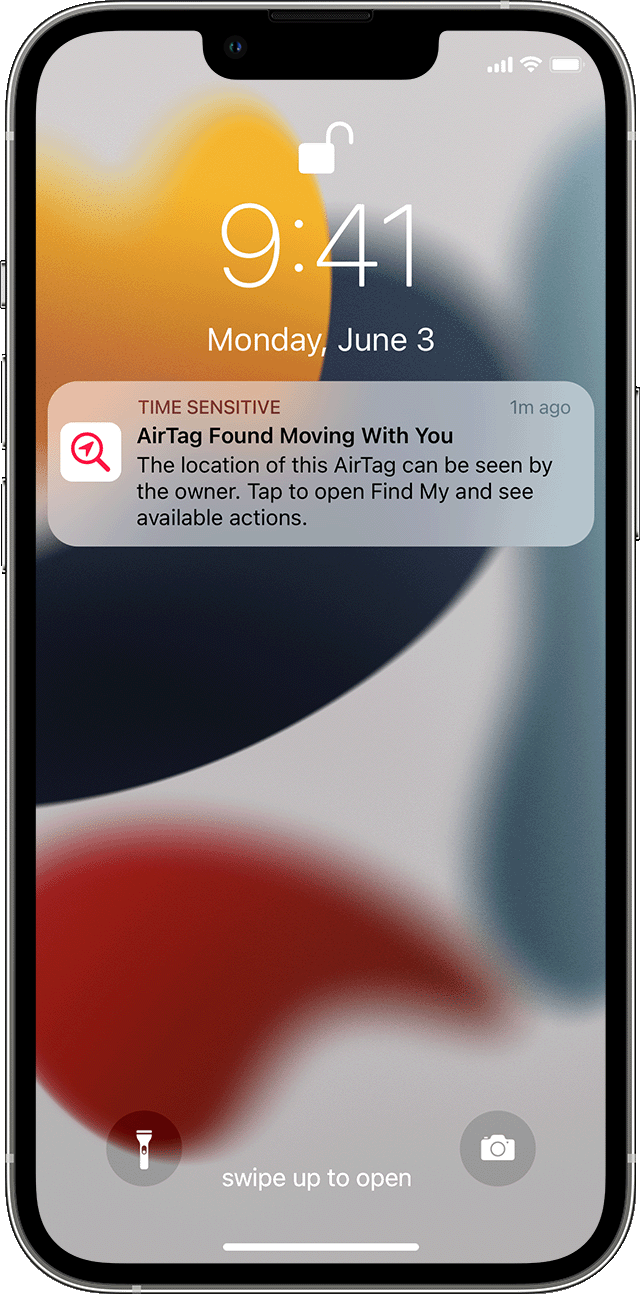
If an AirTag that's separated from its owner is seen moving with you over time, or if your iPhone is awake and an AirTag that isn't with its owner for a period of time emits a sound to indicate that it has moved, this alert is displayed: AirTag Found Moving With You.
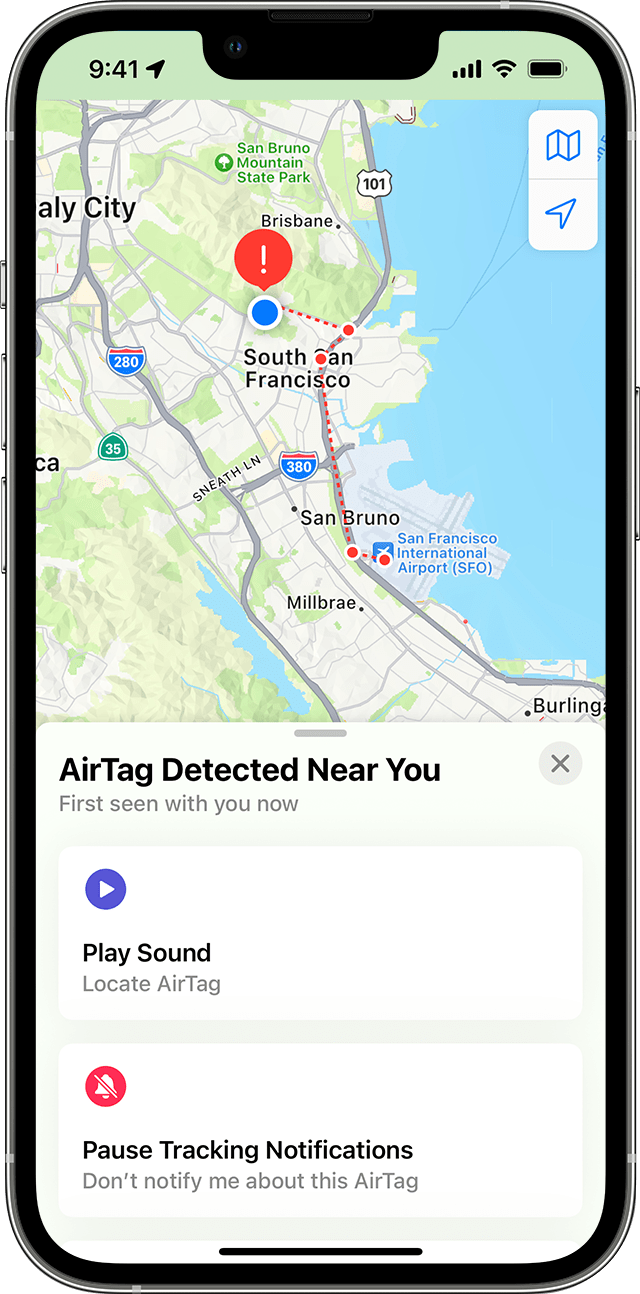
Find My displays a map of where the AirTag, Find My network accessory, or set of AirPods has been observed with you. The red dots show where the unknown item was detected near your iPhone, iPad, or iPod touch. The dashed lines connecting the red dots help indicate the sequence where the item was detected with you. The red dots do not indicate when the item's owner is viewing the item's location.
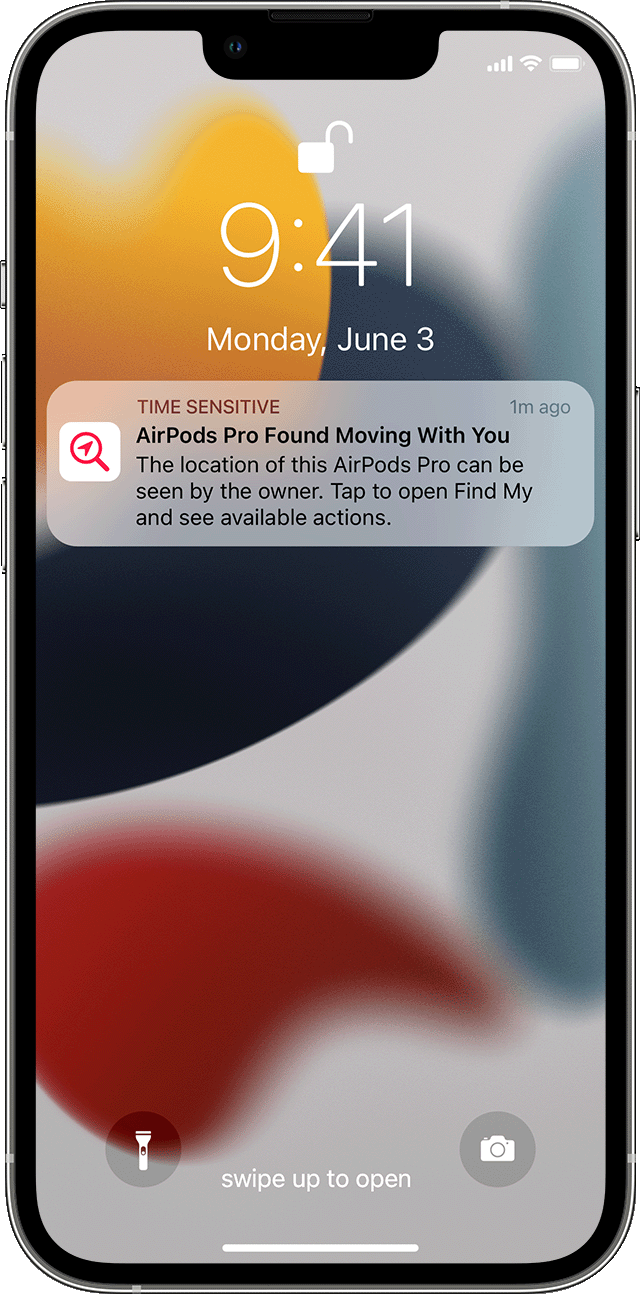
If AirPods that are separated from their owner are seen moving with you over time, one of these alerts is displayed: AirPods Detected, AirPods Pro Detected, or AirPods Max Detected.
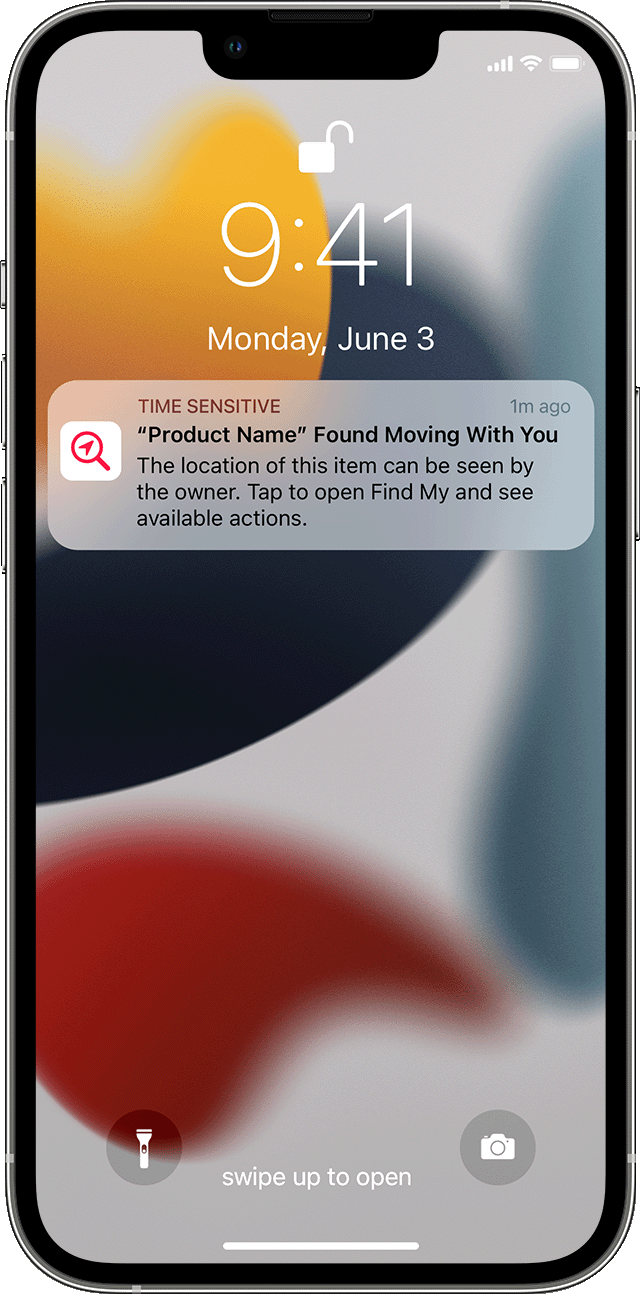
If a Find My network accessory that's separated from its owner is seen moving with you over time, this alert is displayed: "Product Name" Detected (where "Product Name" is the name of the Find My network accessory that has been detected).
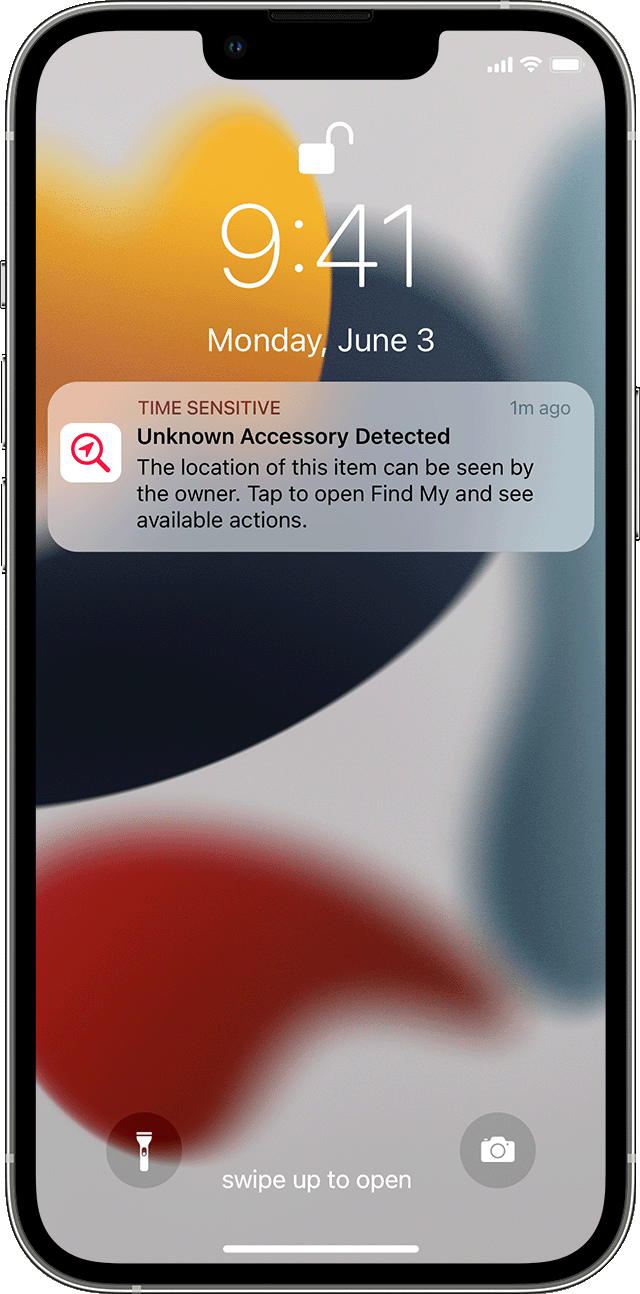
If AirPods or a Find My network accessory is detected but the Find My app has issues connecting to them or to the server at that time, this alert is displayed: Unknown Accessory Detected. This alert will display only if a set of AirPods or a Find My network accessory is detected near you, not an AirTag. These could be borrowed AirPods, or AirPods inadvertently left behind by a friend or family member.
Thanks!
Hello EricaLynn1231,
To help us better assist you, can you let us know more about the situation? Are you receiving an alert that an AirTag, Find My network accessory, or set of AirPods is with you? Is that alert appearing on any other devices as well? That information will help us plan how to proceed.
Please check out this link, which outlines what to do if you get an alert that an AirTag, Find My network accessory, or set of AirPods is with you, and may help: What to do if you get an alert that an AirTag, Find My network accessory, or set of AirPods is with you
If you see an alert
If you see one of the following alerts on your iPhone, iPad, or iPod touch, an item compatible with the Find My network could be traveling with you, and the owner might be able to see its location. This could be an AirTag, AirPods, AirPods Pro, AirPods Max, or a Find My network accessory from manufacturers other than Apple.
It's possible that the AirTag or Find My network accessory might be attached to an item you're borrowing, or you might get this alert if you’re borrowing someone else’s AirPods. If you're borrowing an AirTag or another item compatible with the Find My network from a member of your Family Sharing group, you can turn off alerts for that item for one day, or indefinitely.
If an AirTag that's separated from its owner is seen moving with you over time, or if your iPhone is awake and an AirTag that isn't with its owner for a period of time emits a sound to indicate that it has moved, this alert is displayed: AirTag Found Moving With You.
Find My displays a map of where the AirTag, Find My network accessory, or set of AirPods has been observed with you. The red dots show where the unknown item was detected near your iPhone, iPad, or iPod touch. The dashed lines connecting the red dots help indicate the sequence where the item was detected with you. The red dots do not indicate when the item's owner is viewing the item's location.
If AirPods that are separated from their owner are seen moving with you over time, one of these alerts is displayed: AirPods Detected, AirPods Pro Detected, or AirPods Max Detected.
If a Find My network accessory that's separated from its owner is seen moving with you over time, this alert is displayed: "Product Name" Detected (where "Product Name" is the name of the Find My network accessory that has been detected).
If AirPods or a Find My network accessory is detected but the Find My app has issues connecting to them or to the server at that time, this alert is displayed: Unknown Accessory Detected. This alert will display only if a set of AirPods or a Find My network accessory is detected near you, not an AirTag. These could be borrowed AirPods, or AirPods inadvertently left behind by a friend or family member.
Thanks!
Safety Alert on watch