can i recover old icloud accounts?
can I recover old iCloud accounts?
I don't know if I can recover pictures from a lost phone.
iPhone 7, iOS 10
can I recover old iCloud accounts?
I don't know if I can recover pictures from a lost phone.
iPhone 7, iOS 10
Hello ValerieO,
Thank you for reaching out in Apple Support Communities. You'll need to know the Apple ID that's associated with your iCloud account and the password. If you do not the Apple ID or the password, then you attempt to find the Apple ID. You can also reset the Apple ID password if you do not remember it. Here's how to perform each step:
See if you're already signed in with your Apple ID
Check to see if you're signed in on your device. Or check if you're signed in to Apple apps or services
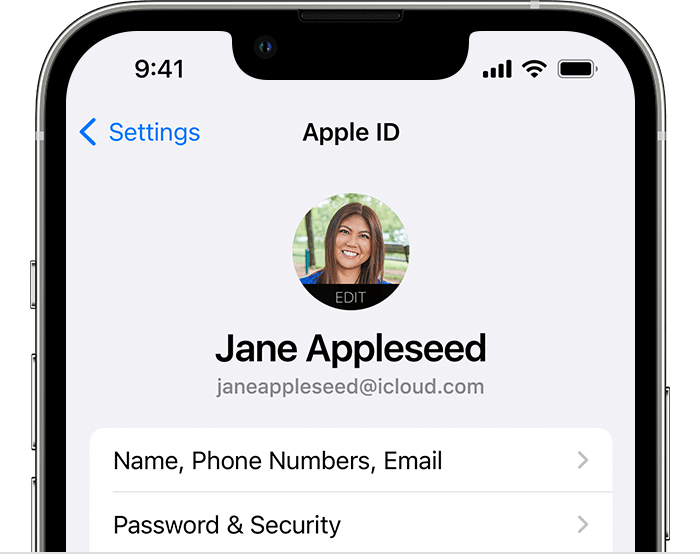
On your iPhone, iPad, or Apple Watch
Tap Settings, then tap your name.
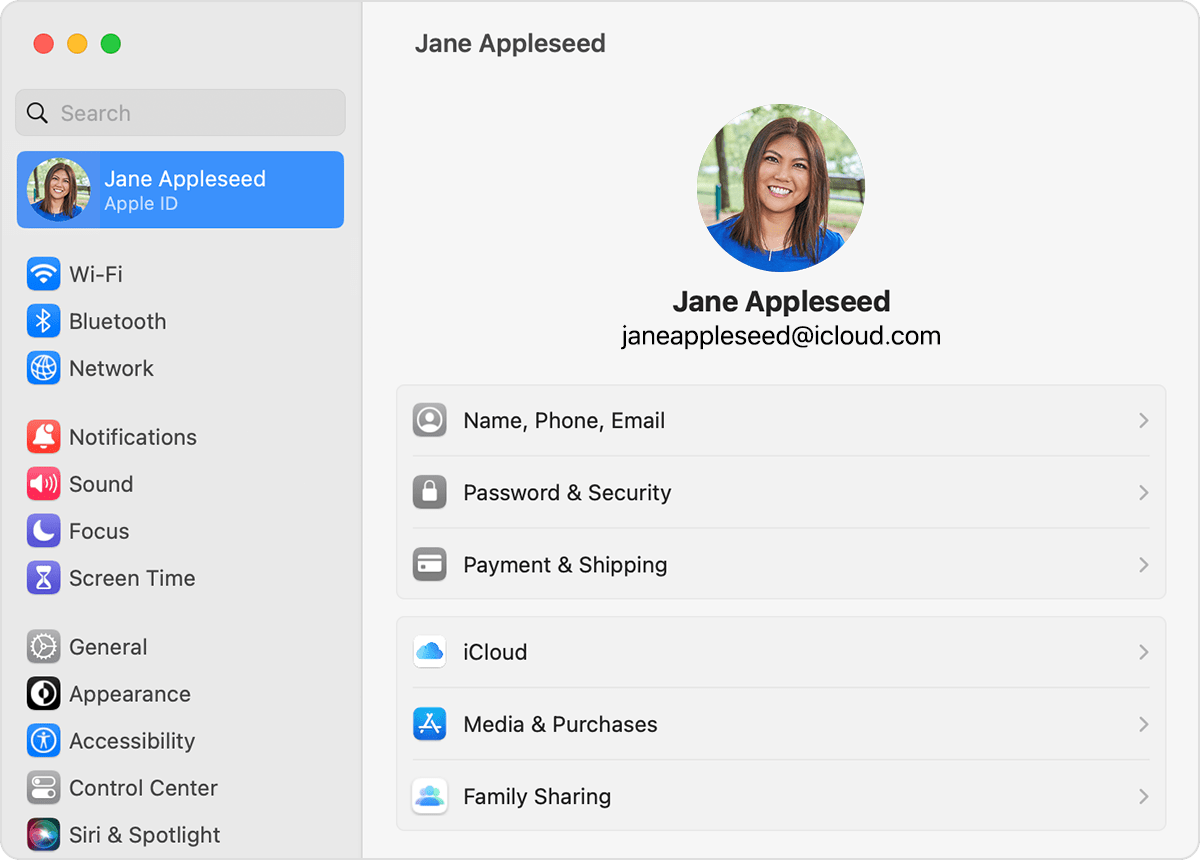
On your Mac
* In macOS Ventura, choose Apple menu > System Settings, then click your name.
* In earlier versions of macOS, choose Apple menu > System Preferences, then click Apple ID.
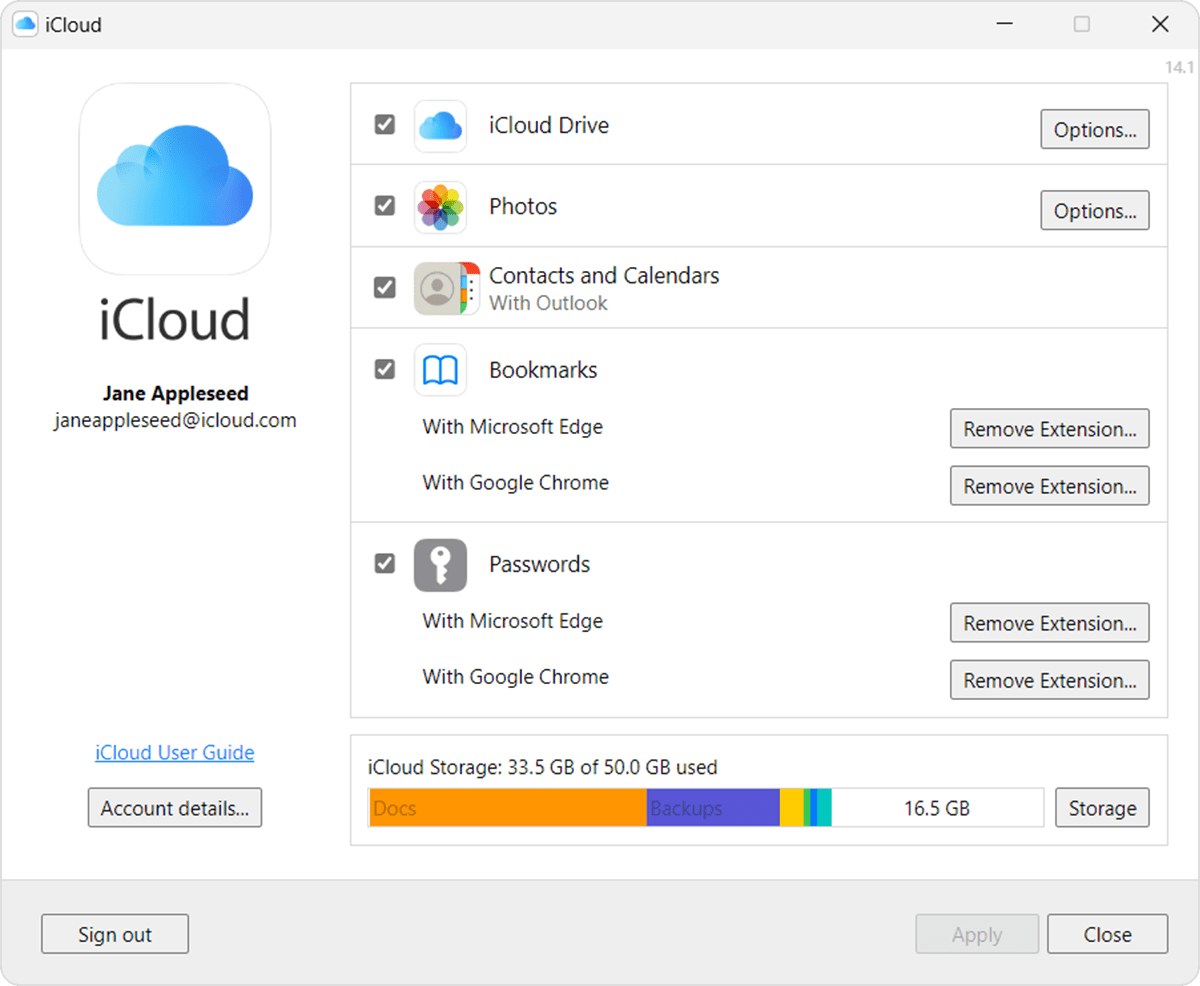
On your PC
Open iCloud for Windows, then look for your Apple ID under your name.
Other ways to find your Apple ID
* Check if you're signed in to the App Store, FaceTime, or Messages on your iPhone, iPad, or Mac, or check if you're signed in to iTunes for Windows on a PC.
* Go to iCloud.com or appleid.apple.com and see if your Apple ID prefills on the sign-in screen.
* If you're part of a Family Sharing group, you can ask a family member to check their Family Sharing settings for your Apple ID.
FaceTime isn't available in all countries or regions.
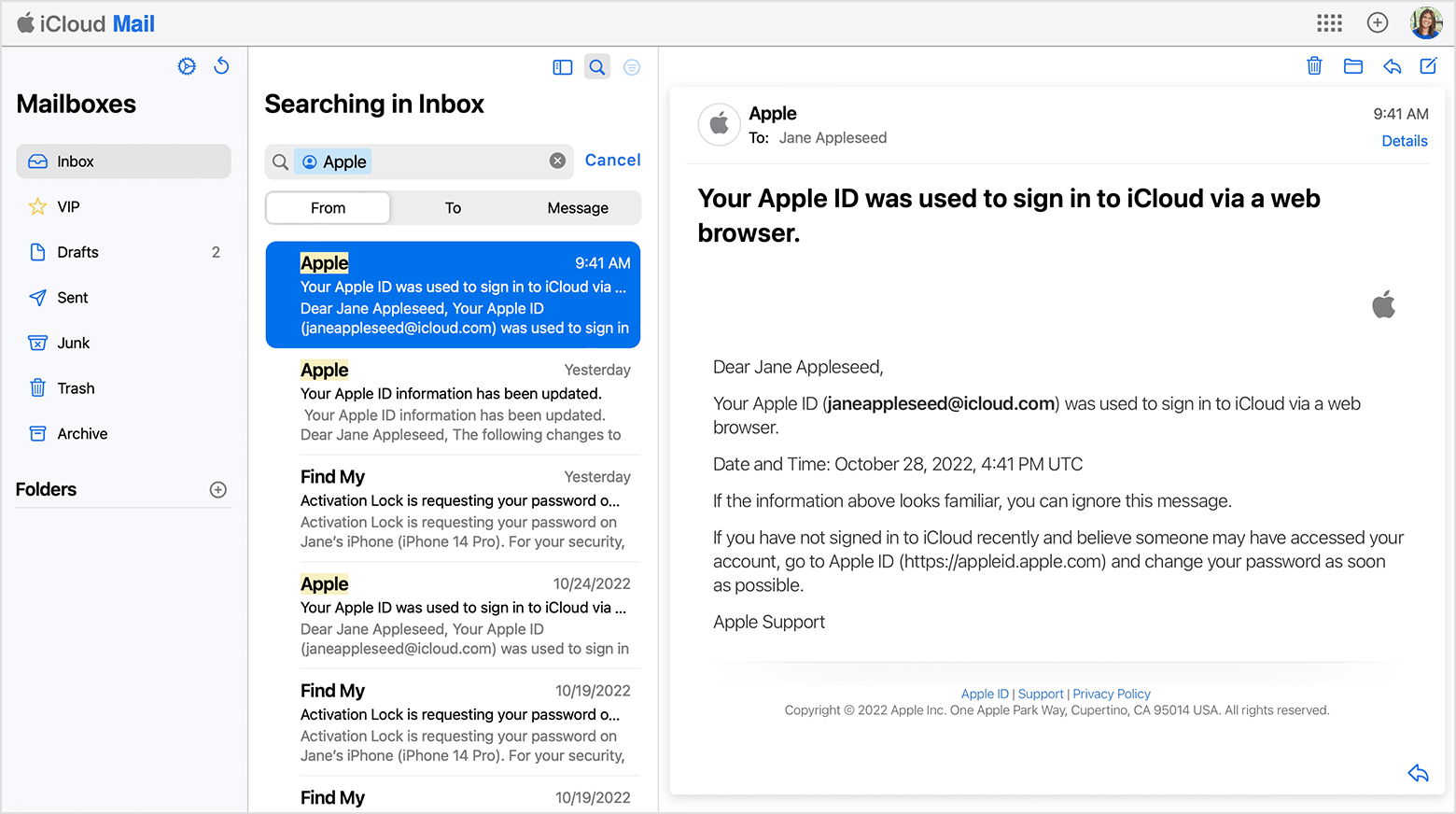
Check your inbox for emails from Apple
Your Apple ID might be included in some emails from Apple. Search your inbox for receipts as well as repair, support, or billing emails from Apple.
If your email address is masked (j*****@icloud.com), the number of asterisks might not match the number of characters in your email address.
Following these steps can help you to locate the Apple ID and is outlined in this article: If you forgot your Apple ID email address or phone number - Apple Support
If you need to reset the Apple ID password, you can follow these steps:
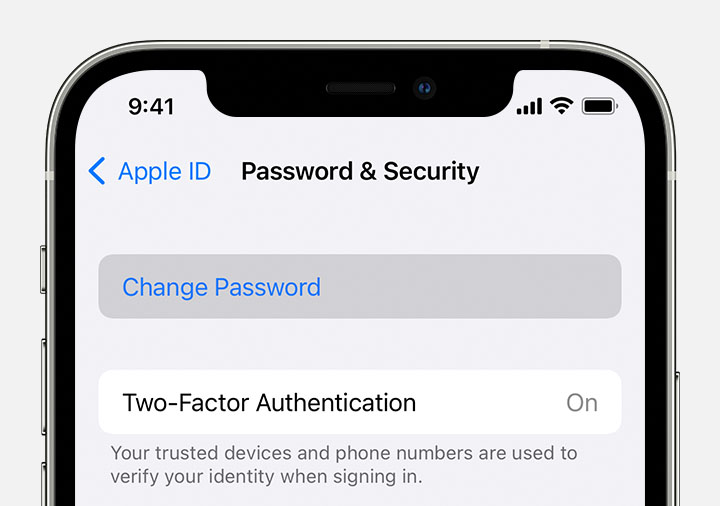
Reset your Apple ID password on your iPhone or other trusted Apple device
1. Go to Settings.
2. Tap your name > Password & Security > Change Password.
3. Follow the onscreen instructions to reset your password.
You can also follow this process on a trusted iPad, iPod touch, or Apple Watch.
To reset your password on your trusted Mac, choose Apple menu > System Settings (or System Preferences) > Sign in with your Apple ID (or Apple ID). Then click Password & Security, Change Password, and follow the onscreen instructions.
If you have a new Apple device
If you have a new Apple device or an Apple device that you aren't signed in to with your Apple ID, you can select "Forgot password or don't have an Apple ID?" wherever the option appears.
During device setup, you can find the "Forgot password or don't have an Apple ID?" option on the Apple ID sign-in screen.
After setup, you can find the "Forgot password or don't have an Apple ID?" option in Settings:
* iPhone, iPad, or iPod touch: Go to the Settings app and tap Sign in to your iPhone. Then tap "Forgot password or don't have an Apple ID?" and follow the onscreen instructions.
* Mac: Choose Apple menu > System Settings (or System Preferences). Click Sign in with your Apple ID (or Apple ID), then click "Forgot Apple ID or password?" and enter your Apple ID.
Reset your Apple ID password with the Apple Support app on a borrowed device
If you don't have an Apple device but have access to your trusted phone number, you can borrow an Apple device from a friend or family member, or use one at an Apple Store.
1. Open the Apple Support app on the borrowed Apple device. If needed, you can download the Apple Support app from the App Store.
2. Scroll down to Support Tools, then tap Reset Password.
3. Tap "A different Apple ID."
4. Enter your Apple ID, tap Next, and follow the onscreen instructions to reset your password.
Any information that you enter will not be stored on the device.
Reset your Apple ID password on the web
If you don't have a trusted device, you can reset your password on the web — but the process might take a little longer.
When possible, the web process redirects you to a trusted device. If you'll have access to one of your trusted devices soon, it might be faster and easier to reset your password then.
Reset your password at iforgot.apple.com
This information is outlined here: If you forgot your Apple ID password - Apple Support
Kind regards.
can i recover old icloud accounts?