Trying to make a business card. Template shows 10 cards. Do I have to edit EACH 10 cards on the page??? Can not seem to find where I edit ONE card and all on page are edited together.

In Pages, to design a Business Card, You have to edit EVERY ONE (10) on the page?? or is there a setting to change all with ONE card editing??

iMac 27″, macOS 11.7

Posted on Jul 18, 2023 10:53 AM

Reply
4 replies

Jul 18, 2023 11:38 AM in response to danceman882

It might be less work to use Avery's online Design & Print tool to create a sheet of business cards.


On Pages 11.1 Preference panel : Rulers. Set all of these:


Insert a text box and adjust its dimensions to your preferred card size. In the Arrange panel, select Text Wrap : None. Finish this single card and group all of its contents. Then press the option key while you drag the finished card over onto the next template card location. The settings above will dynamically show you the top, bottom, and midline guides for easier placement.


Now, select your left and right cards and group that selection. Using the option key again, drag your first line of cards downward to copy and fill in the remaining card locations on the template.


The Avery site has blank business card templates that you can download in Pages, and other popular formats, if the ones provided by Pages are not preferred. Just click the blue WePrint link on a given template and that will take you to a new page with the downloadable templates. These may not be available in other countries than the U.S.

Jul 18, 2023 6:30 PM in response to VikingOSX

Avery's site in Canada (avery.ca) also offers templates for standard size business cards. Besides three 'text on white space' versions, the site shows over 1200 designs for cards in single side or front and back styles.


The cards are done in a four step process:


The Customize step is where you edit the template content and design to fit your ideas and needs. The editing is teo stage:

Edit All, which shows an enlarged version of the card design. Changes you make here apply to ALL ten cards on a sheet.

Edit One accepts similar edits to images and text, but the edit applies only to a single card on the sheet of 10.


The fifth step (actually an extension of the fourth) is a logical and essential one:
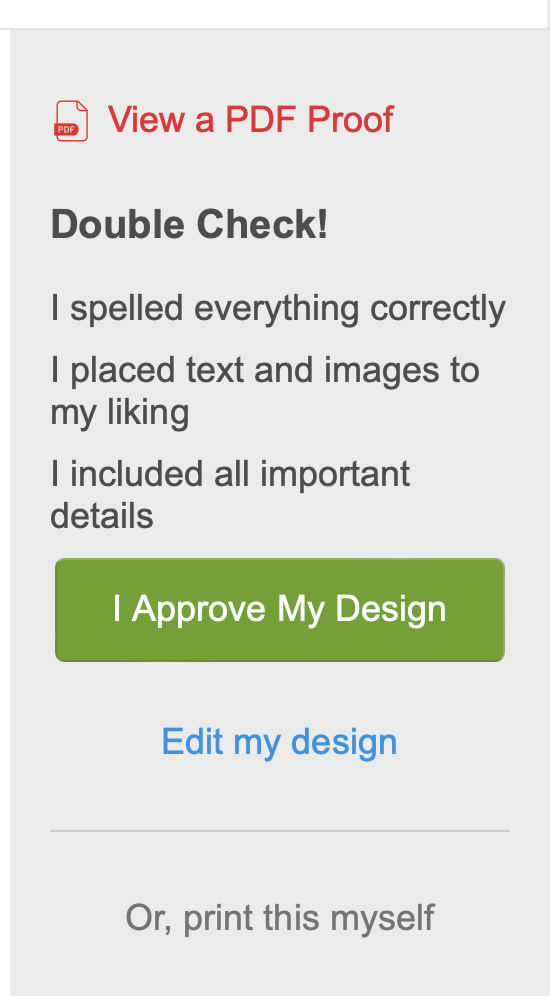

Note that you can go back and edit your design, then return to Preview mode to review the changes and see this page again.


If you like the result, but want to print it at home, click the "Or, print this myself" item.


If you want Avery to print the cards, then ship them to you, I think "I Approve My Design" will take you there.


I suspect the process is much the same in the US and on other Avery sites elsewhere in the world.


Regards,

Barry


PS: avery.ca is undergoing maintenance tonight. The site will be closed for two hours starting 61/2 hours from the time of this posting.

B.

This thread has been closed by the system or the community team. You may vote for any posts you find helpful, or search the Community for additional answers.

Trying to make a business card. Template shows 10 cards. Do I have to edit EACH 10 cards on the page??? Can not seem to find where I edit ONE card and all on page are edited together.

Welcome to Apple Support Community
A forum where Apple customers help each other with their products. Get started with your Apple Account.
