Hello EnriqueGallego,
We would like to see howw we can help you with transfering to a different country. You will not lose your data stored in iCloud as you are retaining the same Apple ID account. It looks like you are coming from the perfect link for this issue, just to be sure to follow all of the steps: Change your Apple ID country or region - Apple Support
"What to do before you change your country or region

Use your iPhone or iPad to change your region
- Open the Settings app.
- Tap your name, then tap Media & Purchases.
- Tap View Account. You might be asked to sign in.
- Tap Country/Region.
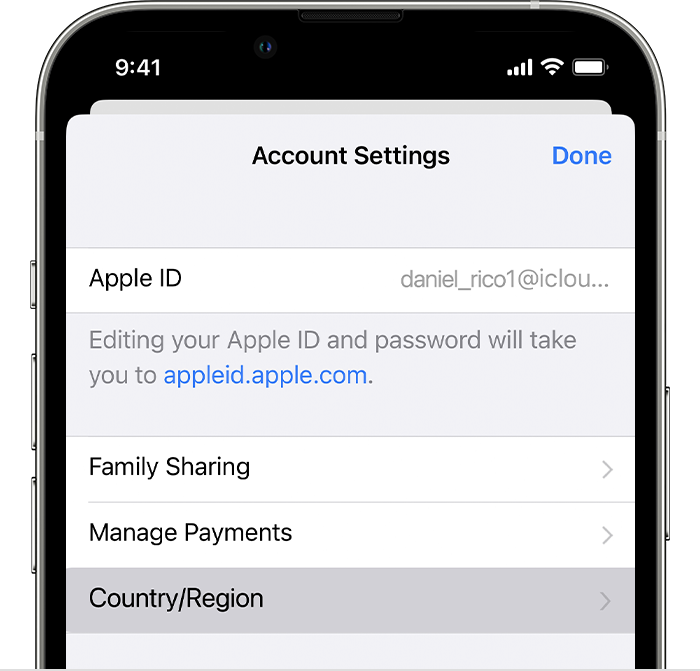
5.Tap Change Country or Region.
6.Tap your new country or region, then review the Terms & Conditions.
7.Tap Agree in the upper-right corner, then tap Agree again to confirm.
8.Select a payment method and enter your new payment information and billing address, then tap Next. You must enter a valid payment method for your new country or region."
Cheers!


