How to get my photo file to close?
Will not force quit. Red dot not lit up
Will not force quit. Red dot not lit up
Thanks for reaching out TigerRag-0525,
It sounds like you're having some trouble closing the Photos app. We can help.
You mentioned having trouble force quitting photos. Let's make sure you're following these steps to see How to force an app to quit on your Mac:
Force an app to quit
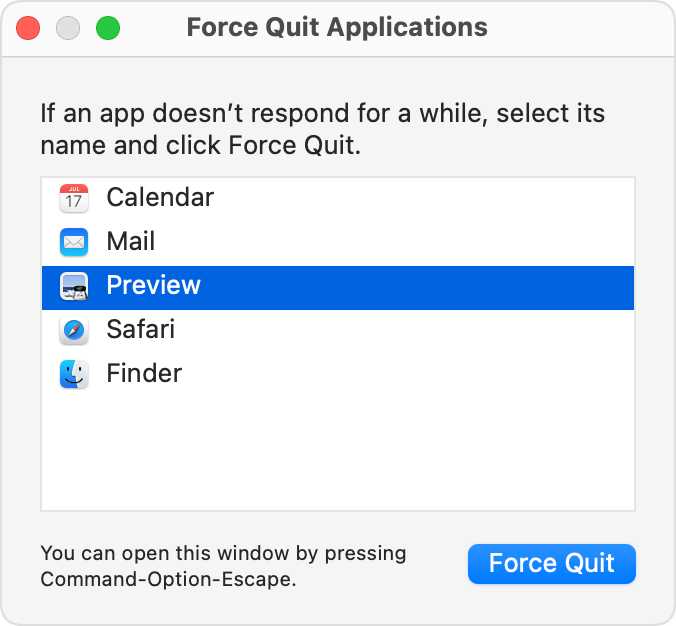
Press these three keys together: Option (or Alt), Command, Esc (Escape).1 Or choose Force Quit from the Apple menu in the corner of your screen.
A Force Quit window opens. Select the app that you want to quit, then click Force Quit:
The Finder is always open, but if it stops responding, you can force it to quit and then open again: Select Finder in the Force Quit window, then click Relaunch.
Learn how to close an app on your iPhone or close an app on your iPad.
Hope that helps.
Take care.
How to get my photo file to close?