
I can’t install updates
when i install iOS update it’s not acceptable because it’s appear message there is no internet
but I’m already connected with internet
iPhone 12 Pro, iOS 14
when i install iOS update it’s not acceptable because it’s appear message there is no internet
but I’m already connected with internet
iPhone 12 Pro, iOS 14
Update software on iPhone, iPad, or iPod touch in iTunes on PC
Using iTunes, you can update software on your iPhone, iPad, or iPod.
 on your PC, click the Device button near the top left of the iTunes window.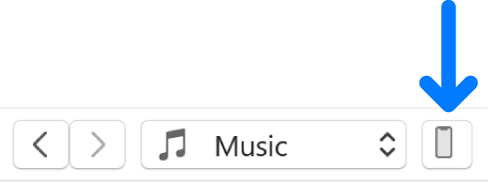
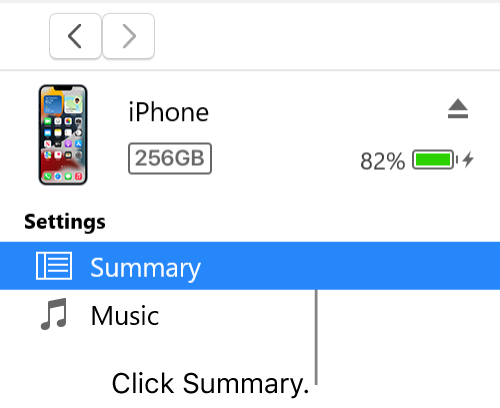
Important: Before disconnecting your device from your computer, click the Eject button  .
.
Update software on iPhone, iPad, or iPod touch in iTunes on PC
Using iTunes, you can update software on your iPhone, iPad, or iPod.
on your PC, click the Device button near the top left of the iTunes window.Important: Before disconnecting your device from your computer, click the Eject button .
I can’t install updates
