Hi monishaApple,
Thanks for posting in Apple Support Communities.
When upgrading iCloud storage, you will make selection to the desired plan and enter Apple ID password. The password that is currently linked to your Apple ID will be charged. You can add a payment method if one is not currently linked.
How to upgrade on your iPhone or iPad
1. Go to Settings, then tap your name.
2. Tap iCloud, then tap Manage Account Storage or Manage Storage. Or scroll down and tap Upgrade to iCloud+.
3. Tap Buy More Storage or Change Storage Plan.
4. Choose a plan and follow the onscreen instructions.
Upgrade to iCloud+ - Apple Support
Update your payment method on your iPhone or iPad
1. Open the Settings app.
2. Tap your name.
3. Tap Payment & Shipping. You might be asked to sign in with your Apple ID.
4. Tap Add Payment Method, enter the new payment method, then tap Done.
5. Tap Edit.
6. Tap the red delete button next to the old payment method, th
en tap Delete.
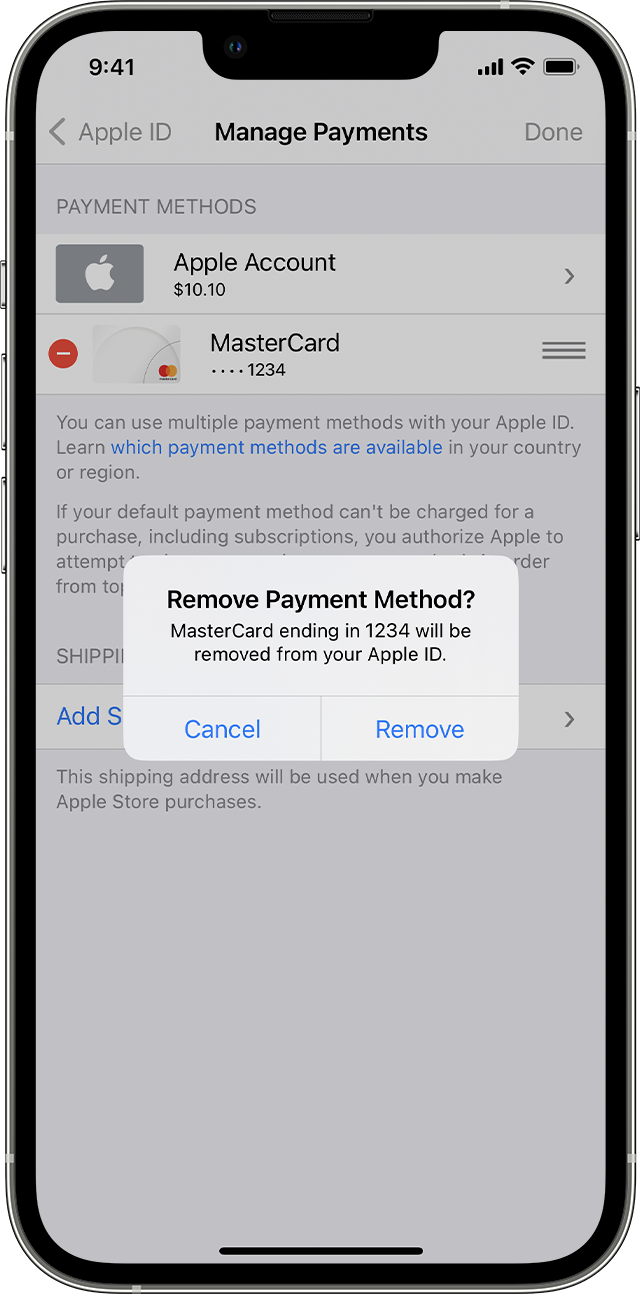
If you need to change or update your Apple ID payment method - Apple Support
Payment methods that you can use with your Apple ID - Apple Support
Regards.


