airdrop from Mac disappeared
I airdropped a screen recording from my Mac to my iPhone and the video just disappeared, this is the second time it's happened to me. I haven't found it on either devices either time.
MacBook Pro 13″, macOS 10.15
I airdropped a screen recording from my Mac to my iPhone and the video just disappeared, this is the second time it's happened to me. I haven't found it on either devices either time.
MacBook Pro 13″, macOS 10.15
Hello ldestineyl,
If you are signed in with the same Apple ID on both your iPhone and Mac, you won't see the AirDrop overlay, it just automatically sends.
The "How to accept AirDrop" section in this article explains: How to use AirDrop on your iPhone or iPad - Apple Support
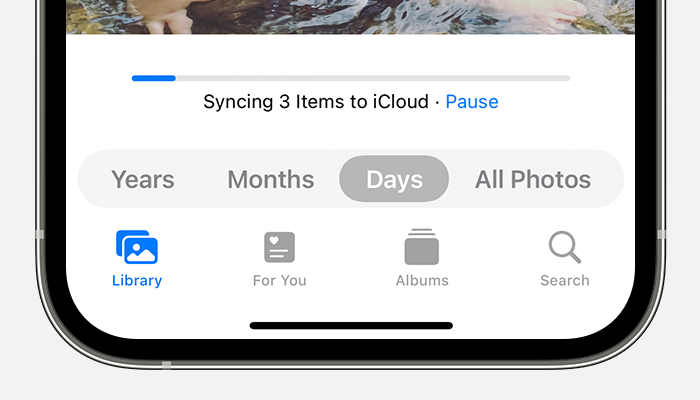
Check your Photos app to see if the screen recording appears when you open Photos and check Albums > Recents. If you don't see the video, glance at the bottom to see if your iPhone is currently syncing content with iCloud. It's possible it will appear after it finishes the sync.
On your iPhone or iPad
1. Open the Photos app.
2. In the Library tab, tap All Photos.
3. Scroll to the bottom to see the status bar.
If your iCloud Photos aren't syncing to your device - Apple Support
If you use iCloud Photos, you may also check to ensure you have enough iCloud storage for the screen recording.
Regards.
airdrop from Mac disappeared