iOS 16.6 Update
I updated my iPhone 11 Pro Max to the iOS 16.6 and now I’m unable to use my Face ID. My phone tells me Face ID is not available try again later. How do I fix this?
iPhone 11 Pro Max, iOS 16
I updated my iPhone 11 Pro Max to the iOS 16.6 and now I’m unable to use my Face ID. My phone tells me Face ID is not available try again later. How do I fix this?
iPhone 11 Pro Max, iOS 16
Hello ERodiP11PM,
Have you had a chance to try restarting the iPhone after noticing the error? If not, trying that step out may help resolve things in some instances: Restart your iPhone - Apple Support
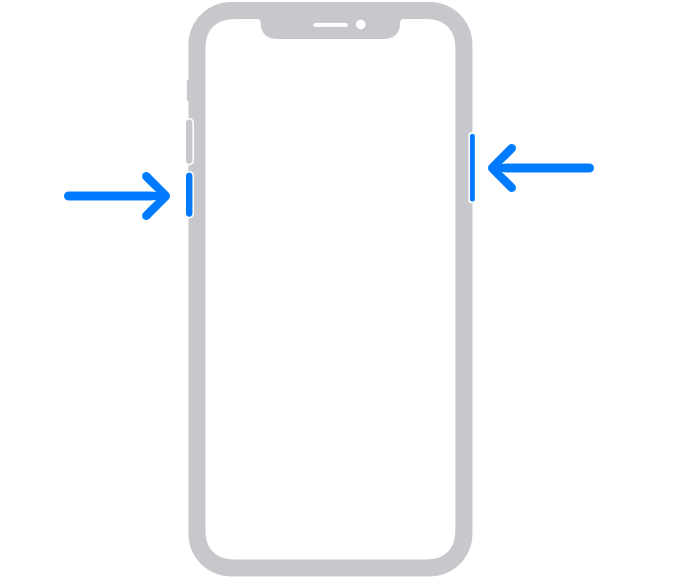
How to restart your iPhone X, 11, 12, 13, or later
1. Press and hold either volume button and the side button until the power-off slider appears.
2. Drag the slider, then wait 30 seconds for your device to turn off. If your device is frozen or unresponsive, force restart your device.
3. To turn your device back on, press and hold the side button (on the right side of your iPhone) until you see the Apple logo.
If you're unable to set up Face ID still after that, then this will indicate there's a hardware-related issue. You may use this link to reach out to Apple Support to explore any available options in your region: Get Support
Cheers.
iOS 16.6 Update