
AirPods Pro
Why is Find My AirPods Pro sound is so faint? I can hardly hear it!
iPhone SE, iOS 16
Why is Find My AirPods Pro sound is so faint? I can hardly hear it!
iPhone SE, iOS 16
Hello ~ Take a look here by clicking on below…
Find your lost AirPods - Apple Support*
*Play a sound on your AirPods
If your AirPods are near any of your Apple devices and connected to Bluetooth, you can play a sound to help you find them. With AirPods Pro (2nd generation), you can also play a sound to help find your charging case.
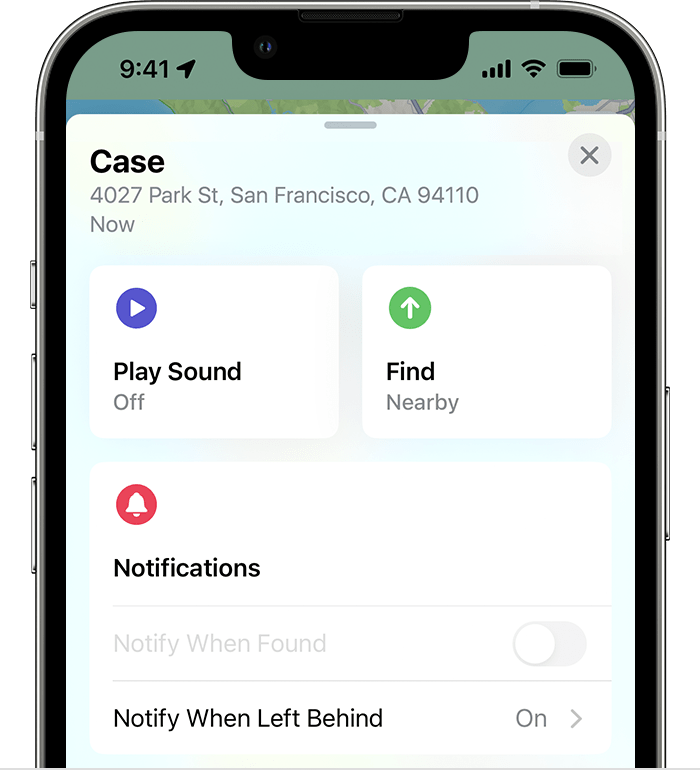
The sound should get louder as it plays. Unfortunately the volume can’t be adjusted.
~Katana-San~
Hello ~ Take a look here by clicking on below…
Find your lost AirPods - Apple Support*
*Play a sound on your AirPods
If your AirPods are near any of your Apple devices and connected to Bluetooth, you can play a sound to help you find them. With AirPods Pro (2nd generation), you can also play a sound to help find your charging case.
The sound should get louder as it plays. Unfortunately the volume can’t be adjusted.
~Katana-San~
The sound does NOT gradually get louder. It’s barely a peep for a few seconds and then nothing. Everything’s charged.
AirPods Pro
