Group FaceTime isn’t working
My FaceTime group calls isn’t working , everytime I get in one the group is mute and everyone’s camera is off. It hangs up a few mins later saying called failed or not saying anything. Please help
iPhone 12
My FaceTime group calls isn’t working , everytime I get in one the group is mute and everyone’s camera is off. It hangs up a few mins later saying called failed or not saying anything. Please help
iPhone 12
Hi quandale177,
To successfully join a Group FaceTime call, we recommend that you try the steps here: Use Group FaceTime on your iPhone or iPad - Apple Support
To perform the recommended troubleshooting steps via the link above, complete the steps in the section titled "Join a Group FaceTime call."
There are a few ways to join a Group FaceTime call that someone else started:
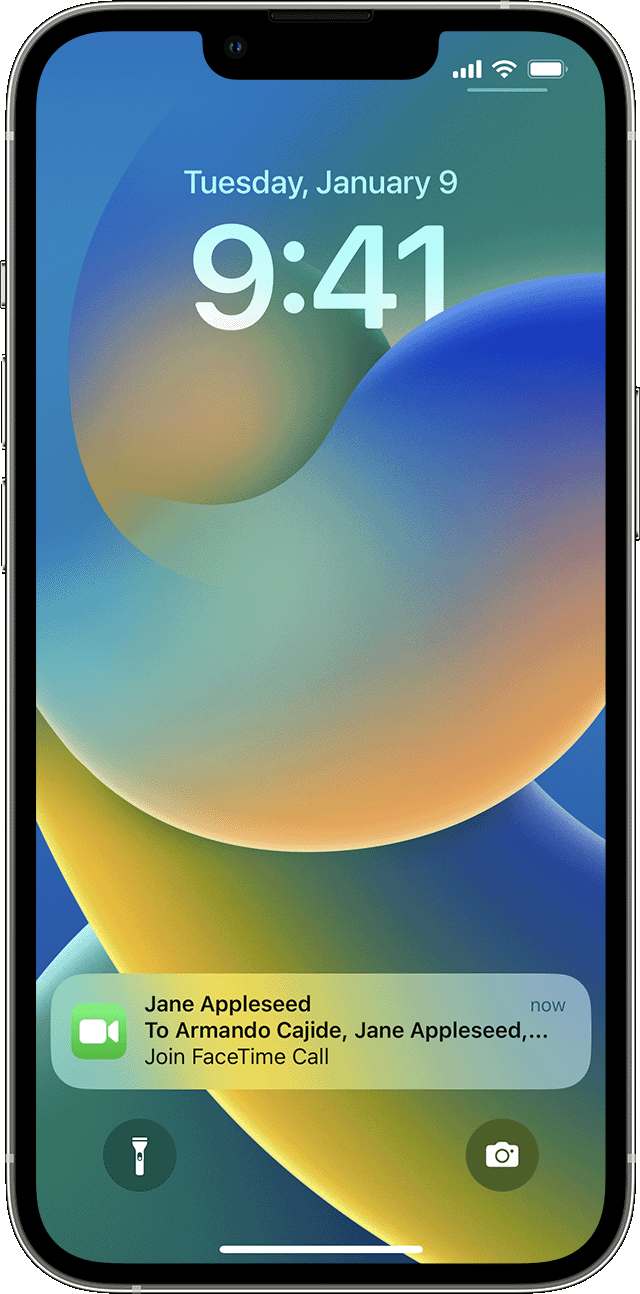
* Tap the notification from the Notification Center or the Lock screen, then tap the FaceTime button.
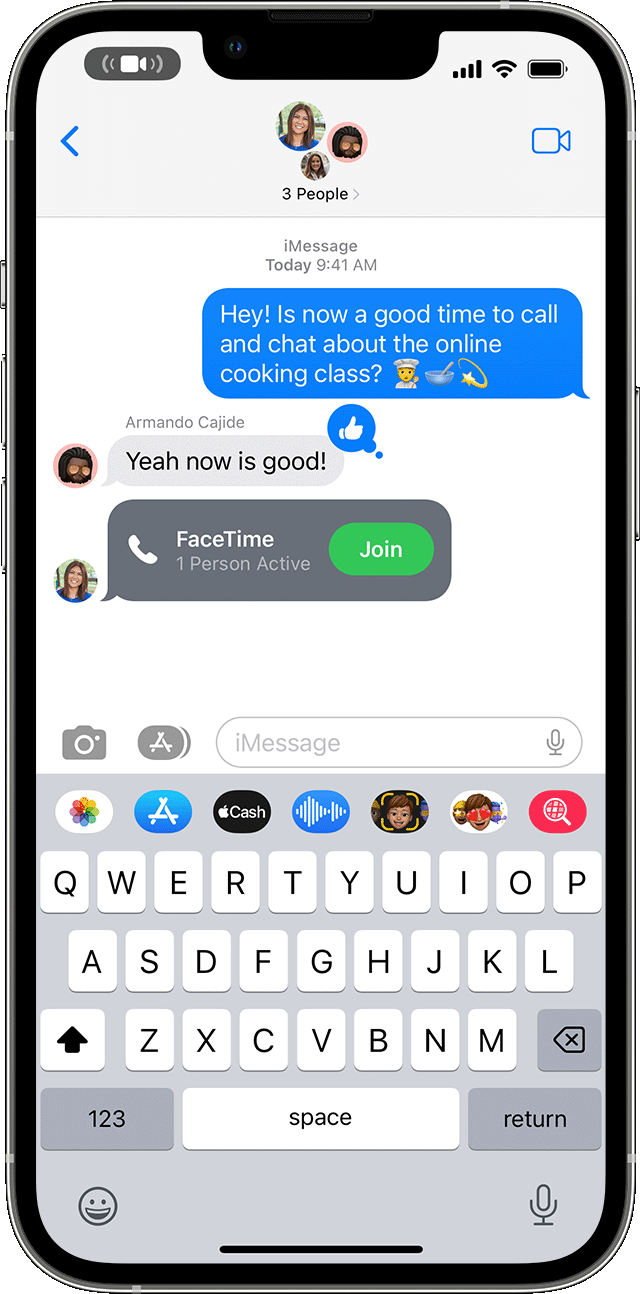
* To join a Group FaceTime call from Messages, tap the notification at the top of your screen or tap Join from the group conversation in Messages. After you tap Join, you're automatically connected.
* To join a call from the FaceTime app, just go to the active call in FaceTime, then tap the FaceTime button.
From a notification
From a group message
We recommend the steps above because they will show you how to use Group FaceTime on your iPhone or iPad.
If you’re still experiencing the same issue, then try the steps in the link below.
If you can't make or receive a FaceTime call on your iPhone or iPad - Apple Support
Please let us know the outcome after giving the above steps a try.
Thanks for using the Apple Support Communities.
Cheers!
Group FaceTime isn’t working