AirPod3 connection issue

I have issue with my AirPods even before I lost the old case and got a replacement from apple the issue still persist. One ear works the other doesn’t. It’s so frustrating

AirPods (3rd generation)

Posted on Sep 13, 2023 1:48 PM

Reply
Question marked as Top-ranking reply

Posted on Sep 14, 2023 12:58 PM

Hey there abdul-qayyum,


Thanks for reaching out to Apple Support Communities. We're happy to provide some assistance.


The actions in this article can help with the issue you're describing:


If your left or right AirPod isn't working - Apple Support


"If there's no sound in one AirPod
  1. Make sure that your charging case is fully charged.
  2. Place both AirPods in your charging case and let them charge for 30 seconds.
  3. Open the charging case near your iPhone or iPad.
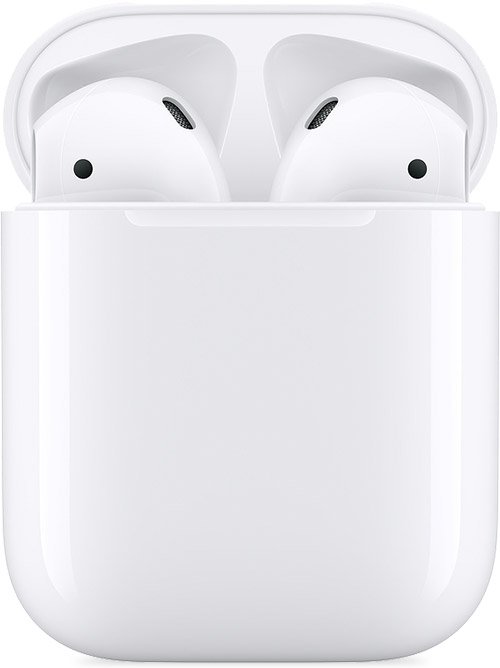
  4. AirPods and charging case

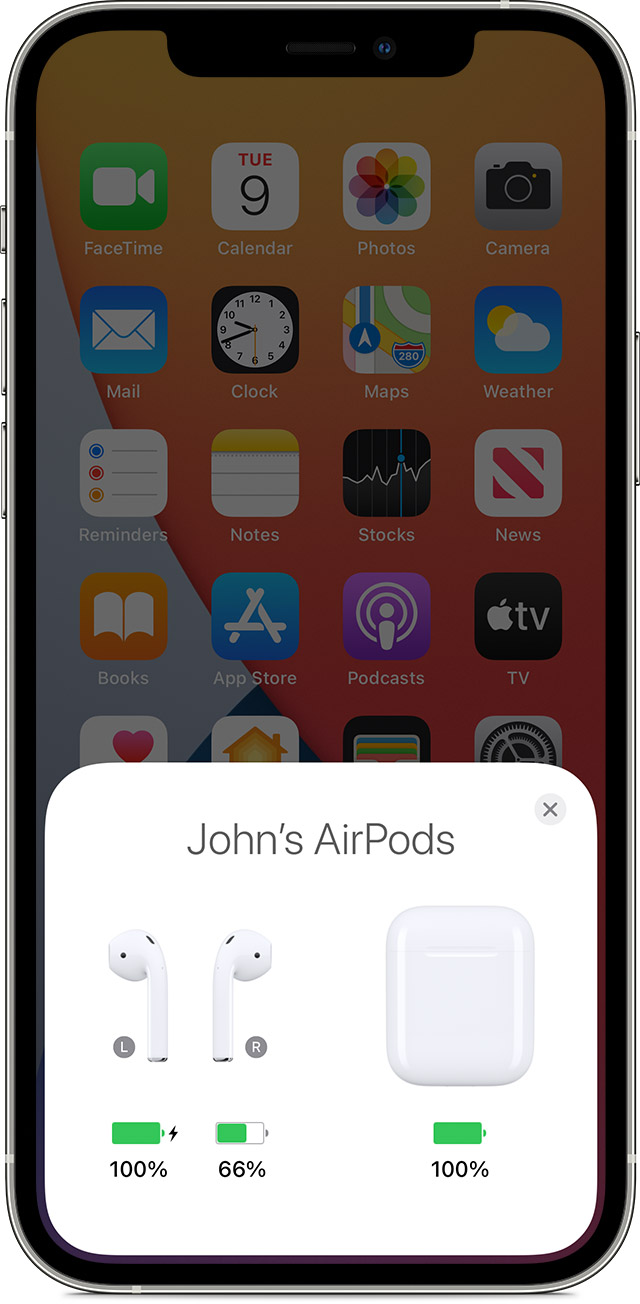
  5. Check the charge status on your iPhone or iPad to make sure that each AirPod is charging .
  6. AirPods charging status on your iPhone screen

  7. Put both AirPods in your ears.
  8. Play audio to test both AirPods.
  9. If an AirPod still isn't working, reset your AirPods or contact Apple Support."


If the issue persists, reach out to Apple directly to investigate:


Get Support


Have a great day!


1 reply
Question marked as Top-ranking reply

Sep 14, 2023 12:58 PM in response to abdul-qayyum

Hey there abdul-qayyum,


Thanks for reaching out to Apple Support Communities. We're happy to provide some assistance.


The actions in this article can help with the issue you're describing:


If your left or right AirPod isn't working - Apple Support


"If there's no sound in one AirPod

  1. Make sure that your charging case is fully charged.
  2. Place both AirPods in your charging case and let them charge for 30 seconds.
  3. Open the charging case near your iPhone or iPad.
  4. AirPods and charging case

  5. Check the charge status on your iPhone or iPad to make sure that each AirPod is charging .
  6. AirPods charging status on your iPhone screen

  7. Put both AirPods in your ears.
  8. Play audio to test both AirPods.
  9. If an AirPod still isn't working, reset your AirPods or contact Apple Support."


If the issue persists, reach out to Apple directly to investigate:


Get Support


Have a great day!


This thread has been closed by the system or the community team. You may vote for any posts you find helpful, or search the Community for additional answers.

AirPod3 connection issue

Welcome to Apple Support Community
A forum where Apple customers help each other with their products. Get started with your Apple Account.