Hello Candy1221,
Once the Apple Watch is in range of the paired iPhone again it should help to correct the time zone/time again. However, if it doesn't try restarting both devices at that time:
Restart your Apple Watch - Apple Support
Restart your iPhone - Apple Support
When the Apple Watch is outside of the range of the iPhone it will automatically use the local time.
As an option, you may also set your Apple Watch's watch face ahead of the actual time: Change the time settings on your Apple Watch - Apple Support
You can set the time shown on your watch face to appear ahead of the actual time. Your alarms, notifications, World Clock, and other times will still match the actual time.
1. Open the Settings app on your watch, then tap Clock.
2. Tap +0 min.
3. Turn the Digital Crown and choose how many minutes ahead to set your watch.
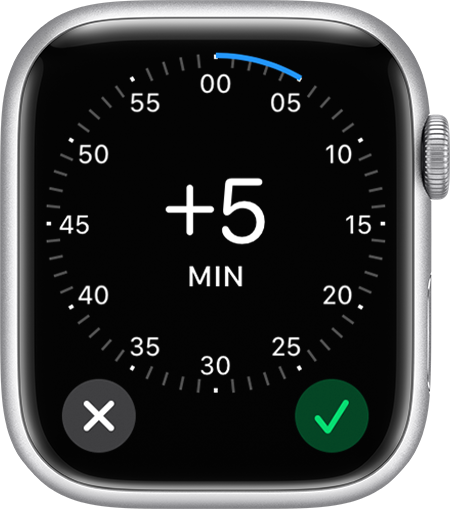
4. Tap the Done button  .
.
Cheers.


