
When I try to mirror my phone, it asks for a code and there is not one on the tv
When I try to mirror something from my iPhone it will not show on the tv. My phone asked for an air play code it doesn’t work on my tv
D32h-G9,
When I try to mirror something from my iPhone it will not show on the tv. My phone asked for an air play code it doesn’t work on my tv
D32h-G9,
Hello Auburngigi6,
Thanks for choosing the Apple Support Communities. We understand you are having trouble using AirPlay to mirror your iPhone to your Apple TV. We have a few steps that will help you get this sorted out. Please try them below and let us know if you have any questions.
Use AirPlay to stream video or mirror the screen of your iPhone or iPad - Apple Support
"Mirror your iPhone or iPad to a TV or Mac
3. Tap the Screen Mirroring button 
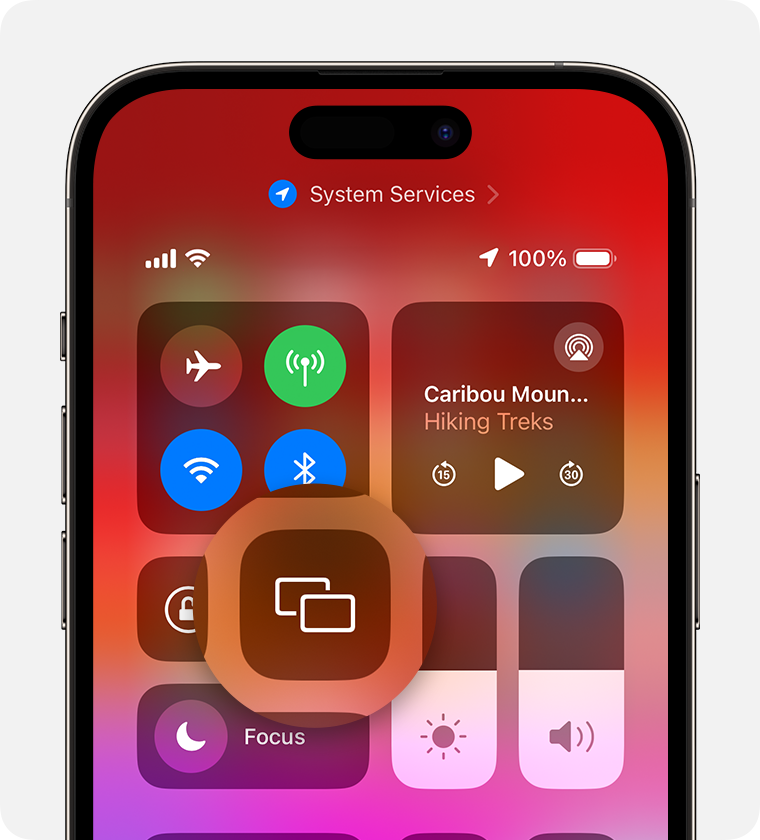
4. Select your TV or Mac from the list.
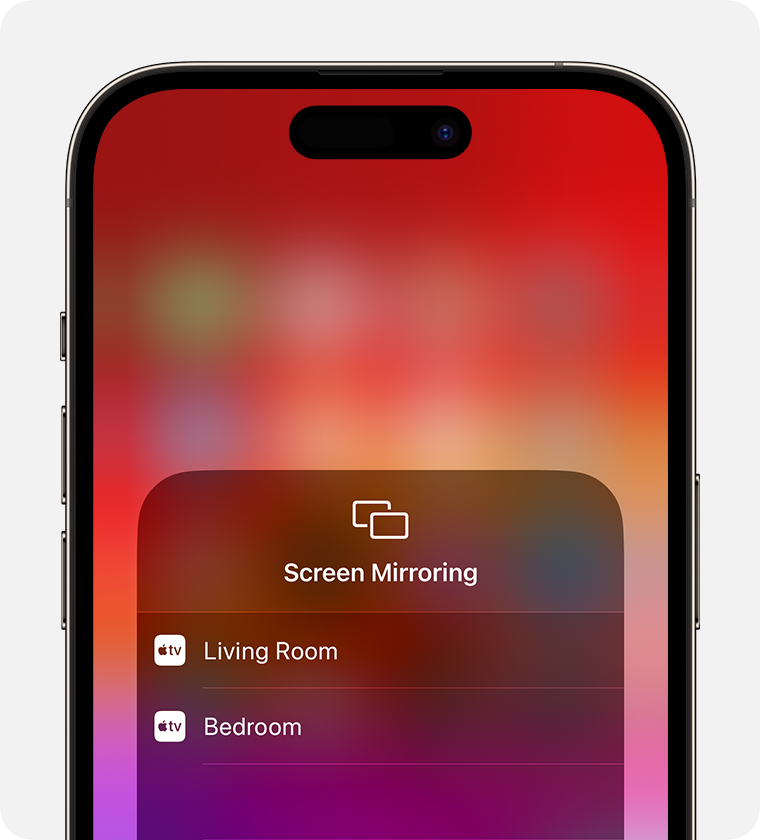
5. If an AirPlay passcode appears on your TV screen or Mac, enter the passcode on your iPhone or iPad.
To stop mirroring your iPhone or iPad, open Control Center, tap Screen Mirroring, then tap Stop Mirroring. Or press the Menu button on your Apple TV Remote.
We hope this helps.
Cheers!
When I try to mirror my phone, it asks for a code and there is not one on the tv

