Hello Tulaskar,
We wouldlike to see how we can help you with your new iPhone. Did you make it through the startup process? Has the number already been transfered to your iPhone? Did you already have an Apple ID from before? Do you have any other trusted devices? Follow the steps in this link and get back to us with your results: Get a verification code and sign in with two-factor authentication - Apple Support
"Get a text or phone call
If you don’t have a trusted device handy, you can have a verification code sent to your trusted phone number as a text message or phone call.
- Select Didn't Get a Code? on the sign in screen.
- Choose to have the code sent to your trusted phone number.
- You'll get a text message or phone call from Apple with your verification code. This text message might include an additional domain validation line. This line includes the @ symbol, the website name, and your code (for example: @icloud.com #123456 %apple.com).
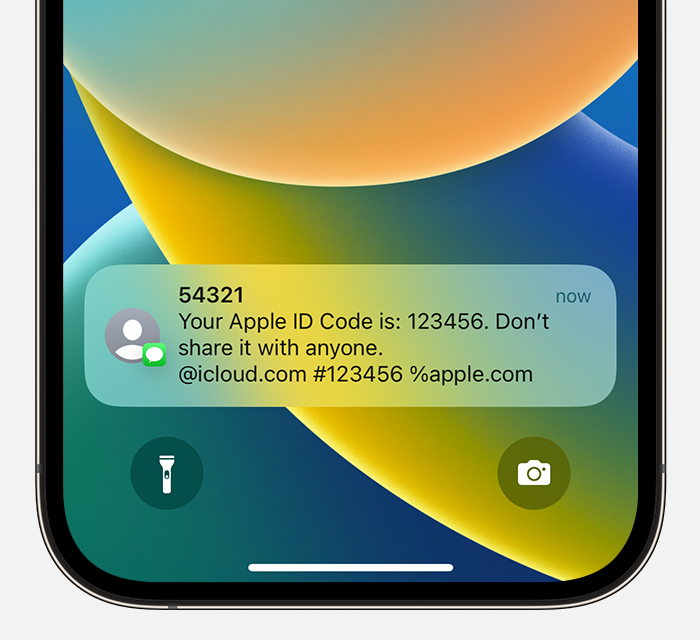
4.Enter the code on your other device to complete sign in."
Cheers!

