Casting a video from iPhone to tv screen
how do I screen mirroring on my Iphone
iPhone 13, iOS 16
how do I screen mirroring on my Iphone
iPhone 13, iOS 16
Hi Marycatd0yle,
You can use AirPlay to stream video or mirror the screen of your iPhone. Please check out this link, which explains that process and the requirements, which may help: Use AirPlay to stream video or mirror the screen of your iPhone or iPad
Stream video manually from iPhone or iPad
1. Connect your device to the same Wi-Fi network as your Apple TV, AirPlay-compatible smart TV, or Mac.
2. Find the video that you want to stream.
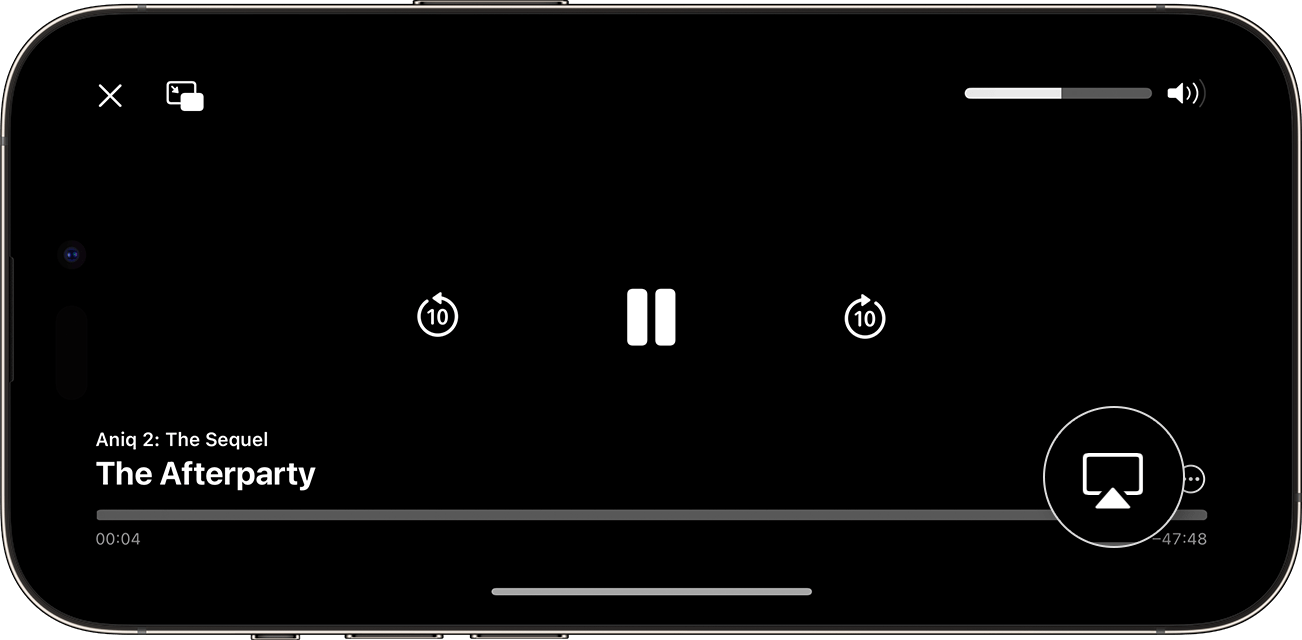
3. Tap the AirPlay button. In some apps, you might need to tap a different button first.1 For example, in the Photos app, tap the Share button
, then tap the AirPlay button
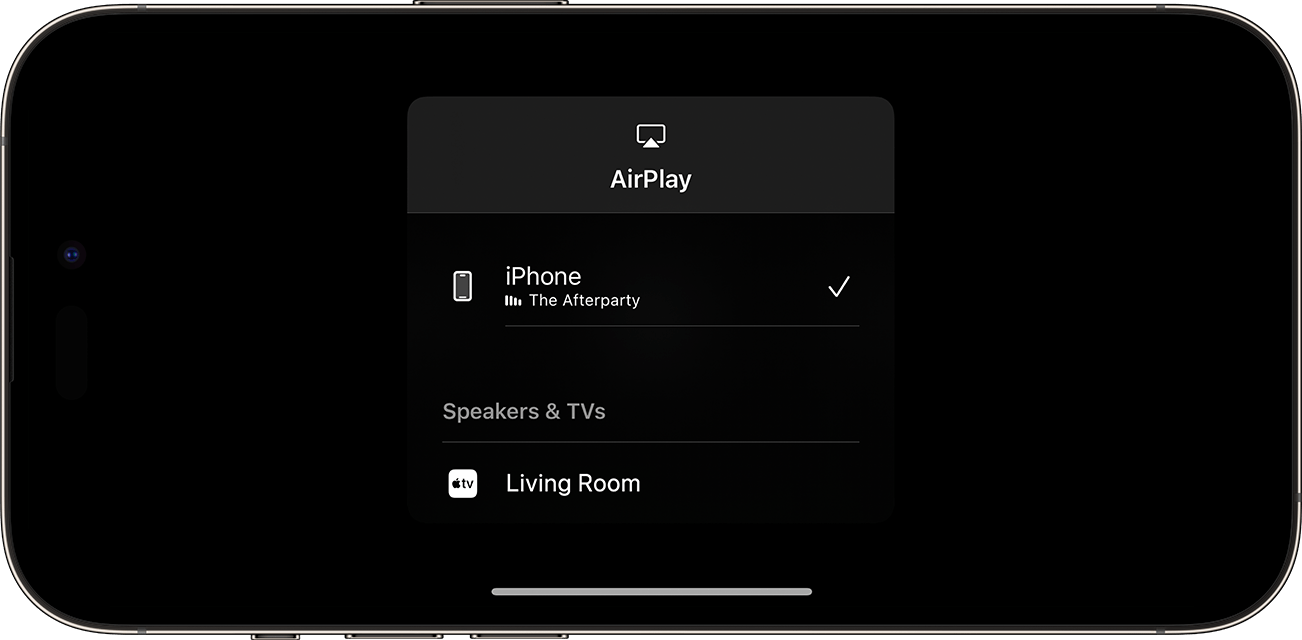
4. Choose your TV or Mac from the list.
To stop streaming, tap the AirPlay button
Thanks!
Hi Marycatd0yle,
You can use AirPlay to stream video or mirror the screen of your iPhone. Please check out this link, which explains that process and the requirements, which may help: Use AirPlay to stream video or mirror the screen of your iPhone or iPad
Stream video manually from iPhone or iPad
1. Connect your device to the same Wi-Fi network as your Apple TV, AirPlay-compatible smart TV, or Mac.
2. Find the video that you want to stream.
3. Tap the AirPlay button
4. Choose your TV or Mac from the list.
To stop streaming, tap the AirPlay button
Thanks!
Casting a video from iPhone to tv screen