Hi clemfromperth,
We know that being able to locate your AirPods is crucial, and we'd love to help do what we can to get the issue resolved. We've included some information below to help you out. From what you're describing it sound like you're not able to use Find My for the case, but you can use it for the AirPods. If a location does not show it likely means they are offline or the batteries are depleted.
"Find your lost AirPods with Find My
Find My can show your AirPods on a map, play a sound to help find them, and even help find their precise location when they're nearby.
- On your iPhone, open Find My.
- In Devices, choose your AirPods. If your AirPods are out of the case, you might have to pick the left bud or right bud. With AirPods Pro (2nd generation) or later, you can also pick the case.
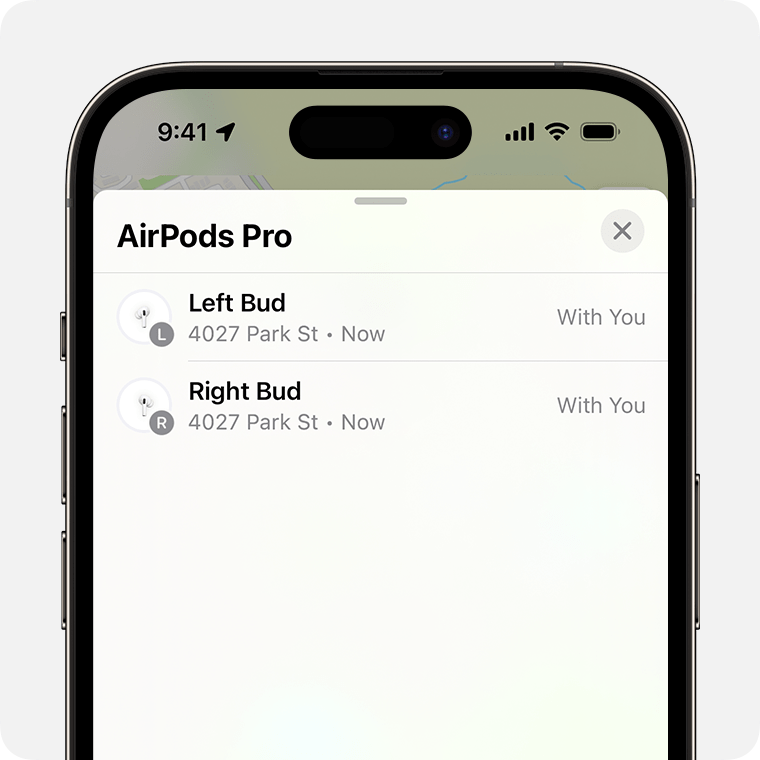
Find your AirPods on the map.
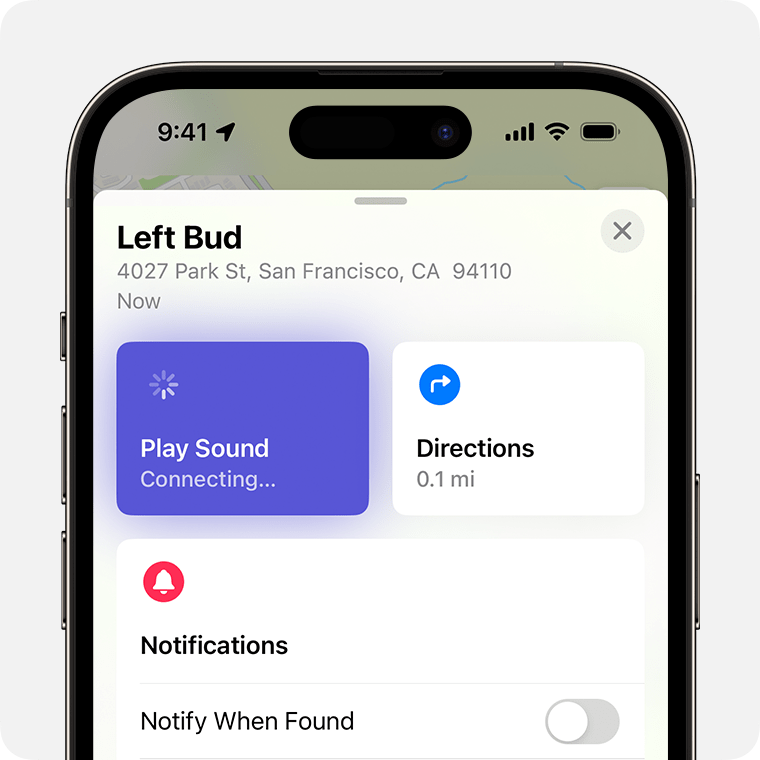
- If they aren't near you, tap Get Directions to open their location in Maps.
- If you're nearby, tap Play Sound and listen for the series of beeps.
- Depending on your AirPods and iPhone, you might also see an option to Find Nearby. Tap it, wait for your AirPods to connect to your iPhone, then follow the prompts to find your AirPods.
Your iPhone might take longer than expected to connect to your AirPods to play a sound or find nearby.
If you don't have an iPhone or other Apple device to use Find My, you can also find your AirPods at iCloud.com/find — but the experience might be different and some functionality might not be available.
If your AirPods are "Offline" or show "No location found"
- If your AirPods are out of range or need to charge, you might see their last known location. You might also see "Offline" or "No location found."
- You might be able to get directions to their last known location — but you won't be able to play a sound or use Find Nearby.
- If they come back online, you get a notification on your iPhone (or other Apple device that you use them with)."
Reference: Find your lost AirPods with Find My - Apple Support
Cheers!

