
Namedrop doesn’t work.
Namedrop does not work on iPhone 13, this function is not even in the settings. The phone was updated to iOS 17. N/M MLE13CH/A.
iPhone 13, iOS 17
Namedrop does not work on iPhone 13, this function is not even in the settings. The phone was updated to iOS 17. N/M MLE13CH/A.
iPhone 13, iOS 17
Hello eoweieo,
Thank you for reaching out to Apple Support Communities.
Are you sending new contact information as outlined here:
"Use NameDrop on iPhone to share your contact info
Use NameDrop on iPhone to share your contact information with new people
You can use NameDrop to quickly share contact information with a nearby iPhone. To use NameDrop:
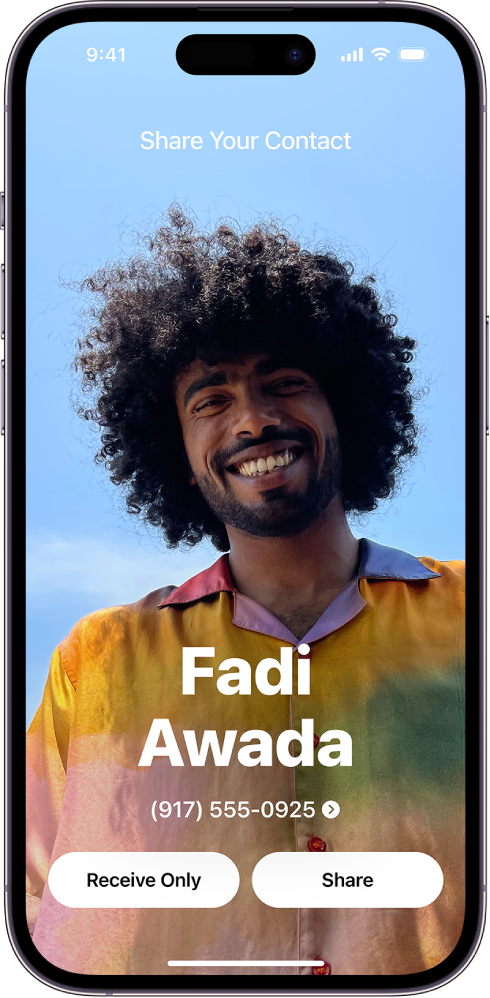
Note: NameDrop only works for sending new contact information, not updating an existing contact."
Additional details can be found here: Use NameDrop on iPhone to share your contact info
If the issue persists, can you provide a few more details? Did you attempt to use this with another device currently on iOS 17?
Cheers!
Namedrop doesn’t work.

